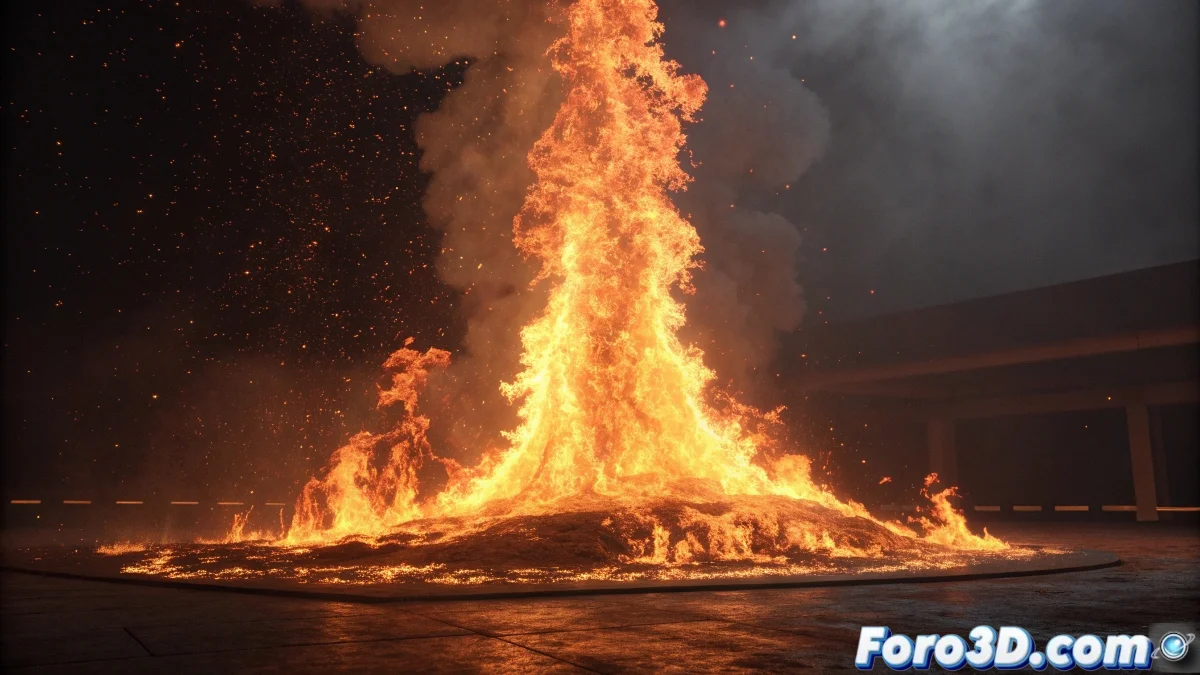
When Fire Decides to Dress as a Zebra
The problem of fire with streaks or repetitive patterns in FumeFX is one of those classics that can turn a promising simulation into an effect that looks more like printed fabric than realistic flames. Those streaks you describe are usually the result of repeating noise patterns that become visibly apparent, creating those unsightly lines that ruin the organic nature of the fire. The frustration is understandable when you expected dancing flames and got something that looks like a barcode on fire.
This problem has several possible causes, but the most common is an unfavorable combination between the noise scale, simulation resolution, and vorticity parameters. Fortunately, each of these causes has a solution once you understand how these elements interact.
Noise and Turbulence Parameter Adjustment
The main suspect for the streaks is the noise pattern that FumeFX uses to generate turbulence. Go to the Simulation panel and locate the Turbulence section. The Noise Scale parameter is usually the culprit - if it's too small, it creates visible repetitive patterns. Increase this value to 30-50 for normal fire scales.
The Number of Fractals also influences it. Very low values (2-3) create simple patterns that repeat obviously. Increase this parameter to 4-6 for greater complexity and less visible repetition. The Turbulence Strength must be balanced - too high creates excessive chaos, too low leaves the patterns very evident.
- Noise Scale: 30-50 to avoid repetition
- Number of Fractals: 4-6 for complexity
- Turbulence Strength: 2-5 for balance
- Animation Speed: 1.0-2.0 for natural movement
Fire without streaks is like good whisky: smooth, complex, and without discordant notes
Simulation Quality Improvement
Streaks can also be the result of insufficient resolution. In the Grid panel, check that the resolution is adequate for the size of your container. As a general rule, try to have at least 100-150 voxels in the smallest dimension of your fire. Lower resolutions cannot capture the complexity of the noise, resulting in visible patterns.
The Advection Steps parameter is crucial for quality. Low values (1-2) can create artifacts and repetitive patterns. Increase to 3-5 for better quality, although this will increase simulation time. For tests, you can keep it low, but for final render use higher values.
- Minimum Resolution: 100-150 voxels in smallest dimension
- Advection Steps: 3-5 for final quality
- Time Scale: 1.0 for real time
- CFL Condition: 3-5 for stability
Vorticity and Detail Configuration
Vorticity is your ally against repetitive patterns. In the Simulation panel, increase Vorticity to values between 0.3-0.8. This parameter adds rotation and swirls that break the linear patterns of the noise. However, too much vorticity can make the fire too "lumpy."
To add additional variation, enable Fuel-based Vorticity if you're simulating fire with fuel. This creates specific vortices in the areas of most intense combustion, adding another layer of variation that helps break repetitive patterns.
- Vorticity: 0.3-0.8 to break patterns
- Fuel-based Vorticity enabled for extra variation
- Ignition Temperature: 130-180 for realistic combustion
- Burn Rate: 1.0-2.0 for progressive development
Render and Material Optimization
In some cases, the "streaks" may actually be render artifacts. In the Rendering panel, increase the Fire Samples and Smoke Samples to higher values (20-40 for tests, 50-100 for final). Very low sampling can create visible noise patterns in the render.
Lighting can also accentuate patterns. Use multiple soft lights instead of a single harsh light. Harsh lights create marked shadows and contrasts that can make simulation patterns more visible.
- Fire/Smoke Samples: 20-40 for tests, 50-100 for final
- Multiple soft lights for lighting
- Motion Blur to smooth temporal artifacts
- Post-production for minor corrections
Advanced Techniques for Persistent Cases
If the streaks persist, consider using multiple noise layers. Create two FumeFX systems with different noise configurations and combine them in compositing. Each system will have its own patterns, and when combined, they will cancel out the visible repetitions mutually.
Another technique is to slightly animate the noise parameters during the simulation. Small variations in Noise Scale or Offset over time can prevent patterns from stabilizing and becoming visible.
- Multiple combined FumeFX systems
- Subtle animation of noise parameters
- Different seeds for each system
- Compositing for final control
Solving this problem will allow you to create organic and believable fires that really look like dancing flames instead of repetitive patterns. Because in FumeFX, even the streakiest fire can learn to dance with the right parameter setup 😏
Recommended Starting Configuration
Base values for streak-free fire:
Noise Scale: 40
Number of Fractals: 5
Turbulence Strength: 3
Vorticity: 0.5
Advection Steps: 4
Resolution: 120 voxels (minimum)