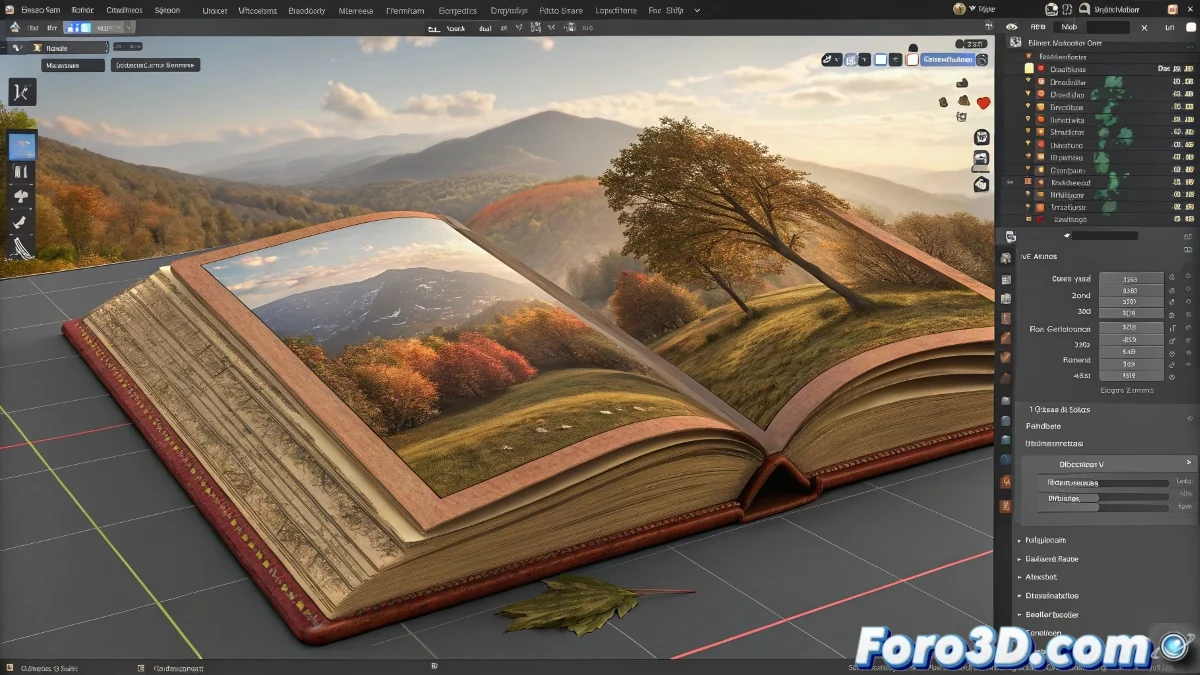
Solution to Unexpected Z-Axis Deformations When Using Duplicated MDD Files
When you export an animation in .mdd format (LightWave Point Cache format) from Blender and then duplicate the mesh to reuse it with the same animation, issues like unexpected Z-axis deformations can arise. This is usually due to discrepancies in the object's scale, unapplied transformations, or differences in the coordinate system. And no, you don't need to be an animation expert to fix it! 📏
Apply All Transformations Before Exporting
Before exporting the .mdd file, make sure to apply the original object's scale, rotation, and location. You can do this by selecting the object and pressing Ctrl + A > All Transforms. This ensures that the animation coordinates match the reference system of the duplicated mesh.
Duplicate Correctly
When duplicating the object that will use the MDD file, make sure to use Shift + D (full duplicate) and not Alt + D (linked duplicate), so that each object can have its own modifiers and caches without interfering with each other.
MDD Modifier Configuration
The Mesh Cache modifier in Blender must have the correct original animated object as its source. Ensure that the Deform Mode option is set appropriately (usually to Over or Replace). Also check if the Use Vertex Interpolation option is enabled or not, depending on the behavior you want.
Check the MDD File Scale on the New Object
Sometimes, when applying an MDD to a scaled object, the animation gets amplified or distorted. Check if the duplicated object has a different scale from the original and reapply Ctrl + A if necessary before importing the MDD.
Create an Animated 3D Book with Photos and Videos
If your final goal is to make an interactive 3D book that turns pages and displays images or even videos, there are tutorials and techniques in Blender using Shape Keys, Armatures, and Drivers combined with animated UV mapping and materials with images or videos. You can search for terms like: Blender animated book pages tutorial, Book flip animation with textures Blender, or Blender animated UV mapping video.
With these tips, you can effectively solve Z-axis deformation issues when using duplicated MDD files in Blender. And remember, if the deformations don't behave as expected, you can always check your transformation settings! 🔧