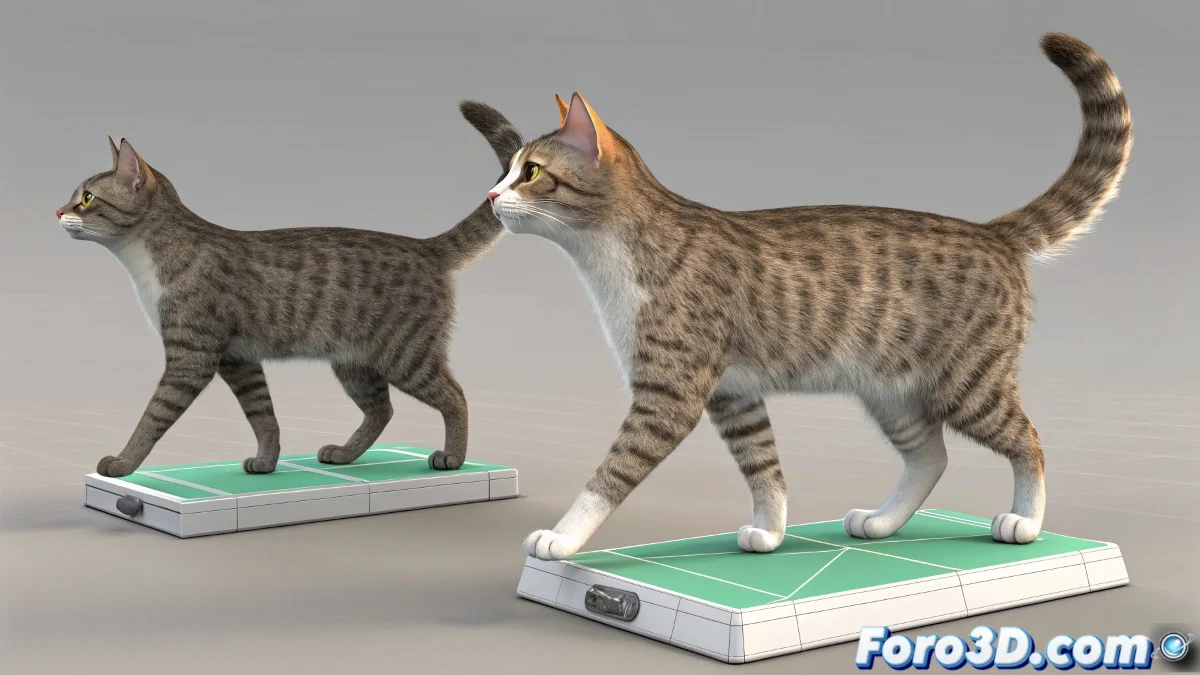
Why Does the Foot Mirror Break in CAT?
When working with rigs based on CAT (Character Animation Toolkit) in 3ds Max, it's tempting to animate the Foot Platform directly to control the foot rotation. The problem appears when you do mirror pose: the system loses symmetry and the mirrored foot doesn't respond correctly.
The Cause: the Platform Doesn't Mirror Properly
The error occurs because the Platform pivot is not included in CAT's internal symmetry system. When you animate it directly (for example, to lift the heel), CAT doesn't know how to mirror that change to the opposite side. This breaks the mirroring-based workflow.
Practical Solution: Don't Animate the Platform Directly
The best strategy is to use the dedicated controllers:
- Heel to lift the heel
- Toe to lift the toe
- Ball for foot rotation
Leave the Platform without direct animation or use its transformations in a base layer. Then, create an additional animation layer where you do the animation and mirroring. This way, CAT ignores the Platform when reflecting poses, keeping the symmetry functional.
What If It's Already Animated?
If you've already animated the Platform, you can:
- Separate that animation into a lower layer that doesn't mirror
- Or use scripts to manually copy the values to the other foot
It's not ideal, but it can save an animation without having to start from scratch.
Today's Moral
CAT doesn't forgive shortcuts. If the foot doesn't rotate as it should, it's probably not a bug… it's a warning: "do it my way or prepare to suffer".
So now you know: respect CAT's hierarchy, use its controllers, and the mirror will work as it should. Your rig (and your patience) will thank you.