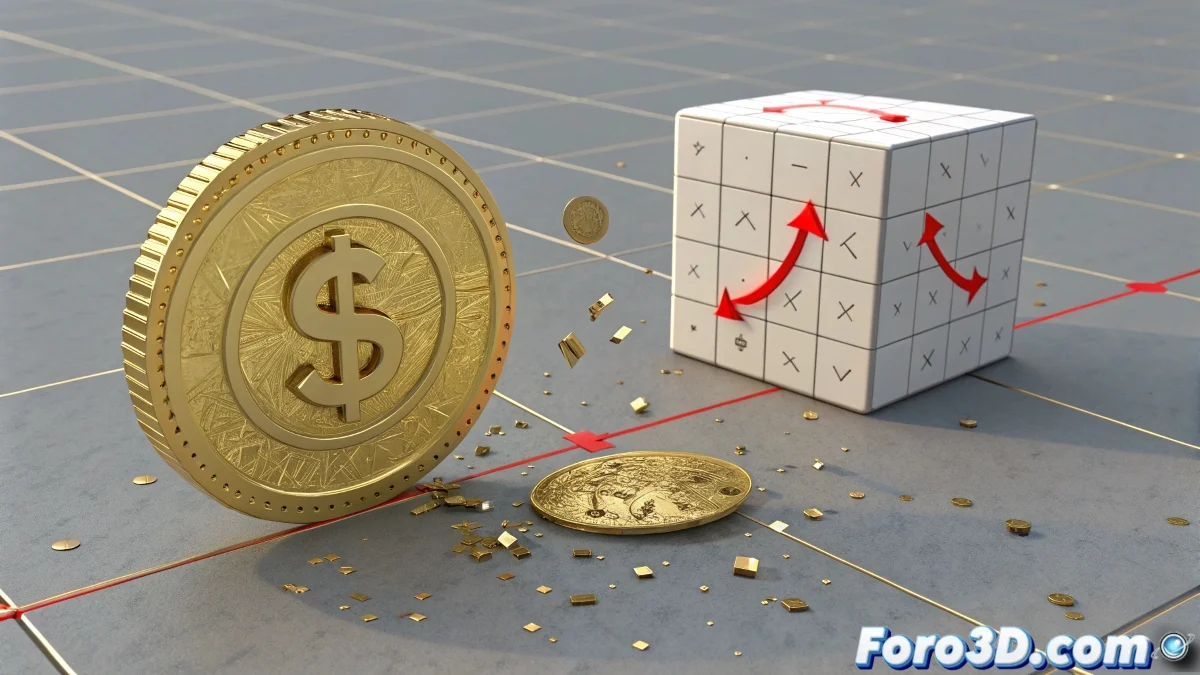
Solution to Issues When Animating a Coin That Breaks with Thrausi in Cinema 4D
What you're trying to do—having a coin roll, collide, and break using Thrausi—is totally possible in Cinema 4D, but it requires a correct combination of dynamics, activation times, and colliders. The problem you mention is usually due to the dynamic or fracture activator being poorly synchronized. And no, you don't need to be a physics expert to solve it! 🪙
Initial Setup of the Coin
1. Set up the original coin with Thrausi but without activating it yet. When you apply Thrausi to your coin, a fractured object will be generated. This must have a Rigid Body Tag, but with dynamics disabled until collision:
- In the Rigid Body Tag > Collision > Individual Elements = Top Level
- In the Rigid Body Tag > Dynamics > Enable = On Collision
This will prevent it from breaking too early.
Realistic Coin Movement
2. Make sure the coin moves correctly. Your coin must roll with real dynamics, not just displace via keyframes. If you animate it directly (with position keys), the physics simulation won't apply correctly.
Solution:
- Use a realistic force like Motor or Attractor + manual Torque so the coin actually rolls.
- Or use a plane with friction and a small invisible slope to propel it in a controlled way.
Use of a Hidden Object as Collider
3. Use a hidden object as collider and break activator. Create an object (e.g., an invisible cube) at the collision point. This must have:
- Collider Body Tag
- Possibly an activation sphere with Collider of Trigger that activates a signal or event (via Xpresso) when there is a collision.
Alternative with Two Versions of the Coin
4. Alternative with two versions of the coin (common trick):
- Create two coins: one whole (without Thrausi) and one fractured (with Thrausi).
- The whole coin rolls animated until it reaches the collision point.
- Right at that frame, the whole coin is hidden (Visible in Editor/Render OFF) and the fractured one is activated (Visible ON + Dynamics activated).
- You can then apply a small initial force to this second coin to simulate the impact and break.
This gives you absolute control over the fracture moment.
With these tips, you can effectively solve issues when animating a coin that breaks using Thrausi in Cinema 4D. And remember, if the coin doesn't behave as expected, you can always check your dynamics settings! 🔧