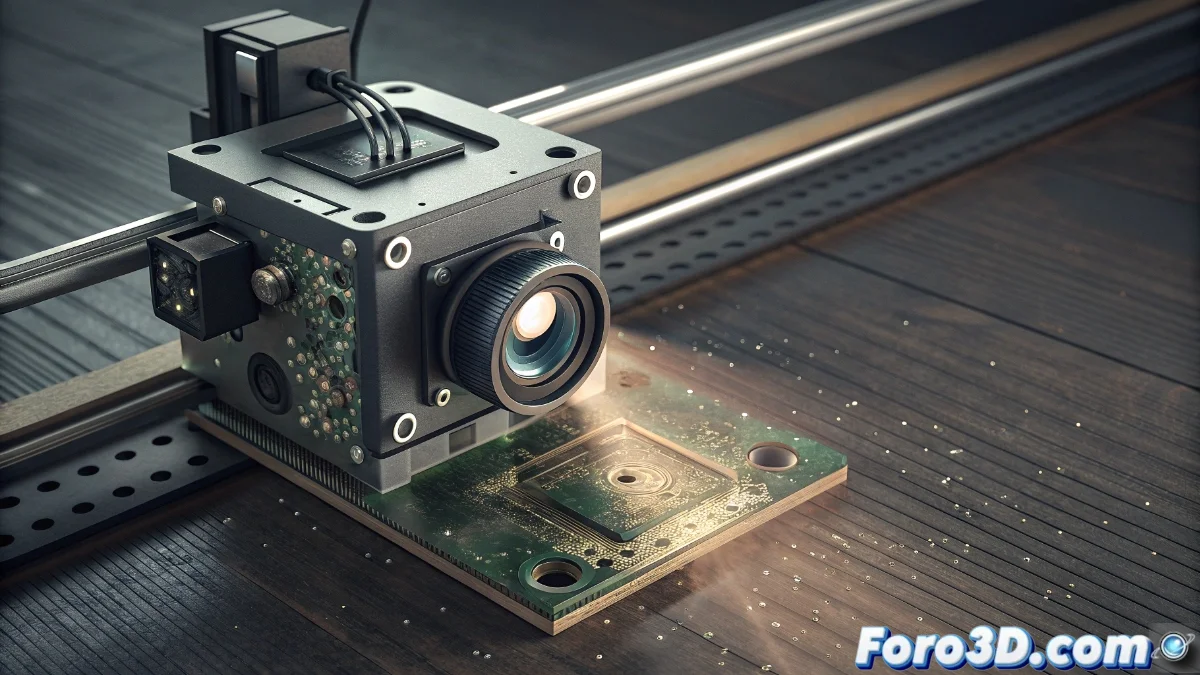
Solution to HMS_0C00-0100-0001-0004 Error in Bamboo Lidar System
The Lidar system in Bamboo printers is crucial for precise surface mapping and correct nozzle positioning. When the HMS_0C00-0100-0001-0004 code appears, it generally indicates obstructions or damage in this component, which can halt printing to prevent collisions or poor results 🔧.
Thorough Cleaning of the Lidar Module
Before starting, turn off and unplug the printer completely to ensure safety. The Lidar module is usually located on the print head or near the extruder. Follow these steps for effective cleaning:
Step-by-Step Cleaning Procedure:- Use compressed air to remove dust and particles from the lens and emitter, avoiding direct contact with optical surfaces.
- If residues remain, dampen a microfiber cloth with isopropyl alcohol and clean with gentle circular motions, ensuring no lint is left behind.
- Check that there are no physical obstacles blocking the sensor's field of view before restarting the equipment.
A clean Lidar is essential for accurate readings and to avoid false errors during printing.
Diagnosis of Possible Physical Damage
If the error persists after cleaning, inspect the module for impacts, cracks, or loose cables. Run the built-in diagnostic from the calibration menu to check sensor readings. Inconsistent values suggest an internal failure that may require replacement 🛠️.
Steps to Identify Irreparable Damage:- Visually inspect the Lidar module for signs of mechanical damage.
- Run the printer's diagnostic and compare values with the manufacturer's standards.
- If inconsistencies continue, contact authorized technical service to confirm the diagnosis and request the specific spare part.
Final Considerations and Recommendations
The Lidar system can be sensitive to interference, detecting harmless particles as if they were serious obstructions. Keeping it clean and in good condition is key to print quality. If you suspect an internal failure, avoid incorrect interventions that could void the warranty and always seek professional assistance 📞.