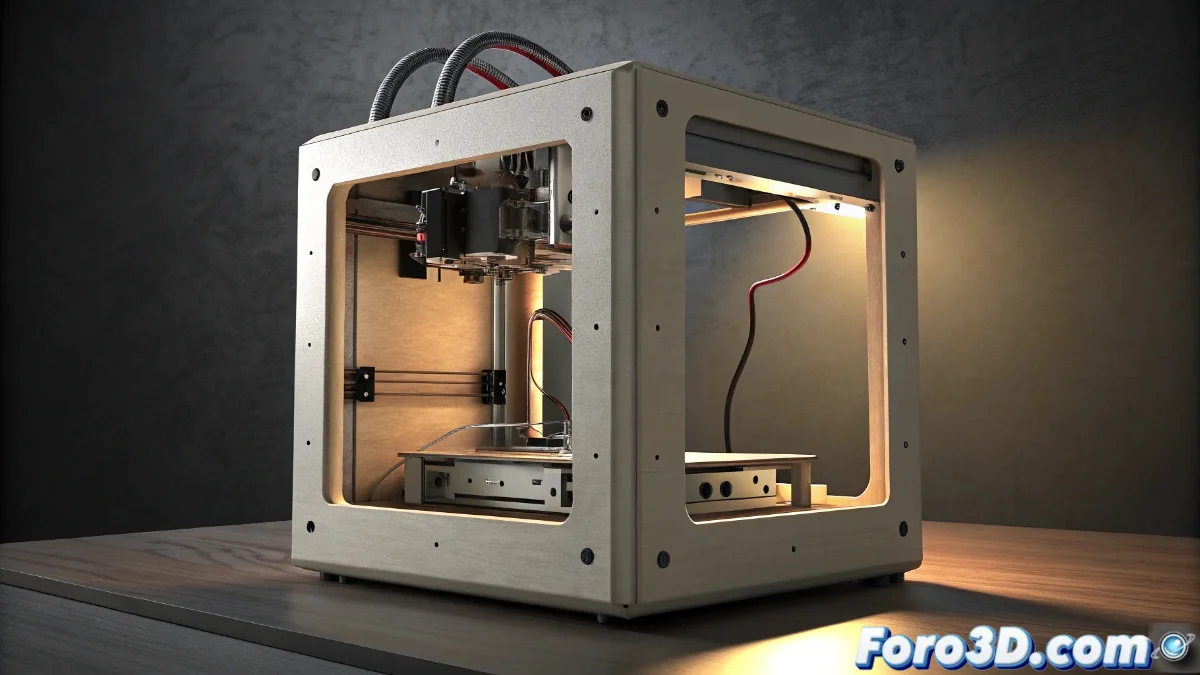
Solution to HMS_0300-2000-0001-0003 Error on Bamboo Printer
When your Bamboo printer displays the code HMS_0300-2000-0001-0003, it indicates a poor connection between the print head and the main system. This issue frequently appears after maintenance tasks or during the initial setup of the equipment 🖨️.
Initial Diagnosis of the Problem
The HMS error code specifically indicates that the head connectors are not making complete contact with the base board. Before panicking, it is essential to follow a systematic verification process that allows us to identify the root of the problem.
Physical verification steps:- Completely disconnect the printer from the power supply before any manipulation
- Thoroughly examine the flat connection cable for visible damage or bent pins
- Verify that both ends of the connector are perfectly inserted into their respective ports
A millimeter displacement in the connectors can be enough to generate this error code in the system.
Advanced Resolution Procedures
If the physical inspection does not reveal obvious problems, it is time to proceed with more technical solutions. Many users overlook these simple steps, seeking complicated solutions when the answer may be much more straightforward 🔧.
Corrective action sequence:- Perform a complete reset by holding down the power button for 10 seconds after disconnecting the power
- Check the control panel for any pending firmware updates
- Ensure all internal connections are firmly seated after the reset
Final Reflection on Troubleshooting
Experience shows that we often solve complex problems when the answer was in something as simple as properly reconnecting a cable. The same happens with 3D printers: we spend hours on advanced configurations when the solution lay in ensuring a proper physical connection ✅.