Solution to HMS_0300-0B00-0001-0003 Error on Bamboo Printers
When your Bamboo printer displays the code HMS_0300-0B00-0001-0003, it is indicating an anomalous operation of the layer cooling ventilation system. This issue is usually accompanied by unusual sounds, changes in rotation speed, or complete interruptions of the fan during the printing process, seriously compromising the final quality of the parts by preventing proper cooling between layers. 🔧
Physical Inspection of the Ventilation System
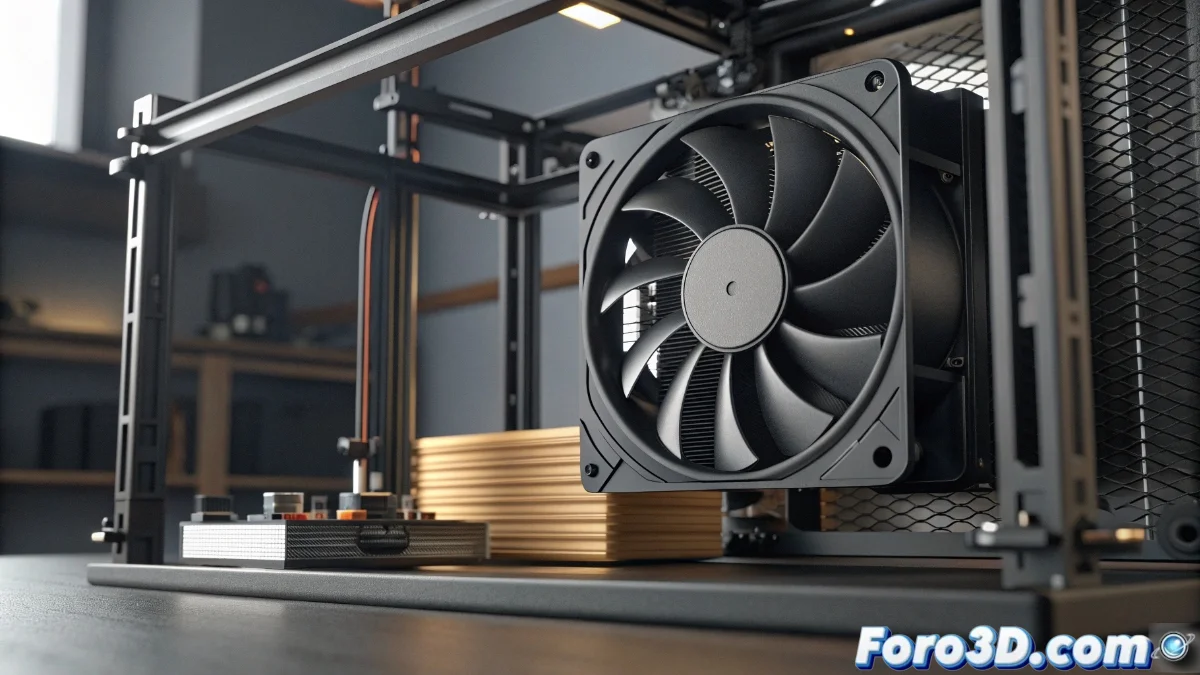
Start with a complete visual inspection of the cooling fan. Make sure to fully power off the equipment and unplug it from the power source before proceeding. Meticulously examine for any obstacles such as loose threads, layers of dirt, or printing material residues that may be blocking the blade movement. Rotate the fan by hand to confirm there is no mechanical resistance in its rotation.
Steps for physical verification:- Complete disconnection from the power source to ensure safety
- Thorough search for obstructions on the blades and surrounding area
- Manual check of the smoothness of rotational movement
A fan in perfect physical condition is the foundation for efficient cooling throughout the entire printing process.
Review of Connections and Software Settings
If the mechanical component appears to be in good condition, focus on the electrical and programming aspects. Confirm that the fan connector is properly seated on the printer's main board. Then, access the firmware settings to evaluate the parameters assigned to the fan within the printing profiles. In certain situations, reinstalling the firmware or updating the slicing software can eliminate configuration conflicts that cause irregular behavior.
Connectivity and software checks:- Inspection of all terminals and electrical connections
- Analysis of fan settings in the printer firmware
- Reinstallation or update of drivers and slicing software
Additional Considerations on the Issue
Sometimes, the persistence of the failure may make it seem as if the fan has a mind of its own, suspending its activity at the most critical moments of printing, as if demanding better operating conditions within the equipment. This situation underscores the importance of regular preventive maintenance and systematic verification of all cooling system components to avoid surprises during important jobs. 🌀