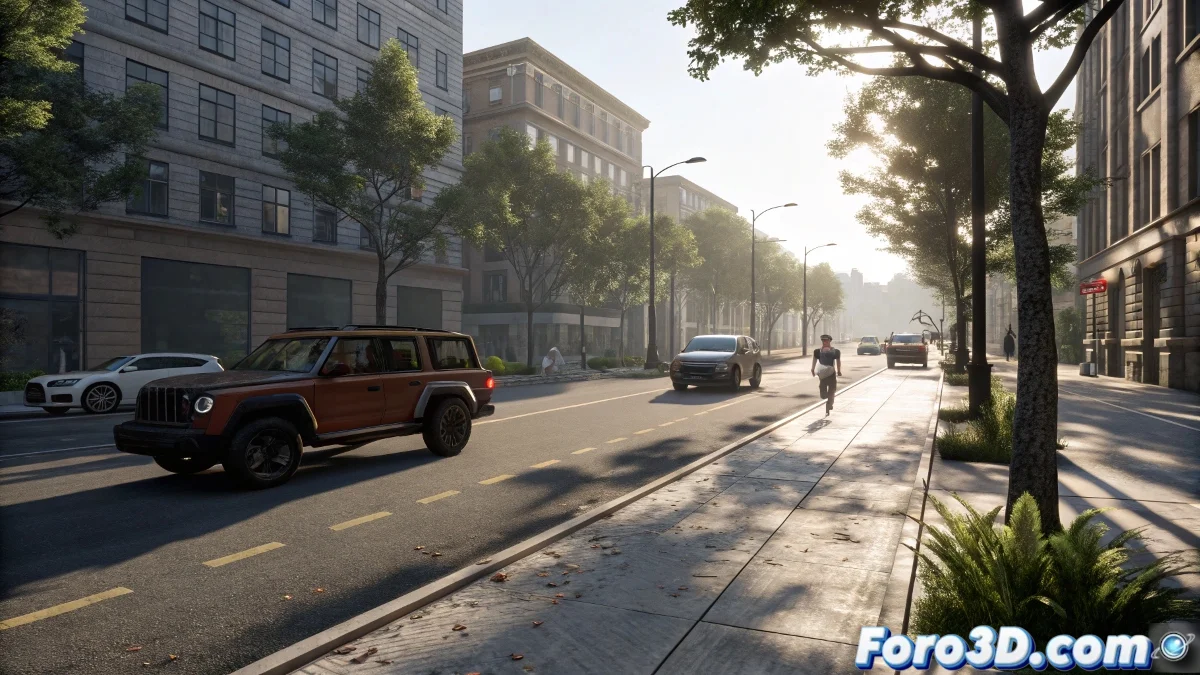
Solution to Flickering in Shadows of Animated Objects Outdoors with V-Ray
When animating moving objects like vehicles in an outdoor scene with V-Ray, the typical flickering problem in shadows or indirect lighting almost always has to do with how global illumination maps are calculated, especially Light Cache and Irradiance Map. Using old software versions sounds like wanting to edit video in a microwave, but I'll explain how to solve it using current techniques that apply in Blender, Maya or recent versions of 3ds Max with V-Ray or more modern engines like Arnold or Cycles.
The Problem and Its Modern Solution
The problem occurs because Light Cache and Irradiance Map are not designed for objects that change position in each frame. These solutions work well on static elements, but with animations they generate inconsistencies between frames. The modern and reliable way to avoid flickering in animated objects is:
- For moving objects, change the Irradiance Map configuration to Animation (Rendering) mode or directly use Brute Force as the primary GI (Global Illumination) method, which although takes longer, is much more stable for animation.
- Instead of precalculated Light Cache, use Light Cache in Single Frame mode or switch completely to an engine that uses pure Path Tracing like Arnold or Cycles in Blender, which don't need these interpolation map hacks.
Other Useful Techniques
Another useful technique is to separate the render of moving objects into independent passes (Object Buffers or Render Layers) and then composite in post-production. This way you control the flicker only where it affects.
If you insist on sticking with Irradiance Map + Light Cache, a quick solution is to significantly increase the subdivs of the Light Cache and the Irradiance Map and enable Use Camera Path in the Light Cache calculation. This smooths changes between frames.
Finally, if the scene is very complex, render in cache sequences by block of frames or by camera, generating more consistent maps.
Today most studios already use Brute Force or Path Tracing to avoid these problems at the root. Yes, it takes more render time, but less headache time... and less desire to throw the computer out the window 🖥️💥.