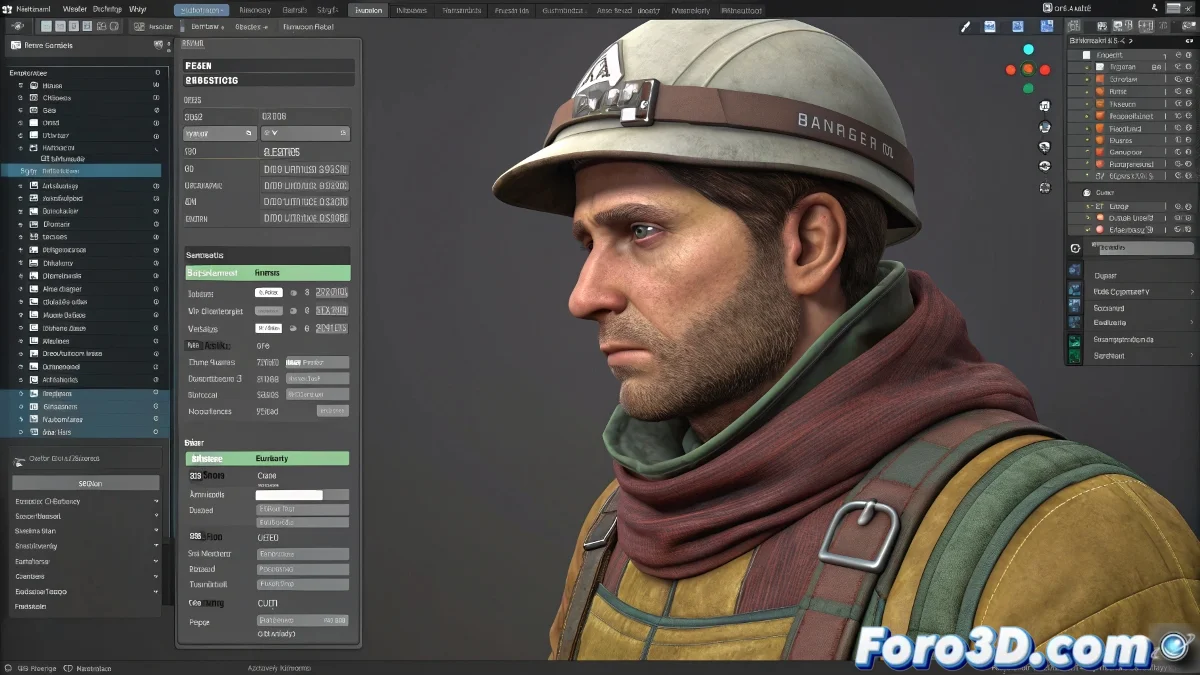
When your Cloth simulation decides to take early vacations
Watching your Cloth simulation mysteriously stop at frame 23 is like witnessing a concert that cancels halfway through the show... frustrating and with no apparent explanation. 🎭 The truth is that 3ds Max is screaming for help with those millions of polygons.
Problem Diagnosis
- Insufficient memory: The Cloth engine chokes on dense geometry
- Cache configuration: Incorrectly set frame limits
- Problematic collisions: Geometry that traps the simulation
Professional Solution in 4 Steps
- Use a low-poly proxy for the simulation (50k polys maximum)
- Adjust the cache: Verify that the "End Frame" covers the entire animation
- Optimize parameters: Substeps 2-3, Sample 10-15 for high poly
- Divide and conquer: Simulate by segments and join the caches
A stable Cloth simulation is like a good coffee: it needs the right temperature (configuration), fresh beans (optimized geometry), and enough time (cache) to prepare.
High Poly Optimization Table
| Element | Recommended Configuration |
|---|---|
| Substeps | 2-3 (lower from 5 for high poly) |
| Sample | 10-15 (avoid high values) |
| Cache Size | 2-3GB minimum for long simulations |
Veterans' Tricks
- Try Clothify to dynamically convert to low-poly
- Use Save During Simulation to avoid losing progress
- Disable Self Collision in non-critical areas
Crucial fact: 90% of interrupted simulations are fixed by reducing active geometry. The remaining 10%... requires praying to the polygon god. 🙏
Now that you know these secrets, your high poly will no longer be an excuse for failed simulations. And when that 500k polygon dress finally moves like silk, you can proudly say: "Yes, my PC did it... and it didn't explode". 💻✨
Bonus tip: For complex garments, simulate the body first as a simplified collider, then add details progressively. Layers upon layers like a professional!