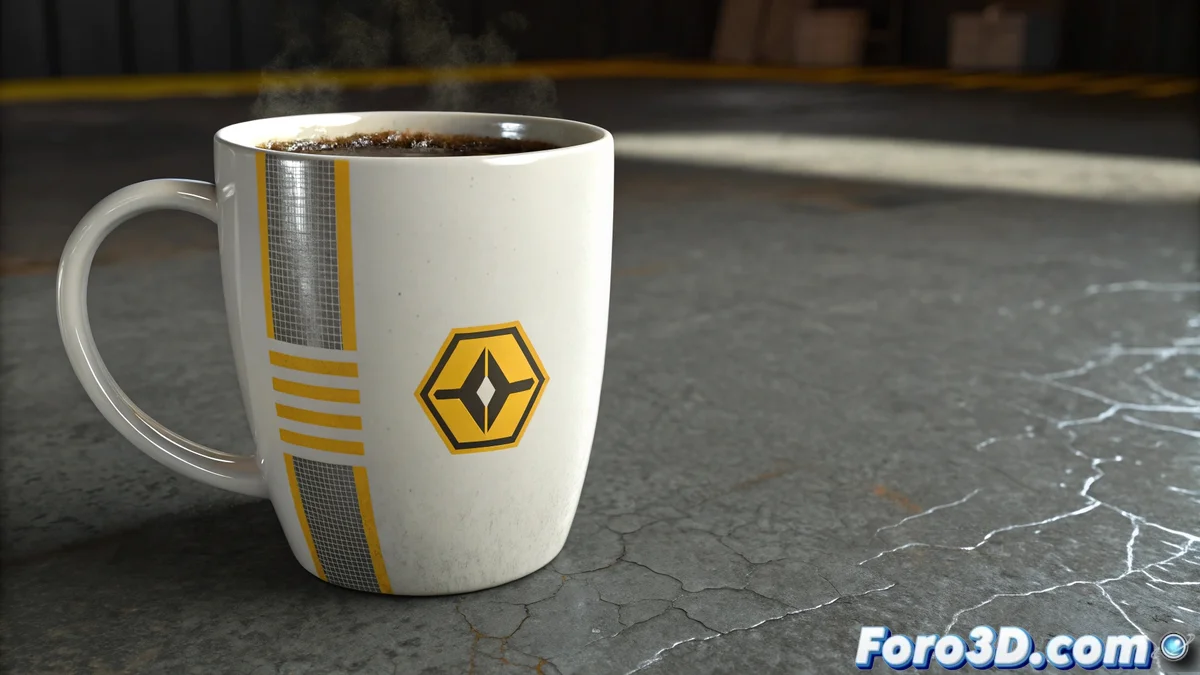
The mysterious case of the cup that turns black 🕵️♂️☕
What an intriguing problem! Your cup seems to have more personality changes than a method actor. When the Blend material and FFD fight, here's how to mediate the fight:
Why this color drama happens
The problem usually occurs because:
- The FFD alters the UV coordinates that the Blend Material uses
- V-Ray gets confused with the texture space deformations
- The modifier order is not correct
"A Blend material with FFD is like a complicated marriage: it needs couple's therapy"
Step-by-step solutions
- Reorder the modifiers:
- First the FFD
- Then the Unwrap UVW
- Finally the Skin or deformers
- Try this V-Ray trick:
- Add a "UVW XForm" after the FFD
- Configure it to compensate for the deformations
- Alternative options:
- Convert the FFD to polygons before rendering
- Use "Preserve UVs" in the FFD options
- Try a "MaterialByElement" instead of Blend
If everything fails, the nuclear option is:
- Animate first without materials
- Bake the animation
- Apply the materials afterward
Remember that in V-Ray sometimes less is more. The more effects you stack, the more chances something will break like your cup at a gala party. Good luck with your animation! (And may your cup regain its dignity soon).