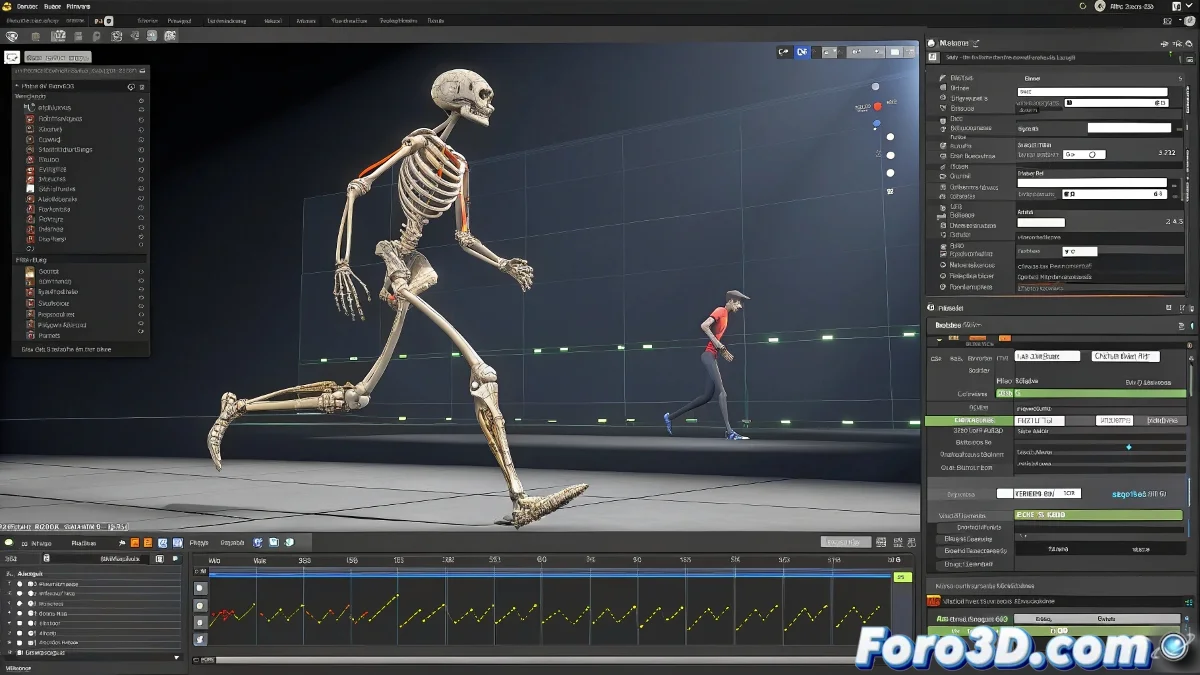
Solution for the Inactive Footsteps Mode Button in Skeleton Animation
When working with a skeleton and the Footsteps mode appears disabled, the first thing you should check is the state of the mesh and the rigging in your scene. Generally, in programs like 3ds Max with CAT or other 3D animation platforms, this mode requires certain parameters or configurations to be active to enable it.
The most likely reason the Footsteps button is inactive is that you haven't correctly configured the CAT Motion or the mesh is not fully linked to the foot control system. To fix it, make sure that:
- The skeleton is correctly assigned to the mesh with Skin or Skin Wrap.
- The rig has the CAT Motion applied and active.
- You are not in Figure mode, as Footsteps only activates in Motion mode.
- The foot controllers are present and not deleted or disabled.
- There are no conflicts with animation layers or constraints that block the function.
A trick that usually works is to do a reset of the CAT rig, closing and reopening the Motion animation tab and ensuring the character is in T-pose before trying to activate Footsteps. If the problem persists, try duplicating the rig or creating a new one to isolate if it's a file issue.
In programs like Maya or Blender, if you're working with footstep scripts or plugins, check that all control nodes are connected and that there are no console errors blocking activation.
And as a final tip, sometimes the feet get so loose they don't want to walk, but don't worry, it's not about giving them coffee, just good rigging 🚶♂️.