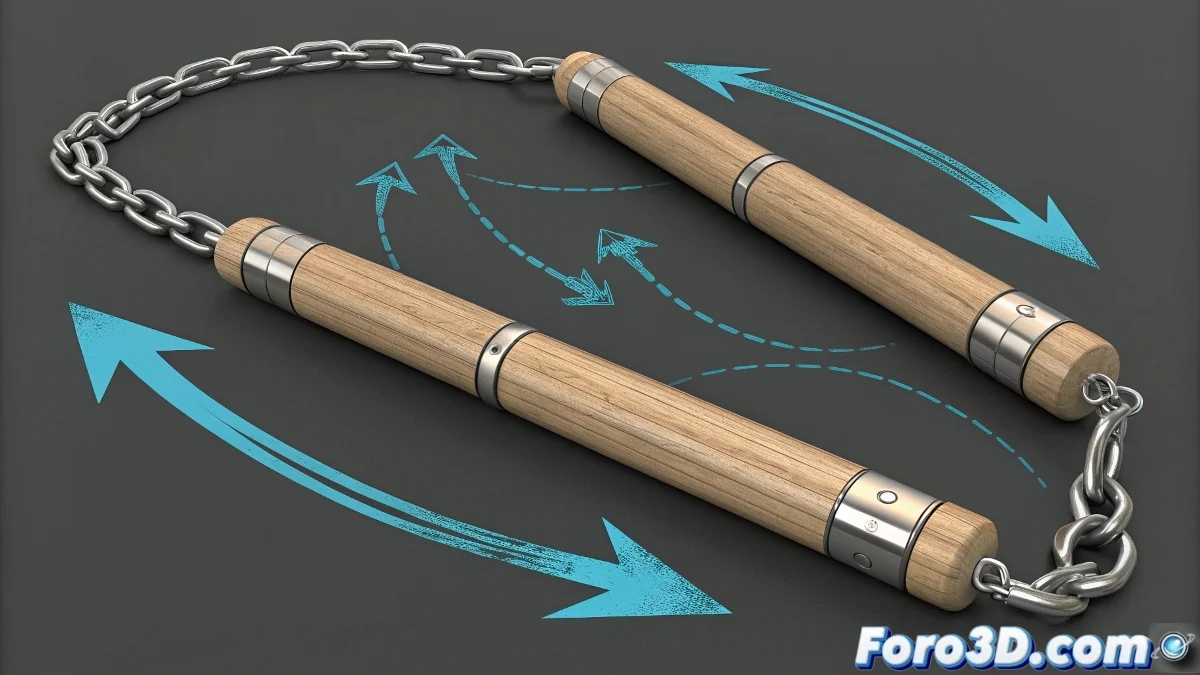
What are Jigglebones and How Do They Work
In 3ds Max, a jigglebone allows secondary bones of an object to move flexibly following the animation of the main bone. This technique is ideal for chains, ropes, or segmented weapons like nunchakus 🥋.
How to Set It Up
First, ensure the nunchakus are modeled as separate segments connected by joints or bones. Apply an IK Spline to the bone chain to follow the main trajectory and use Dynamic IK or PhysX/Cloth/Soft Body systems to simulate flexibility.
- Plugins or Script Controllers like JiggleBones MAX can automate the movement of secondary bones.
- Adjust damping, stiffness, and mass for natural movement and to avoid exaggerated elasticity.
A Detail to Keep in Mind
Don't expect the bones to jiggle just with keyframes; without dynamic control, they will remain rigid. It's like a steel rope 🪢: if you don't give it flexibility, it will stay straight no matter how much you move it.