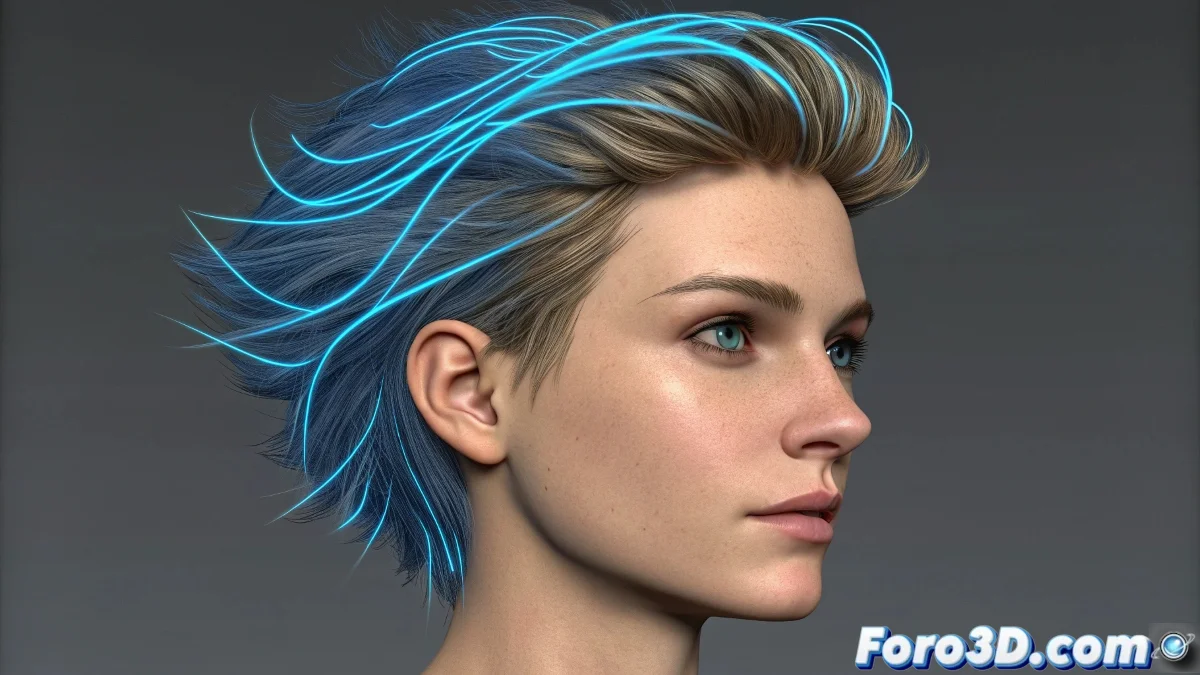
How to Make Hair Move with Hair Farm
In Hair Farm, the hair guides and the final render are separate. Applying the simulation modifier directly to the base object or hair system without setting up the guides can make the hair stay static ❄️.
Simulation Setup
Make sure the guides are created and apply the Simulation Modifier over the HairFarm Mod. Then, in the Dynamics options, enable Dynamic Guides and adjust mass, stiffness, and damping so they react to gravity and collisions.
Important Considerations
All objects that the hair must interact with must have collisions enabled in Hair Farm. The simulation will only work correctly if it is applied to the guides and not to the base object. Simulating hair is like handling an army of tiny magnets 🧲: without well-configured guides, the hair stays frozen. Patience and precise adjustments achieve realistic movement.