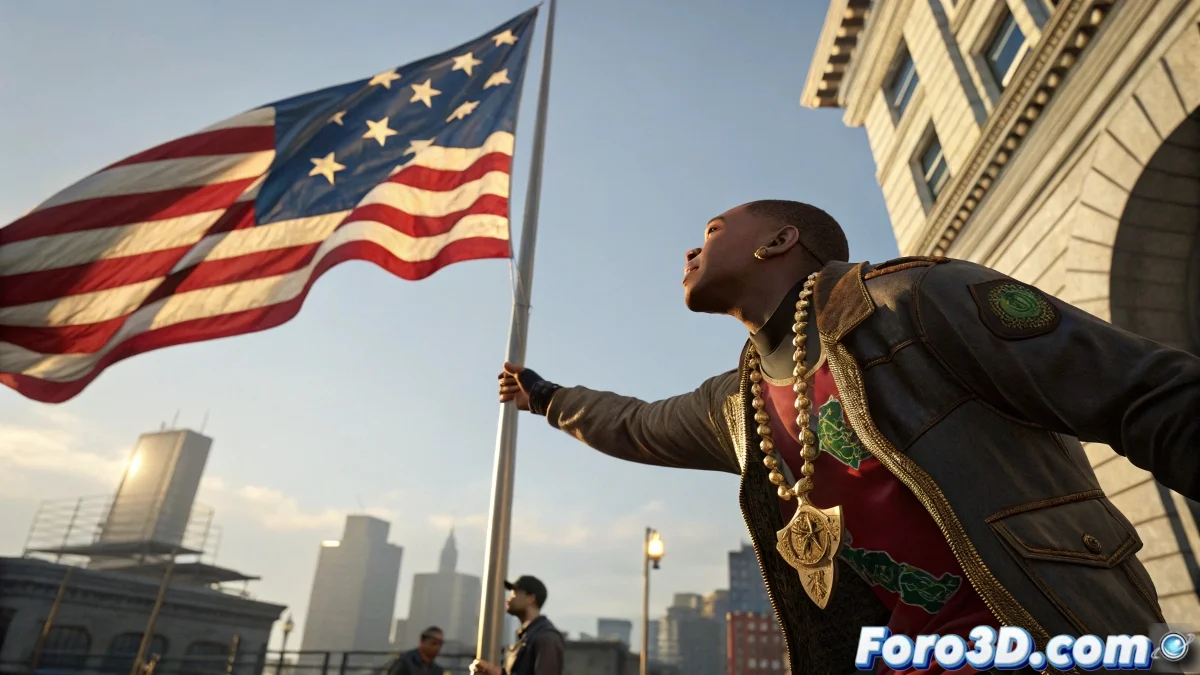
How to Simulate Necklaces and Flags in 3ds Max Without Losing Your Cool
When animating characters with accessories like necklaces or chains, it's tempting to do them by hand... until you realize gravity exists. That's where simulation systems come in, like the classic Cloth, MassFX or even TyFlow, if you want total control 💎.
⛓️ Jewelry Simulation with Cloth
For an accessory to work well with Cloth, start with a subdivided and lightweight mesh. In the cloth menu, you can select Rubber to simulate elasticity or choose Custom Preset and adjust key parameters:
- Density: defines the object's weight. Use low values for lightweight chains.
- Stretch Resistance: the higher, the more it maintains its shape.
- Shear and Bend Resistance: control torsion and flexibility.
- Friction: prevents unnecessary slipping on contact.
Don't forget to convert the character into a Collision Object and assign vertex groups if the necklace is attached to any part of the body. If your character is already moving with bones or Biped, Cloth will follow it automatically during the simulation.
🚩 When the Wind Refuses to Move Your Flag
You've added the modifier, created the wind, hit Simulate... and your flag doesn't move. The culprit, almost always, is the scene scale. Forces in 3ds Max don't adapt magically: if the flag is too large or the Wind too weak, simply nothing happens.
- Increase the Wind's Strength above 2 or even 20 if necessary.
- Enable Affect Cloth Forces in the simulation system.
- Use Display Icon Size to adjust the visual reach without altering strength.
- Check Customize > Units Setup to work with consistent units.
As a reference: if your flag measures 60 cm, a Wind force with Strength 20 and Turbulence 10 can work wonders. And don't fear repeating the simulation. Sometimes the wind has its own rhythm... or simply didn't have breakfast 😅.
🧠 Combine Techniques and Don't Rely on Luck
If you're looking for more precision, you can use MassFX for rigid simulations or TyFlow if you want your chains to react with more advanced physics. The important thing is to plan the mesh, forces, and anchor points. A necklace that bounces like jelly probably isn't what you're looking for… unless it's cartoonish.
“Sometimes you set everything up perfectly, and the wind still decides not to show up... as if it knew you have a deadline”
The key is in the scale, the right preset, and patience. And if the wind doesn't want to cooperate, you can always animate it by hand and pretend it was the art direction 😉