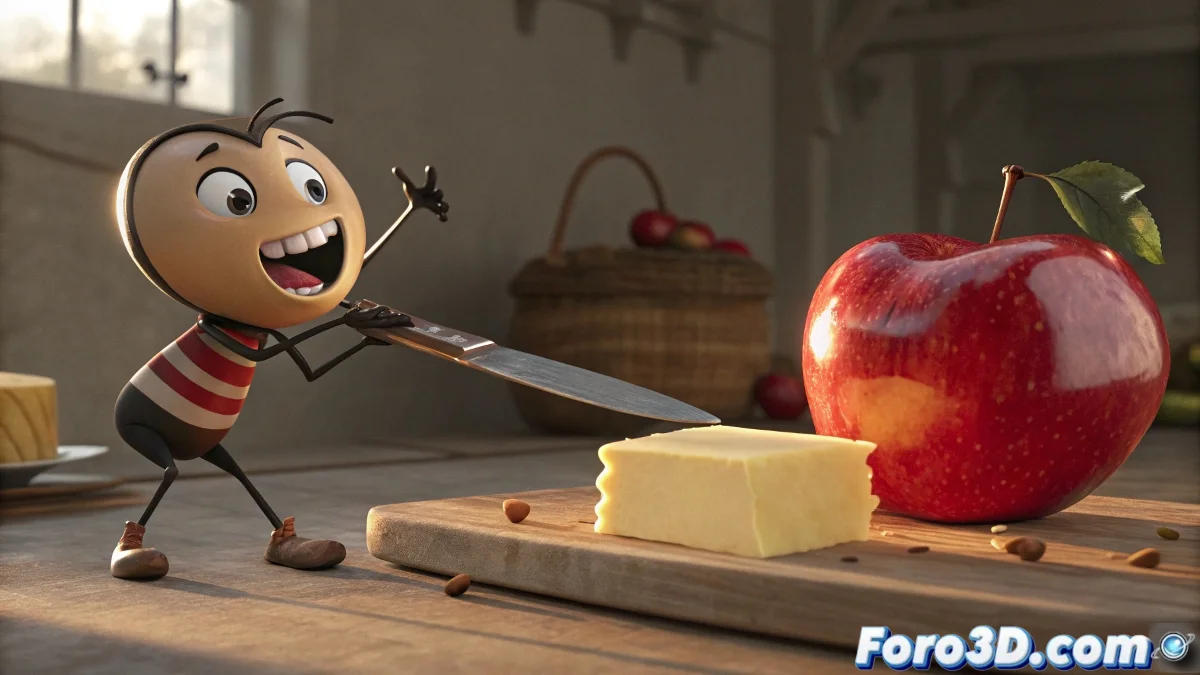
Simulate a Bite into an Apple and Cutting Butter in 3ds Max
Recreating the action of biting into an apple or sinking a knife into butter seems simple… until you take it to 3D and discover that that darn apple has more complications than a Game of Thrones scene without CGI. But don't worry, in 3ds Max (updated, of course) we have several decent solutions to get by… without making you want to throw the monitor out the window.
How to Simulate a Bite or a Cut Effectively in 3ds Max?
The key is controlling how the geometry deforms when interacting with another object. Here are several ways to achieve it, depending on the realism and the time you have to deliver it:
- Morph Targets (Morpher modifier): Create two versions of the object: one unmodified and another already bitten or cut. Then, animate it using Morpher. It's the most direct and controlled method, perfect for cartoon styles.
- Blend Shapes from ZBrush: If you work on the details in ZBrush, you can export the blend shapes and apply them in 3ds Max or your render engine for millimeter control of the deformation.
- Animated ProBoolean or ProCutter: Ideal for cutting one geometry with another (like a knife). You control which part disappears and when.
Simulation with Soft Body or Cloth (in Blender or Houdini, importing the cache): for realistic results, although it requires more computing power and some technical magic. Animated displacement maps: if the cut or bite is seen from afar, you can use an animated texture that modifies the surface. Quick and effective for general shots.
And What Do I Do with the Knife or the Tooth?
In the case of the knife, you can use a Path Deform to guide it along a trajectory or apply Volume Select along with Push Modifier so it only affects the area it touches. For something more artistic and with absolute control, you could even use a rig with controllers to deform the object in real time.
If you've spent more time rigging the apple than the protagonist, congratulations: you've just promoted a fruit to main character. It just needs eyes, eyebrows, and a contract with the union.