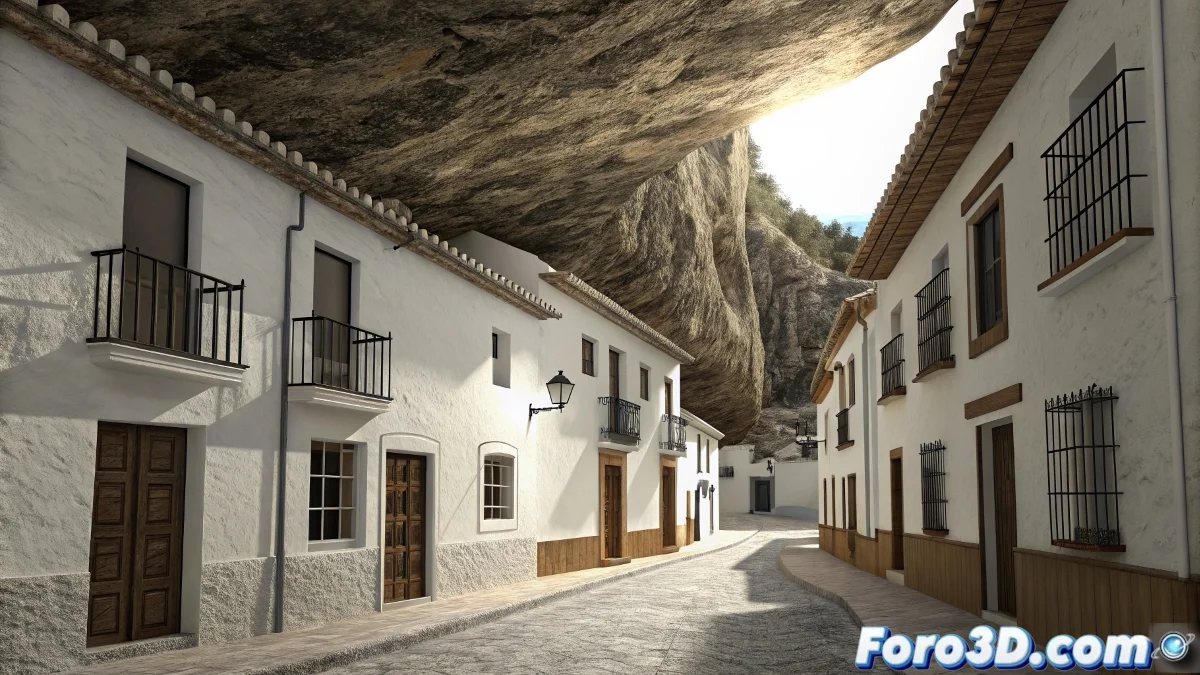
Setenil de las Bodegas: architecture that defies logic
In the province of Cádiz, Setenil de las Bodegas unfolds its unique beauty with an urban layout that seems to defy the laws of physics. This town is not built on the rock, but under it, taking advantage of the natural cavities of the Trejo river canyon to build homes that have the mountain as a roof. Streets like Cuevas del Sol and Cuevas de la Sombra show how generations of inhabitants turned natural caves into functional homes, accumulating family secrets passed down for centuries. This symbiosis between nature and architecture creates a unique urban landscape in the world. 🏞️
The engineering of adaptation
What makes Setenil extraordinary is not only its picturesque appearance, but the practical intelligence behind its design. The inhabitants did not fight against the rock, but allied with it, creating homes that maintain a constant temperature year-round thanks to the thermal inertia of the stone. The typical white Andalusian facades contrast dramatically with the darkness of the rock above them, creating a perfect visual game for digital composition. Each cave-house holds stories of conquests, reconquests, and the silent passage of time.
Composing the petrous mystery in Nuke
Recreating the unique atmosphere of Setenil requires a compositing approach that integrates 3D elements with photographic material, carefully handling the location's characteristic lighting and shadows.
Preparation of base material and tracking
Start by importing the main plate, preferably a photograph or video of one of the emblematic streets like Cuevas de la Sombra. Perform precise 2D tracking using Nuke's Tracker node, marking points in areas with good contrast from the rock and facades. Create a Camera and a Scene node from the tracking to integrate 3D elements coherently. Correct any lens distortion before proceeding.
Essential initial nodes:- read node for the main plate
- tracker for motion tracking
- camera and scene for 3D integration
- lens distortion correction for precision
Integration of 3D elements and set extension
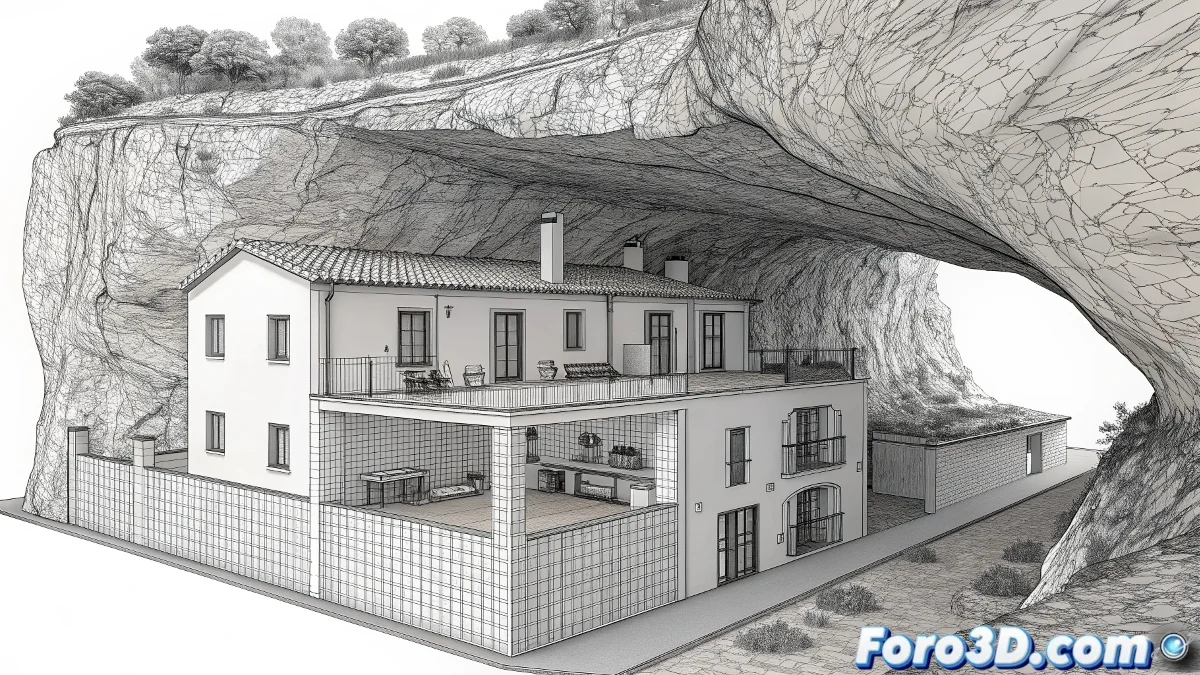
Import 3D models of additional architectural elements you want to add to the scene, such as wrought-iron balconies, flower pots, or typical Andalusian decorative elements. Use the ScanlineRender node to render these elements directly into the composition. To extend areas of the town not in the original plate, create projections of similar photos onto basic 3D geometry, adjusting the lighting to match the light direction in the main plate.
In Nuke, perfect integration is achieved when you can't distinguish where the plate ends and the 3D begins.
Handling lighting and deep shadows
Create a DirectLight in the 3D scene that matches the sun direction in the photographic plate. Adjust the intensity and color so that the 3D elements cast shadows coherent with the real environment. For areas under the rock, where light is more diffuse, use PointLight nodes with low intensity to simulate light bounce. The deepest shadows under the rock overhangs should be handled with selective darkening layers using Roto nodes.
Lighting techniques:- direct light for main sunlight
- point lights for light bounces
- ambient occlusion for contact shadows
- grade nodes for local adjustments
Texturing and atmospheric effects
To perfectly integrate the added elements, use the Project3D node to transfer textures from the original plate to the 3D geometry. Add atmospheric effects like suspended dust using ParticleSystem nodes, animating particles that move slowly through the streets. To simulate the wear of time on the facades, overlay dirt and erosion textures using Merge nodes in multiply or overlay mode. 🏘️
Effects for authenticity:- grain matching with the grain node
- subtle chromatic aberration
- depth of field with z-depth
- light wraps on integration edges
Once finished, you'll have a composition where the houses seem to have grown naturally under the rock, even though you've probably used more nodes than the real town has inhabitants. 💻