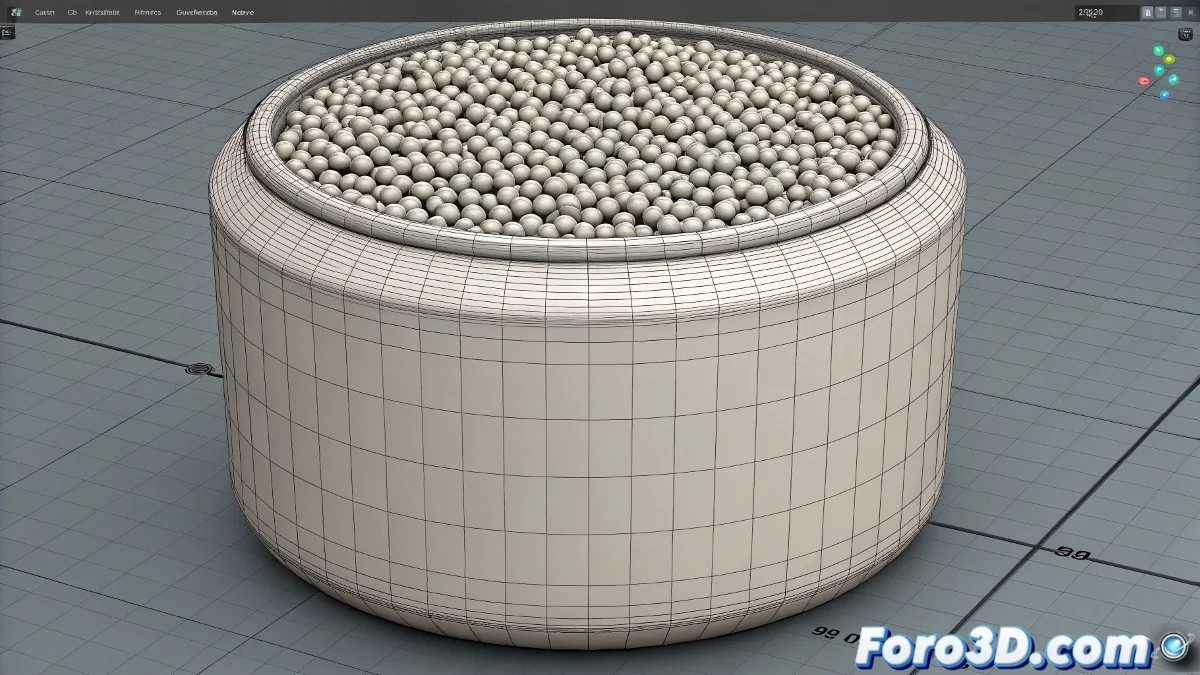
The Art of Taming Particles on Cylinders
Distributing particles orderly on a cylindrical surface in Particle Flow may seem like a complex challenge, but with the right scripts and techniques, it's possible to turn particle chaos into a perfectly organized formation. Particles have a natural tendency toward anarchy, but we can persuade them to align geometrically.
There are several approaches to achieve this orderly distribution, from using the Position Object operator with specific settings to custom scripts that offer total control over each particle's location. The choice depends on the level of precision you need and the complexity of the desired pattern.
In the world of particles, order is not natural; it's a well-planned mathematical imposition
Solution with Position Object and Density Maps
The most accessible way for basic distributions is to use the Position Object operator combined with density maps. This method requires no scripting and offers good results for regular patterns.
- Add Position Object operator: in the particle event
- Select the cylinder: as the emitter object
- Enable Surface: to emit from the surface
- Use Density Map: gradient or checker map to control distribution
Basic Script for Uniform Distribution
For more precise control, this MaxScript script distributes particles uniformly over the cylinder surface. Copy it into the MaxScript window and run it after selecting your cylinder.
The script calculates positions based on cylindrical coordinates, ensuring uniform spacing both in height and angle. It's like plotting meridians and parallels on your cylinder 😊
-- Script for uniform cylindrical distribution
cyl = $Cylinder01 -- Change to your cylinder's name
partCount = 100 -- Number of particles

for i = 1 to partCount do (
    height = random 0.0 cyl.height
    angle = random 0.0 360.0
    radius = cyl.radius

    x = radius * cos(angle)
    y = radius * sin(angle)
    z = height

    -- Here you would create the particle at position [x,y,z]
)
Implementation in Particle Flow with Position Icon
To integrate the script into Particle Flow, you need to use the Position Icon operator and control it via script. This approach offers the best balance between control and ease of use.
Create a small script that generates the positions and then use a Position Icon to emit from those predefined points. It's like creating invisible anchor points for your particles.
- Create Position Icon: in the particle event
- Use script to define positions: in the Position Icon operator
- Configure as point list: instead of continuous surface
- Adjust emission timing: all at once or sequential
Advanced Script with Density Control
For projects requiring greater sophistication, this advanced script allows controlling density by zones and creating specific patterns on the cylinder.
You can create spirals, concentric rings, or any mathematical pattern you can imagine. Particles become three-dimensional pixels of your design.
-- Advanced distribution with zone control
fn distributeOnCylinder obj count pattern: "uniform" = (
    case pattern of (
        "spiral": ( -- Spiral pattern
            for i = 1 to count do (
                t = i / count
                height = obj.height * t
                angle = 360 * t * 5 -- 5 spiral turns
                -- Position calculation...
            )
        )
        "rings": ( -- Concentric rings
            rings = 10
            perRing = count / rings
            -- Ring implementation...
        )
        "uniform": ( -- Standard uniform distribution
            -- Uniform implementation...
        )
    )
)
Alternative Techniques Without Scripting
If you prefer to avoid scripting, there are creative methods using 3ds Max's standard tools. Sometimes the most elegant solution is the one that uses what you already have available.
You can create a system of manually distributed helpers and then have particles emit from those points. It's more manual work but zero programming.
- Array of points: create points with Array modifier and emit from them
- Scatter compound object: distribute dummy objects and use as emitters
- Particle painting: use Particle Paint for manual distribution
- Surface tools: create point mesh and use as base
Optimization for Large Quantities
When working with thousands of particles, performance becomes crucial. These tips will help you maintain fluidity while distributing large quantities.
The initial distribution can be computationally expensive, but once established, Particle Flow efficiently handles existing particles.
- Use Display Operator to reduce preview
- Distribute over separate frames to avoid peaks
- Employ proxies for complex particles
- Optimize the reference cylinder mesh
After implementing these solutions, your particles will obediently align on the cylinder like soldiers in formation... although some will always prefer to keep their free and rebellious spirit 🎯