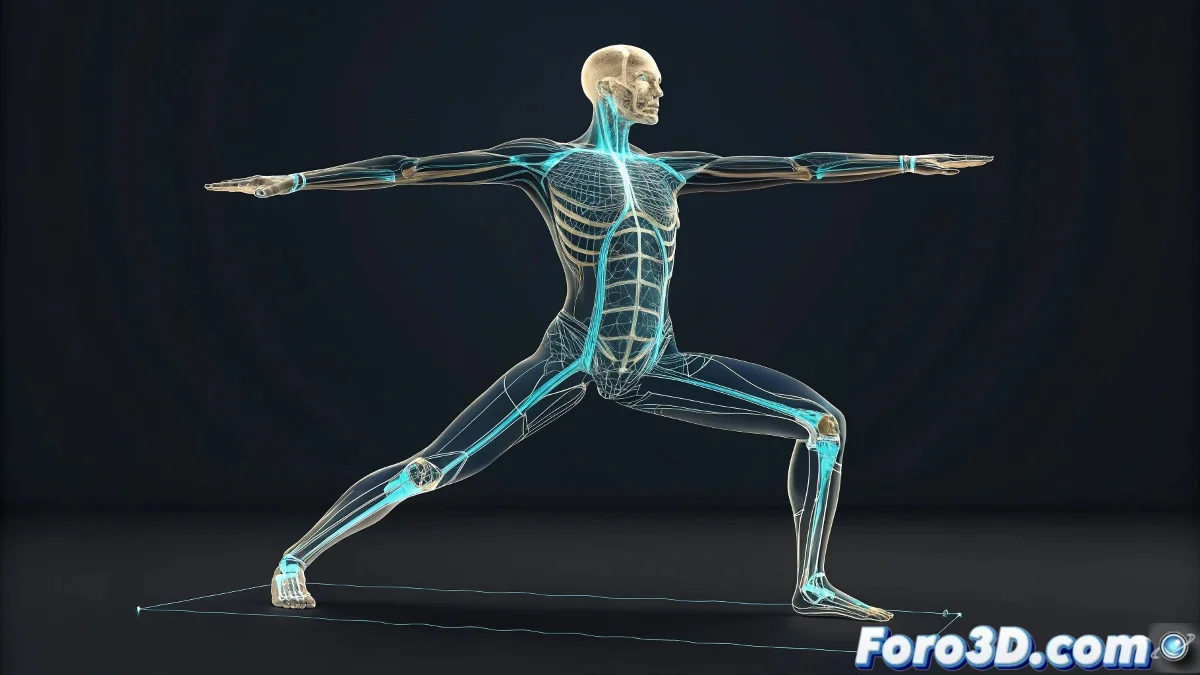
The Importance of Maintaining Base Poses in Biped
In 3ds Max, the Biped allows working with poses and animations flexibly 🕺. Saving an initial position is key to returning to it after modifying the rig, especially to maintain the typical T-pose or any base pose.
Using the Default Pose
The Biped includes the Store Pose function to save and retrieve specific positions. Select the Biped, adjust the mesh to the desired posture, and save the pose in the Motion panel. This way, you can return to it whenever you need without losing subsequent changes.
Creating Animation Snapshots
Another option is to use Snapshot or duplicate the Biped in the scene before modifying the pose. This allows you to have a copy of the initial posture and compare it with the modifications, ensuring you can always return to the base if something goes wrong 🎯.
Tips for a Safe Workflow
Always name stored poses clearly to avoid confusion in complex scenes. Combine pose storage with animation layers if you need to experiment with movements without losing the initial posture. This way, your workflow becomes more efficient and reliable 😅.