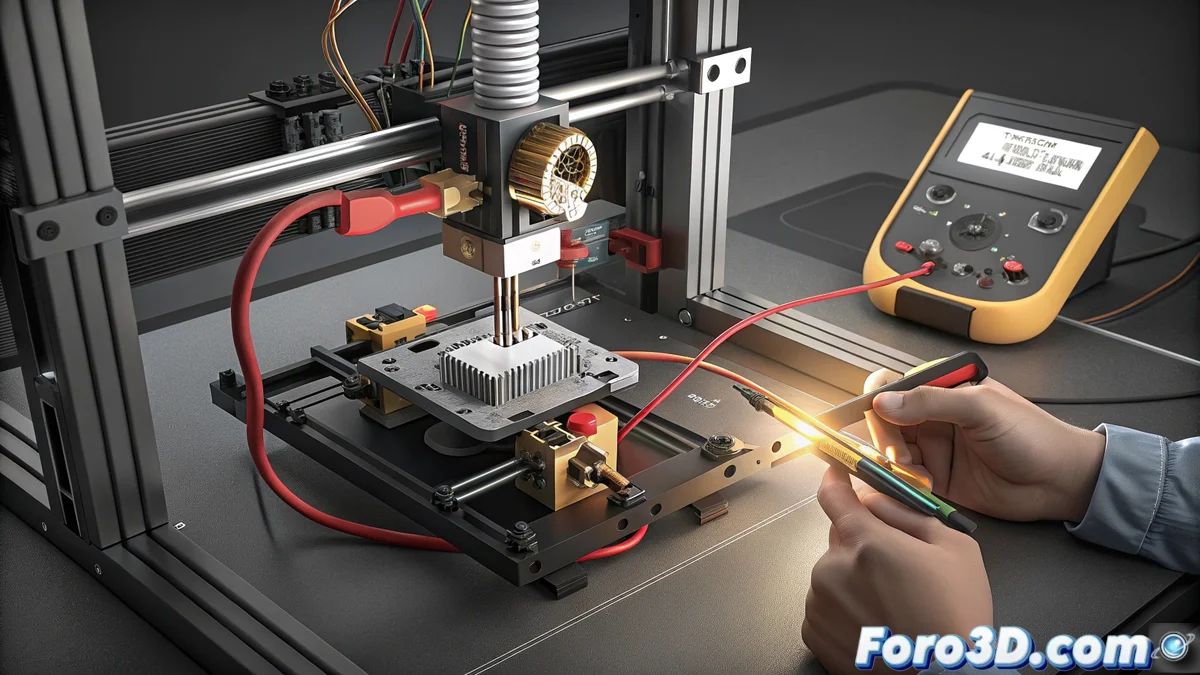
Fix the HMS_0300-0202-0002-0002 Error on Bambú Lab Printer
When your Bambú Lab printer displays the code HMS_0300-0202-0002-0002, it is detecting a critical issue with the heating cartridge. The system measures the electrical resistance of this component and, if the value is outside the expected range, it stops the process to avoid risks. Incorrect resistance prevents precise temperature control and usually indicates that the part is worn out or about to fail. 🔧
What this error code means
This specific error is triggered during the pre-heating check phase. The machine evaluates the resistance of the hotend heater. If the reading is too high (open circuit) or too low (short circuit), it interprets that it cannot guarantee safe and stable heating, so it aborts the operation. It is a protection mechanism that prevents major damage or poor print results.
Steps to diagnose the fault:- Access the printer's diagnostic menu. There you can check the current hotend resistance value in real time.
- Compare the displayed value with the manufacturer's specifications. A typical cartridge for these models usually has a resistance close to 24 or 40 ohms, depending on the operating voltage.
- An infinite resistance reading (OL) indicates an open circuit (broken wire or burned component), while a value close to zero indicates a possible internal short circuit.
The machine sometimes seems smarter than us in warning that a key component needs to be replaced, avoiding ruining a long print.
How to permanently fix the problem
The definitive solution is to replace the faulty heating cartridge. Do not attempt to repair it, as its reliability is compromised. It is a simple mechanical process that requires caution.
Procedure to replace the component:- Completely disconnect the printer from the power supply and let the hotend cool to room temperature. Handling it hot is dangerous.
- Remove the front fan from the head to access the heating cartridge. Locate the electrical connector (usually two pins) and disconnect it carefully.
- Extract the old cartridge from the heating block. It may be secured with a set screw or simply press-fitted. Remove it gently.
- Insert the new heating cartridge, ensuring it has the same specifications (voltage and power) as the original. Connect the wires and secure them so they do not interfere with moving parts.
- Reinstall the front fan and all components you have removed.
Verify that the solution works
Once the component is replaced, connect the printer and turn it on. Navigate to the preheat hotend option or run a test heating cycle without filament loaded. Observe that the temperature rises steadily and quickly to the target value (e.g., 250°C). If the heating is correct and the HMS_0300-0202-0002-0002 error does not reappear, the repair has been successfully completed. Your Bambú Lab printer is ready to produce with precision again. ✅