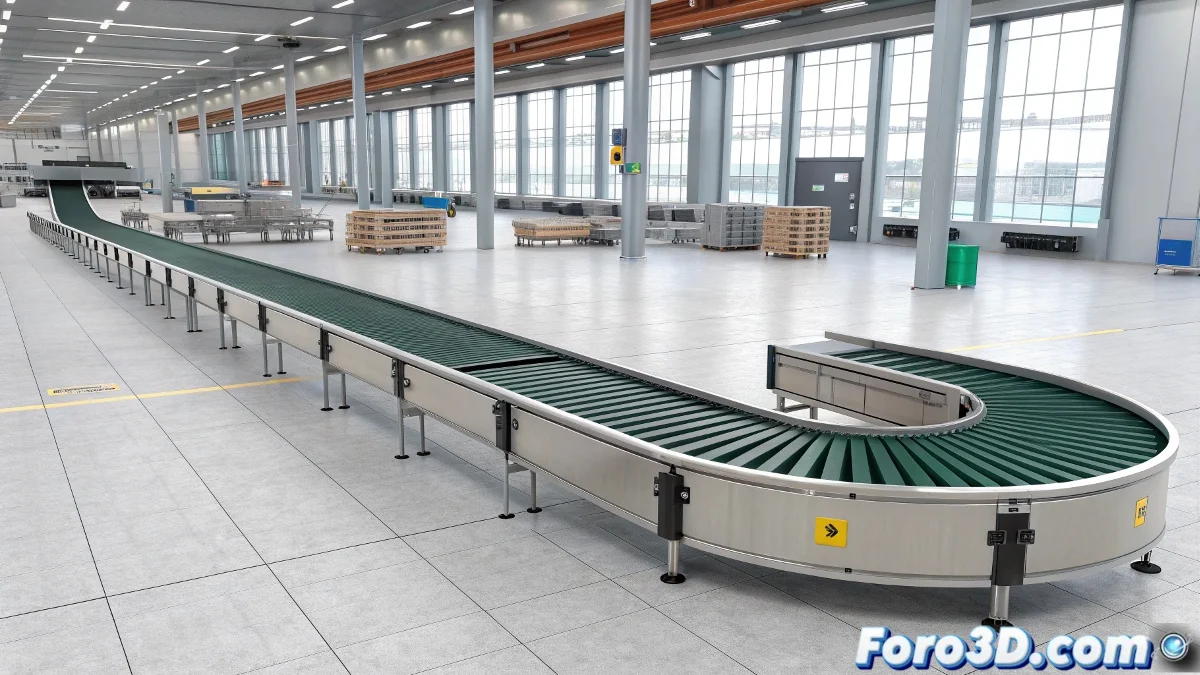
Master Conveyor Belt Animation in 3ds Max
Do you need to create realistic conveyor belt movement? Discover how to choose between physical rotation and texture displacement based on your needs, with professional techniques for perfect results.
"A well-animated conveyor belt is the heart that brings any industrial scene to life"
Method 1: Real Physical Rotation
For interactions with objects:
- Select the cylindrical object of the belt
- Activate Auto Key on frame 0
- On the last frame:
- Rotate on its axis 360° × desired turns
- Adjust rotation axis according to direction
- In Curve Editor:
- Select rotation track
- Apply Out-of-Range Types > Loop
Advanced optimization:
- Use Linear Controller for constant speed
- Add controlled noise for realistic variations
- Combine with MassFX for transported objects
Method 2: Texture Displacement
For static renders or fixed cameras:
- Apply UVW XForm modifier to the belt
- Animate U Offset parameter:
- Frame 0: Value 0
- Frame 100: Value 1 (or multiples)
- Set up material with repetitive texture
- Create animation loop as in method 1
Professional tricks:
- Use Gradient Ramp Map for smooth transitions
- Combine with Bump Mapping for apparent relief
- Apply Motion Blur in render for greater realism
Comparison Table: Which Method to Choose?
| Criterion | Physical Rotation | Texture Displacement |
|---|---|---|
| Physical interaction | ✅ Ideal | ❌ Not applicable |
| Performance | ❌ Heavier | ✅ Optimized |
| Visual quality | ✅ Realistic in 360° | ✅ Good for fixed cameras |
| Complexity | Medium/High | Low/Medium |
Implementation Checklist
- ✅ Correct direction: Verify rotation/displacement direction
- ✅ Constant speed: Adjust animation curve to linear
- ✅ Seamless texture: Use perfectly repeatable textures
- ✅ Render tests: Verify with animation samples
On foro3d you'll find example scenes with both methods implemented. Because we've all had those belts that seemed to teleport instead of moving smoothly. 🏭
Common Troubleshooting
- Flickering texture: Adjust map size and filtering
- Irregular rotation: Check pivots and rotation axis
- Imperfect loop: Ensure exact values (multiples of 360° or 1.0)
- Lack of realism: Add subtle speed variation
As industrial visualization experts say: "Perfect movement is invisible - it's only noticed when it fails". Now go and take your conveyor belts to the next level of realism. 🚀