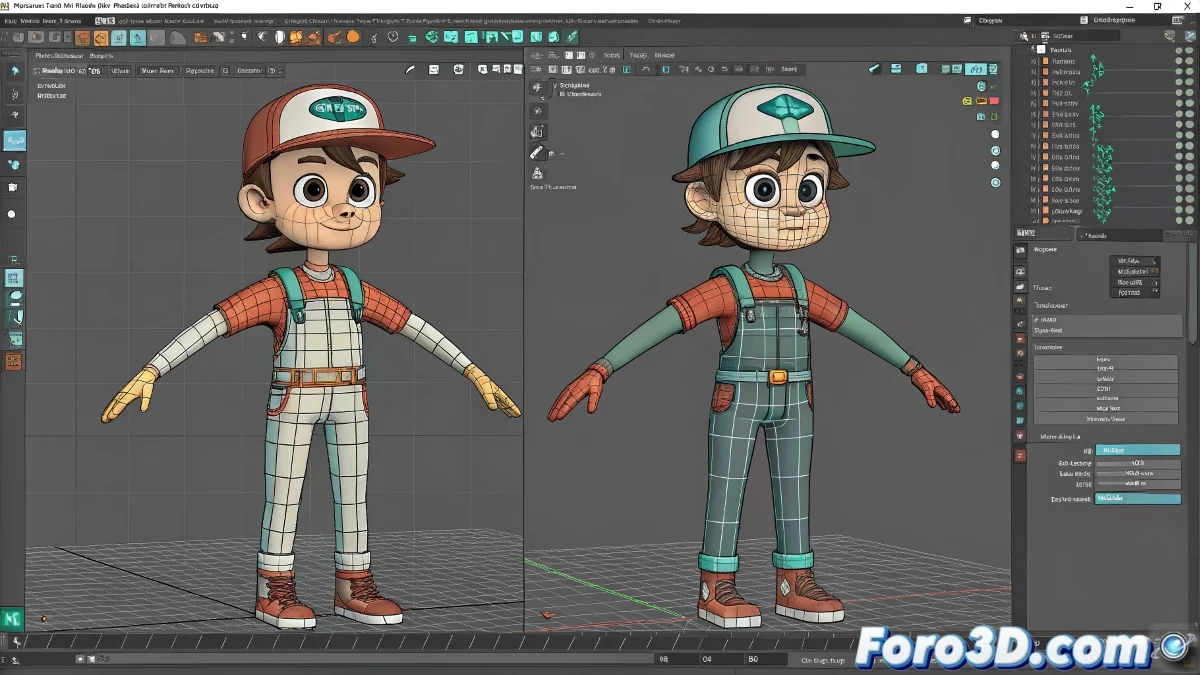
When you need an evil clone of your animation (but mirrored) 😈🪞
Mirroring animations in Maya should be as easy as looking in the mirror... but without the right tool it can turn into a game of "which limb got animated backwards?". Discover the professional method that studios use to duplicate movements with precision.
"A good animation mirror is like good makeup: if it's too noticeable, something went wrong" — Character Animator.
Preparation: the key to success
Before starting, make sure that:
- Your rig uses _L and _R suffixes consistently
- The controllers have symmetric names
- The rotation axes are oriented correctly
The magic process in 4 steps
- Select the animated controllers in the Graph Editor
- Use Edit > Copy Animation (not the regular Copy)
- Select the equivalent controllers on the other side
- Execute Edit > Paste Special > Paste Flip Animation
Real production tricks
For impeccable results:
- Test first with a single controller
- Always check the rotation axes after mirroring
- For facial animations, use Mirror Blend Shape
- If something fails, check the node names
Why not just use Special Duplicate?
The advantage of Paste Flip Animation is that:
- It maintains the original timing
- It respects the animation curves
- It's faster for iterative adjustments
- It works even with asymmetric rigs
With this technique, you'll be able to create mirror animations faster than saying "Was it left or right?" for the tenth time in a review. ✨
P.S.: If your animated character ends up doing the moonwalk unintentionally, check the Z axes. It's always the Z axes.