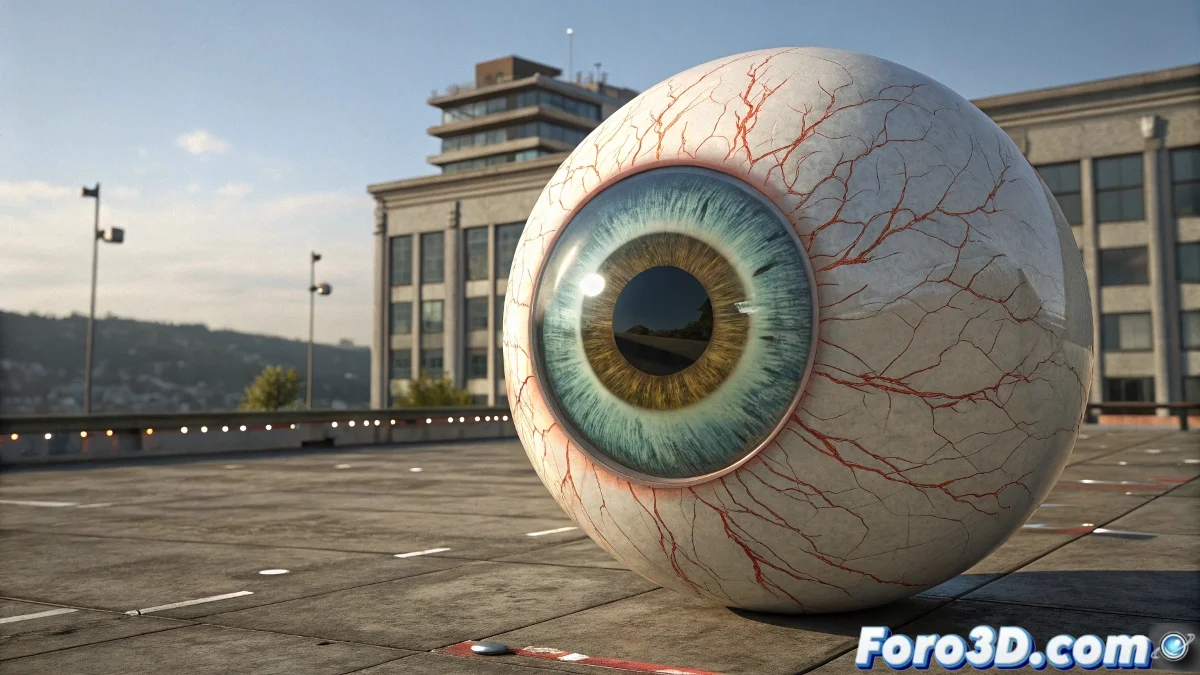
When you want expressive eyes without sacrificing sharp pupils 👁️➡️🎭
Facial animation requires eyes that deform... but the pupils must remain perfect. Here's the professional method used by studios to achieve it.
🎯 Definitive Solution: Intelligent Double Geometry
- Create two concentric spheres:
- Eye_A: Deformable geometry (for animation)
- Eye_B: Fixed pupil/texture (only visible)
- Key Setup:
- Link Eye_B as child of Eye_A
- Apply Look At Constraint to Eye_B
- Target: Gaze controller Null
"A well-rigged eye is like a good actor: the sclera deforms with emotion, but the pupil always keeps the focus"
🛠️ Professional Workflow
| Step | Tool | Setup |
|---|---|---|
| 1. Base Deformation | Morpher/Skin | Only on Eye_A |
| 2. Pupil Texture | UVW Mapping | Planar/Spherical on Eye_B |
| 3. Gaze Direction | Look At Constraint | Adjust Z axis forward |
💡 Alternatives for Render Engines
- V-Ray: Use VRayDistanceTex for pupil mask
- Arnold: Layer Shader with procedural mask
- Redshift: Material Blender for isolation
🚨 Common Errors and Solutions
- Dancing Pupil: Check Look At Constraint axis
- Strange Transparencies: Adjust render order
- Incorrect Shadows: Configure proper render flags
🎬 Bonus for Animators
- Create independent gaze controller
- Use Wire Parameters for micro-movements
- Add secondary Morpher for blinking
With this technique, your characters will have eyes that convey emotion without losing definition. And if the pupils follow you too intensely after hours of work... maybe it's time for a break. 😅