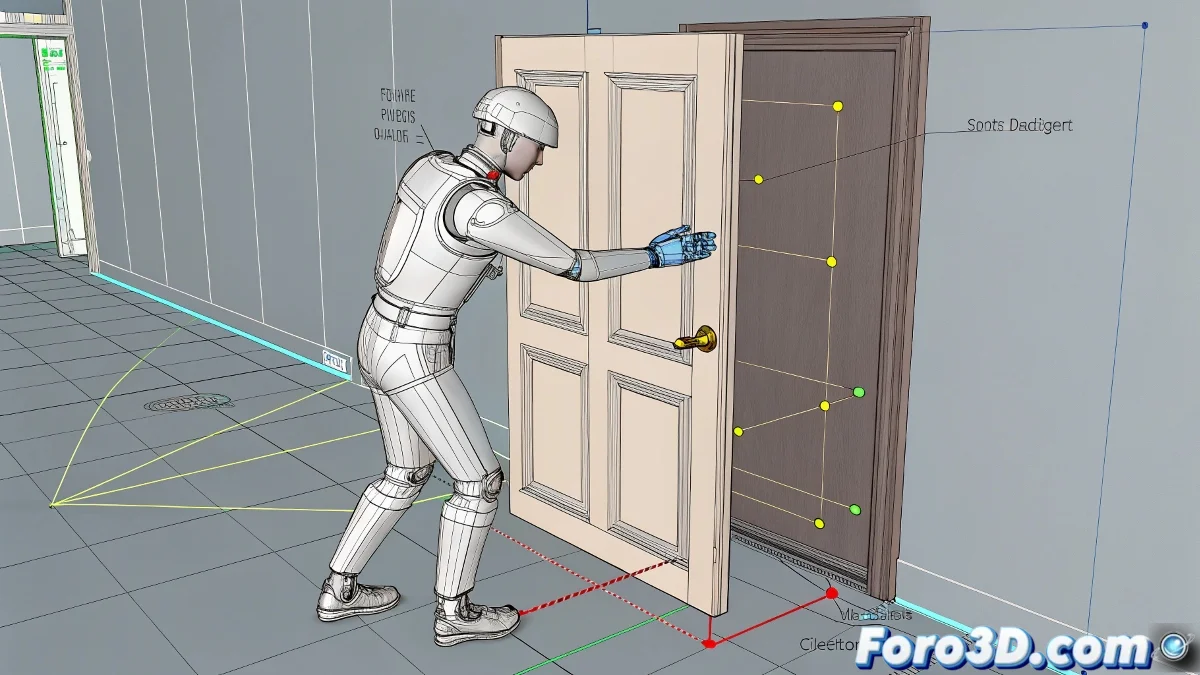
When Your Character Needs to Interact with the World
Animating a Biped opening a door in 3ds Max can seem as complicated as teaching a cat to play the piano... until you discover the power of Dummies and Link Constraints. 🚪 Here's the professional trick that animators use to create believable interactions.
The Infallible Method in 5 Steps
- Create a Dummy and position it exactly on the door handle
- Select the Biped's hand and apply a Link Constraint from the Motion panel
- Add the first link to the Dummy when the hand grabs the handle (keyframe)
- Animate the door normally - the Dummy should follow its movement
- Release the hand by adding another link to the scene when it lets go of the handle
A well-configured Link Constraint is like a perfect handshake: firm when needed and loose at the right moment.
Common Mistakes and How to Avoid Them
- Not aligning the Dummy properly: The hand will seem to float near the handle
- Forgetting the release frame: The hand stays magically stuck to the door
- Not testing the physics: The door must move with believable weight
Professional Tricks for Greater Realism
Take your animation to the next level:
- Add 5-10 degrees of wrist rotation when grabbing the handle
- Include an anticipation frame before the hand moves toward the handle
- Use a second Dummy for the push/pull movement after turning the handle
Fun fact: In professional productions, this type of interaction is first tested with inverse kinematics (IK) and then refined with manual keyframes. 🎬
Now that you master this technique, your Biped can open doors... literally. The next challenge: making it close the door behind itself like a true gentleman? Well, that's material for another tutorial. 😉
Bonus tip: For heavy doors, add a slight full-body movement backward when pushing, as if it were really exerting force.