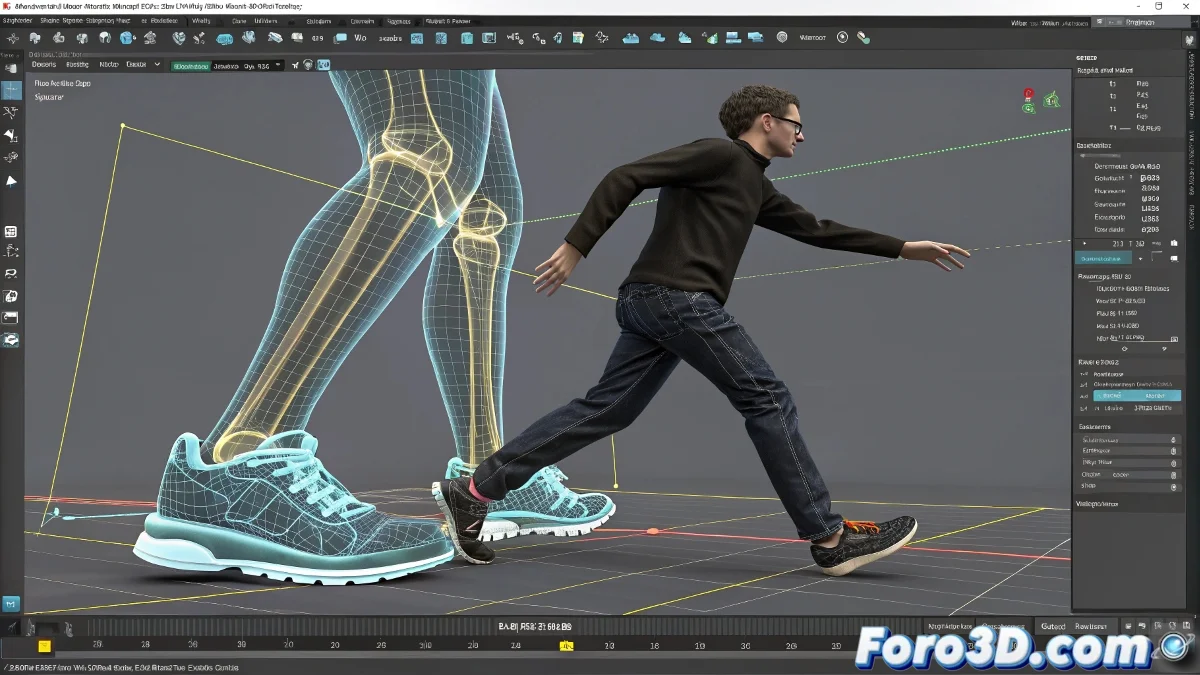
When Your Characters Walk Like Ghosts Through the Floor 👻🦶
You imported your precious mocap animation to 3ds Max and... surprise! The feet go through the floor as if it were air. Don't worry, it's not a supernatural error, just a common problem with creative solutions that will save you hours of manual adjustments.
"Good ground contact is like the foundations of a house: if it fails, everything collapses" — Animator frustrated for the 37th time.
Professional Correction Methods
- Footstep Solver (for Biped):
- Activate the modifier in the Motion panel
- Adjust the ground contact height
- Perfect for basic walking animations
- Manual Adjustment with Curve Editor:
- Locate the Y position curves of the feet
- Raise the minima to match the floor
- Use "Flat" tangents at contact points
Advanced Techniques
- Smart Floor Helper:
- Create an invisible plane as reference
- Use constraints to limit vertical position
- Combine with expressions for dynamic adjustment
- Automated Solutions:
- Try the Auto Foot Fix script
- Look for plugins like Foot Plant Correction
- For large productions, consider MotionBuilder
Common Mistakes and How to Avoid Them
Before losing your patience:
- Check the character scale
- Review the root position on import
- Examine if the problem is consistent or random
- Test with a short segment first
With these methods, you can fix those annoying ghost feet without losing your sanity. As the veterans say: "I'd rather animate 100 walking cycles than fix one frame of foot penetration". 👟💢
P.S. If after all that your character still walks like the floor is lava, maybe you should turn it into a ghost... and sell it as a feature, not a bug.