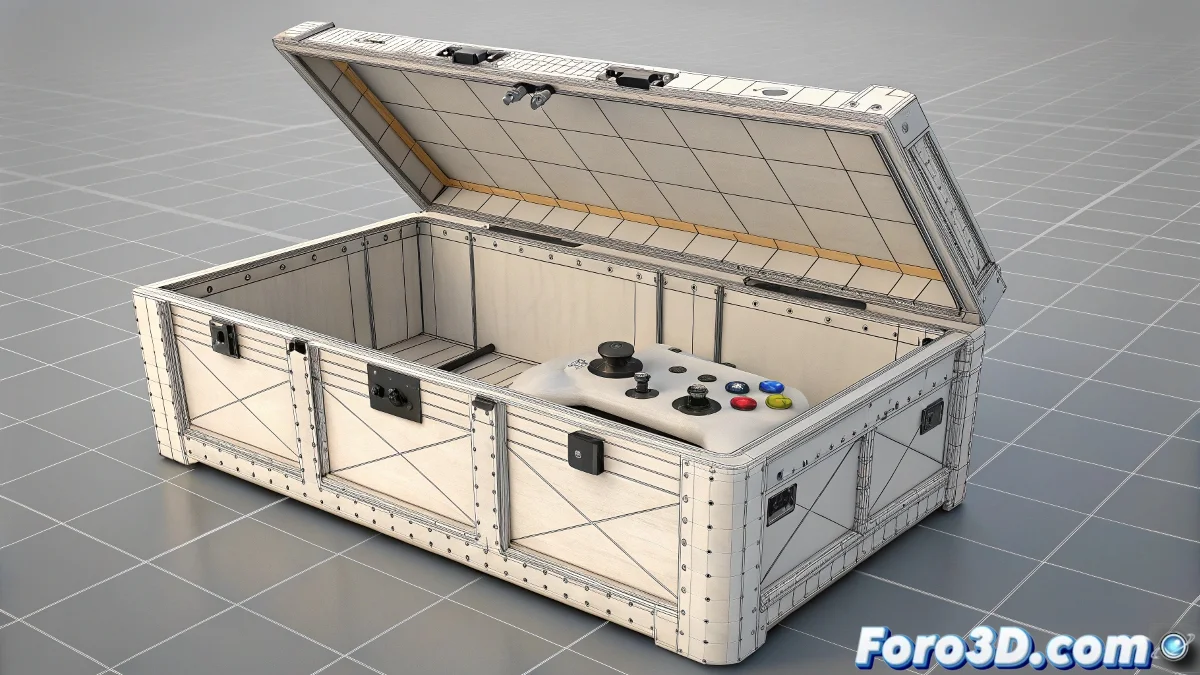
Professional Rigging for a Simple Box in 3ds Max
Did you think rigging a box would be boring? 🤨 Think again. In 3ds Max, even the simplest object can become an animation machinery worthy of a blockbuster. Perfect for motion graphics, animated props, or simply to understand the fundamentals of rigging without going crazy. 🧠💥
Step 1: The Anatomy of an Animatable Box
Create your basic box and separate the lid as an independent object. The trick is in:
- Repositioning the pivot exactly at the rotation edge
- Using Link to connect lid and body
- Applying Wire Parameters for external controls
This way you'll have a box that opens like in cartoons, but without magic... just good rigging. 🎁
Step 2: Controls That Look Like Character Ones
So you're not moving vertices like in 1995:
- Create spline circles as visual controls
- Link them to rotation with Script Controllers
- Try Reaction Manager for progressive movements
A well-rigged box is like a good Ikea furniture: it seems simple until you see all the pieces it has inside.
Step 3: When the Box Needs Personality
For cartoon effects or squash-and-stretch:
- Apply FFD (Box) for global deformations
- Try Bend modifier with linked controls
- Create expressions so it deforms when opening
And just like that, without realizing it, you'll have created a rig more complex than some characters. But hey, now you can animate boxes with more style than most objects in real projects. The next time you see an animated box in a movie, you'll know exactly what controls it had hidden. 😉
Ironic Bonus: If this seems exaggerated for a box, wait until I tell you that professionals spend weeks rigging... bottles!