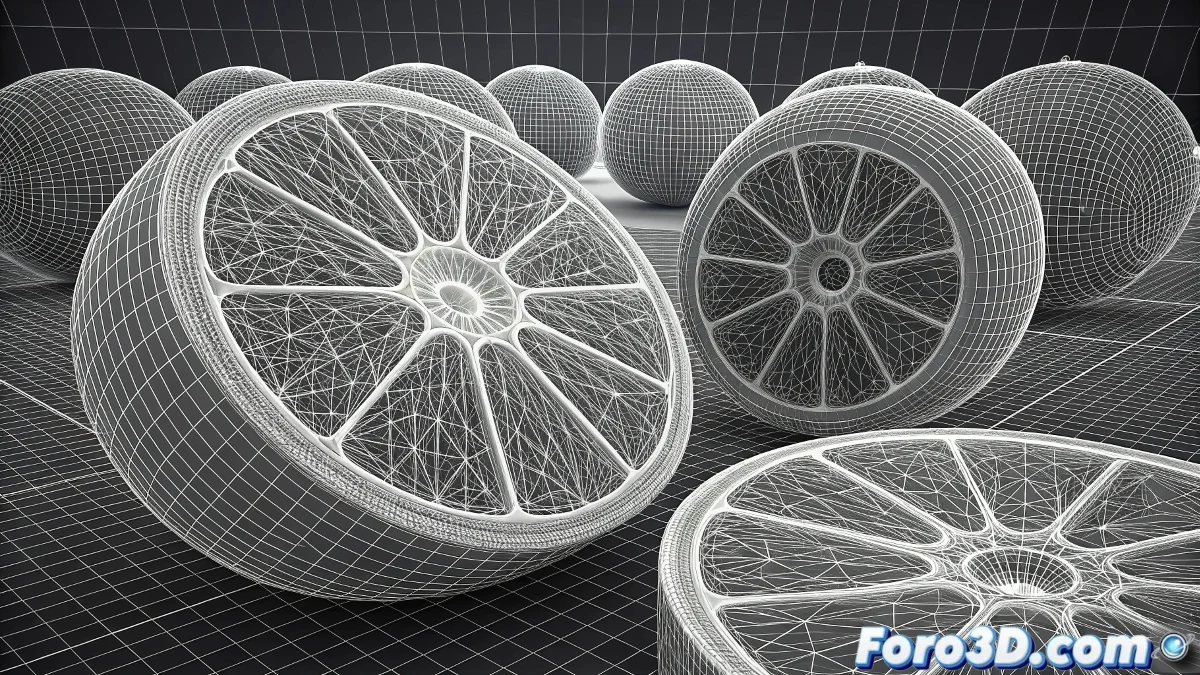
Cellular Chaos in the Bloodstream
It's a classic problem when simulating biology in 3D: red blood cells decide to ignore the laws of cellular physics and merge like mercury droplets instead of maintaining their individuality. This behavior not only ruins the realism of your scene but can turn an educational simulation into an abstract cellular chaos that distracts from the educational purpose of your university project.
The problem usually occurs because Cinema 4D is not configured to recognize that each red blood cell must maintain its physical integrity and collide correctly with its neighbors. Without the proper setup, objects simply pass through each other or merge, creating that cellular soup effect you describe.
In biological simulations, red blood cells without collisions are like ghosts that pass through each other instead of cells with physical presence
Collision Setup with Rigid Body Tags
The most effective solution is to use Cinema 4D's dynamics system with Rigid Body tags. This forces each red blood cell to recognize the existence of the others.
- Apply Rigid Body tag: to each red blood cell in the scene
- Collision Shape: use Static Mesh or Convex Hull depending on complexity
- Collision Margin: very low values (0.1-0.5) for precision
- Initial Linear Velocity: for initial movement in the bloodstream
Critical Dynamics Parameters
Once the tags are applied, you need to adjust the specific parameters that control how the blood cells interact with each other. Default values usually don't work for objects of similar size.
The Bounce parameter controls the elasticity of collisions, while Friction determines how they slide against each other. For blood cells, you need specific values 😊
- Bounce: 0.1-0.3 for soft collisions
- Friction: 0.5-0.8 for realistic sliding
- Mass: consistent values for all cells
- Damping: 0.1-0.3 to dampen vibrations
Technique with Cloner and Repulsion Forces
If you're using a Cloner to generate the red blood cells, you can add repulsion forces to prevent them from getting too close.
Add a Field Force with Repulsion mode that acts at very short distances. This creates an exclusion zone around each cell that prevents merging.
- Field Force: Repulsion mode with Linear falloff
- Small Radius: 110-120% of the cell size
- Smooth Strength: 5-15 to avoid sudden pushes
- Falloff: very steep for localized effect
Performance Optimization
Simulations with many colliding objects can be computationally heavy. These settings will help keep the simulation smooth.
Use optimized geometry for the cells and consider temporarily reducing collision quality during development.
- Collision Quality: Medium during tests, High for final
- Substeps: 2-5 for precision/speed balance
- Iterations: 10-20 for stability in multiple collisions
- Proxy geometry: use spheres during simulation
Solution with MoGraph Selection Tags
For more advanced control, you can use MoGraph Selection tags combined with Effectors to create more specific behaviors.
This allows you to have different behavior rules for blood cells in different zones of the bloodstream, better simulating biological reality.
- MoGraph Selection tag: for groups of cells
- Plain Effector: with transformation parameters
- Formula Effector: for complex behaviors
- Delay Effector: for chain reactions
Bloodstream Environment Setup
The medium in which the cells move also affects their behavior. Set up forces that simulate blood viscosity.
Add a Drag Force with parameters that simulate blood plasma resistance. This slows movement and gives more control over collisions.
- Drag Force: strength 3-8 for blood viscosity
- Turbulence: very smooth for natural variation
- Gravity: disabled or very low
- Attractor: for bloodstream direction
Scale and Proportions Verification
A common issue is scale disproportions that affect physical behavior. Verify that everything is at a realistic biological scale.
Human red blood cells measure approximately 7-8 micrometers. Maintaining realistic proportions helps physics work correctly.
- Verify full scene scale
- Consistent size for all cells
- Appropriate density for real blood
- Biologically accurate velocities
Step-by-Step Workflow
Follow this methodical process to solve the problem efficiently. Patience is key with complex simulations.
Start with a simple test scene with few cells before scaling to the full simulation.
- Step 1: Create test scene with 5-10 cells
- Step 2: Apply Rigid Body tags and set up collisions
- Step 3: Add repulsion and viscosity forces
- Step 4: Scale to full simulation
Troubleshooting Persistent Issues
If after everything the cells still merge, these additional adjustments usually resolve the toughest cases.
Sometimes the problem is in the cell geometry itself or conflicts between different physics systems.
- Simplify cell geometry
- Review object hierarchies
- Test different collision shapes
- Reset and start from scratch
After applying these solutions, your red blood cells will circulate elegantly through the bloodstream, maintaining their individuality as they would in a real organism... and most importantly, you'll be able to deliver your university project on time without that cellular chaos that was holding you back 🩸