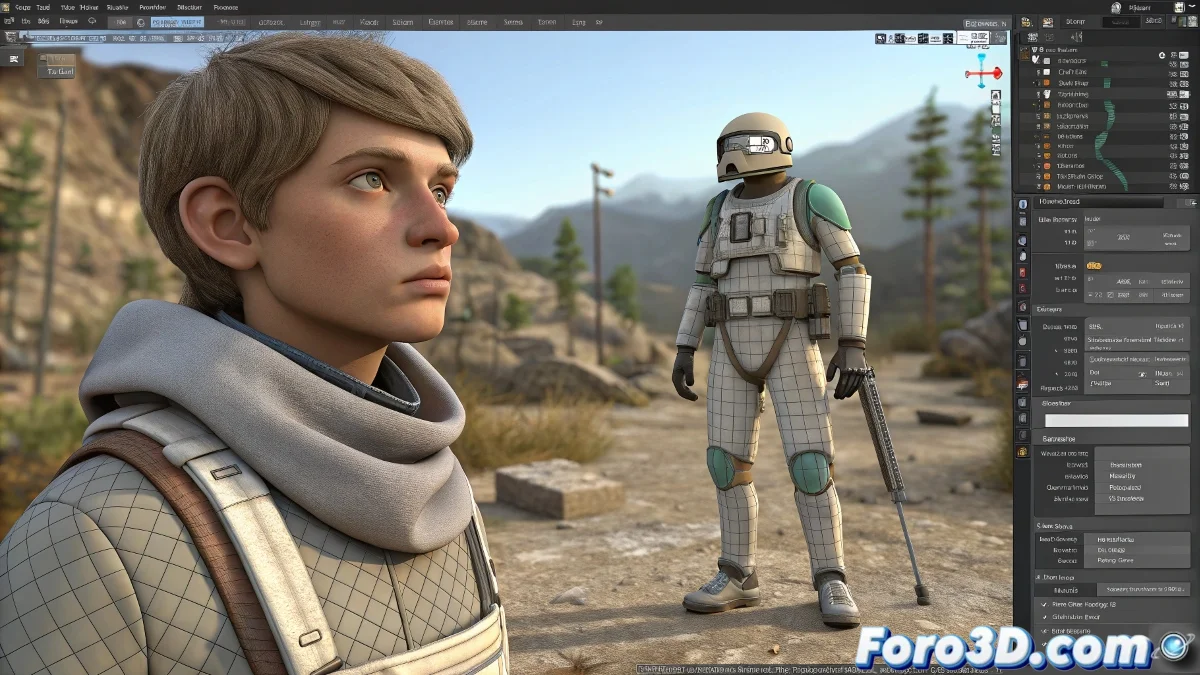
When Your Biped Decides to Go Kamikaze When Changing PCs 💥
Nothing like opening your file on another computer and discovering that your animated character looks like it suffered a nuclear explosion. This grotesque deformation festival is commonplace when transferring files with Biped between different 3ds Max configurations.
The Time Bombs That Destroy Your Biped
The main culprits of this disaster are:
- Inconsistent system units (the classic inches vs centimeters)
- Unreset scales that accumulate like bank interest
- Version dependencies (especially with Max 2009, that war veteran)
"In the 3D world, inconsistent units are like alcohol in a relationship: at first it doesn't seem serious, but it ends in disaster"
Biped Bomb Defusal Manual
To avoid the apocalypse of your character:
- Use Reset XForm like it was holy water
- Collapse the mesh to Editable Poly/Mesh before traveling
- Export in FBX with Bake Animation enabled
- Set the units BEFORE importing on the new machine
- Consider using File Link Manager for stable references
First Aid for Mutant Bipeds
If the damage is already done:
- Symptom: Mesh completely misaligned
Solution: Reimport from the original file with correct units - Symptom: Only some parts deformed
Solution: Reassign skinning in the affected areas - Symptom: Correct animation but wrong scale
Solution: Apply uniform scale to the entire Biped
And if all else fails, you can always convert to the CAT Rigs cult... though let's admit it, it would be like changing religions just because your favorite saint didn't listen to you this time 🙏. In the end, working with Biped on different PCs is like a marriage: it requires communication, standardization, and sometimes, professional therapy.