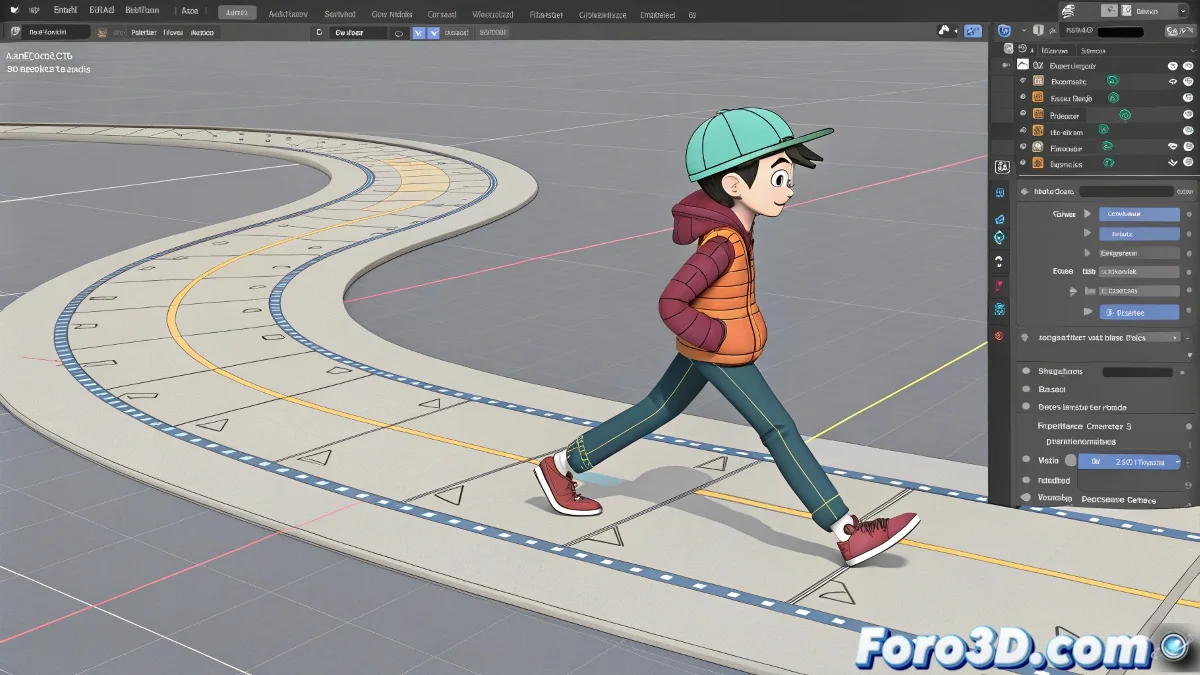
Practical Solutions for Cycles, Curved Trajectories, and Animation Structure in 3ds Max
Animating characters in 3ds Max is not just about making them walk in a straight line. The doubts you raise are quite common when moving from a simple cycle to a more narrative and controlled animation. Let's break it down, and like a good rig, we'll structure it well. And no, you don't need to be an animation expert to do it! 🎭
Walking on Curved Trajectories Without Looking Like a Skater
The typical "ice rink" effect occurs because the character's displacement (usually applied to the main controller) is not properly synchronized with the body's rotation and the feet's position. To avoid this, instead of just using the walk cycle in place (in-place), you can animate a Motion Path or use a Path Constraint so that the character's global controller follows a curved trajectory. The key is that the steps are also animated relative to the displacement: the cycle must adjust to what it actually covers in each step. You can duplicate the cycle, but adapting its displacement to match the progress along the curve. The trick is to break the idea that the cycle is untouchable and adjust it to the environment.
Interrupting a Cycle to Animate Actions Like Waving
In the Track View, when you use Out of Range Types in Cycle mode, you are effectively repeating an animation in a loop. But if you need the character to stop to wave, you must convert that part of the cycle into editable keys. That is, you collapse the cyclic animation in that specific area (bake keys or create manual keys) and insert the custom animation (the wave) there. Then you can resume the cycle later. This way you maintain control without compromising the overall fluidity.
Structuring Long Animations: Everything in One Rig or by Blocks
If your character performs several consecutive actions (running, stopping, waving, walking, jumping…), the most recommended approach is to keep everything in the same scene with the same rig. You use a single character, with its skeleton and controllers well organized, and animate it by sections, smoothing the transitions. It's common to work with story tools or timeline clips if you use tools like Motion Mixer, where you can load clips (e.g., running, walking, waving…) and combine them. But you don't need to duplicate characters for each action. All you need is good organization on the timeline and perhaps animation layers if you want to keep it cleaner.
And if all else fails, you can always say your character is doing freestyle dancing on ice, à la Soul Calibur... but with its own style. So get to work and bring your characters to life! 💃
With these tips, you'll be able to handle animation cycles, curved trajectories, and complex structures in 3ds Max effectively. And remember, if the animation doesn't turn out as expected, you can always review your settings! 🔧