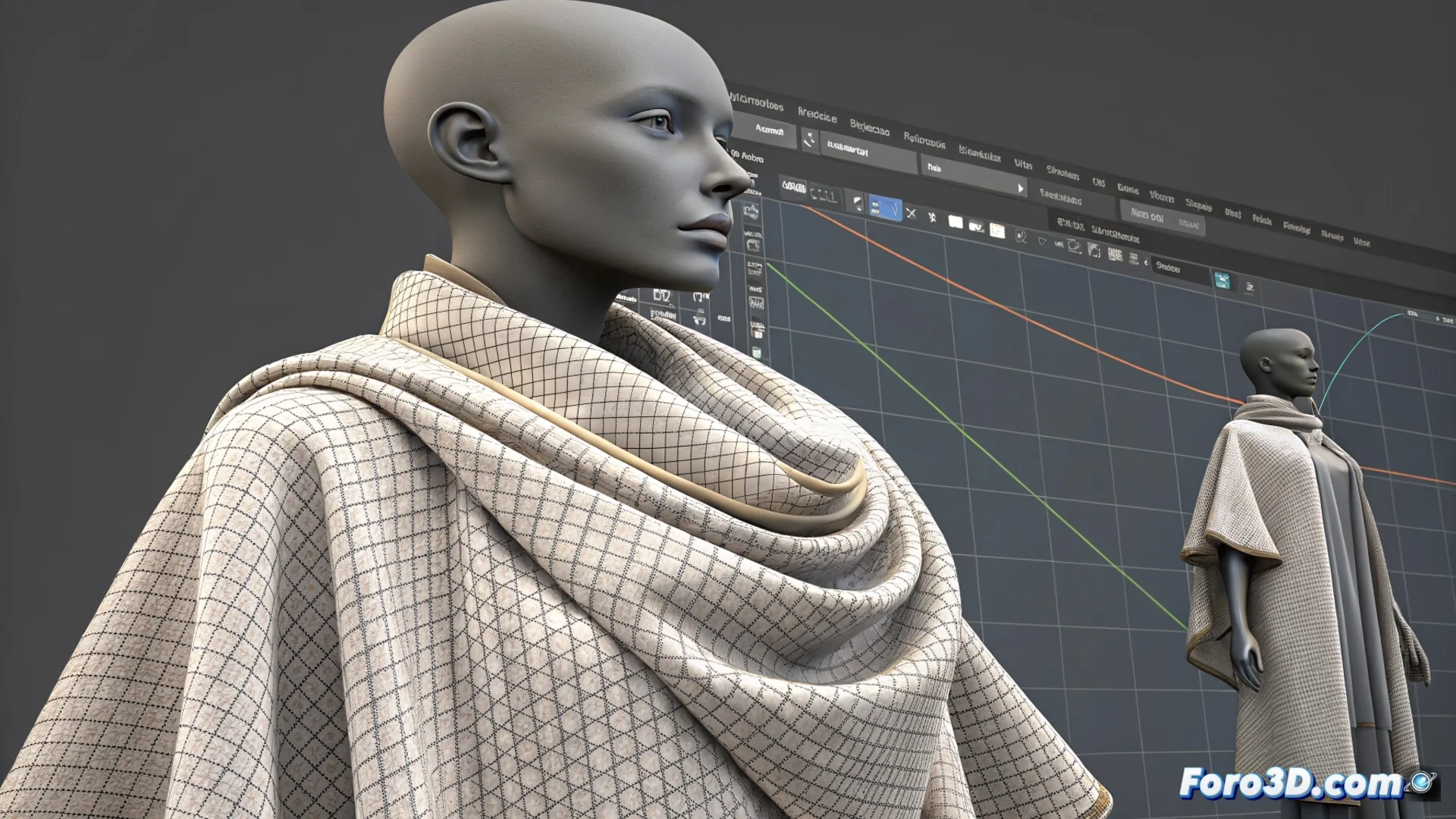
Particle Distance in Marvelous Designer: Resolution and Performance
At the core of Marvelous Designer for simulating digital fabrics lies an essential parameter: Particle Distance. This setting determines how many virtual particles form the mesh of a garment, thus configuring the base resolution of the entire physical simulation. Its value directly influences how the digital fabric folds, falls, and moves. 🧵
Defining the Simulation Mesh Density
Particle Distance sets the separation between the mesh points that represent the fabric. A lower number means placing more particles in the same area, generating a denser mesh with greater definition. This density is what allows the software to calculate complex behaviors, such as small wrinkles or the smooth drape of silk. Conversely, a greater distance simplifies the mesh.
Consequences of modifying the particle distance:- Dense mesh (low value): The simulation can capture deformations and folds with a much higher level of detail, ideal for close-ups or fine fabrics.
- Light mesh (high value): The system uses fewer particles, which drastically speeds up calculations and allows for faster iteration during the initial phases of a project.
- Precision vs. Speed: The setting becomes a fundamental choice between the visual fidelity of the result and the time required to produce it.
The Particle Distance value is the main dial for tuning the realism of your digital fabric against your software's responsiveness.
The Impact on System Performance
Reducing the distance between particles has a direct computational cost. Each additional particle requires the physics engine to process more interactions and collisions per frame. This can turn a fast simulation into a process that demands extra minutes or hours, especially in complex animations or with multiple layers of clothing.
Factors to consider for balancing performance:- Available hardware: Your computer's CPU power and RAM practically limit how low you can set the distance.
- Project stage: It's common to start with higher values to lock in the animation and shape, then reduce the distance for the final simulation and render.
- Scene complexity: A simple garment can allow for extreme detail, while a full wardrobe for a character may require a more conservative value.
Finding the Optimal Setting for Your Work
There is no universal value for Particle Distance. The perfect setting arises from evaluating the specific needs of each scene: the scale of the cinematic shot, the type of fabric being simulated, and production deadlines. An experienced artist learns to optimize this parameter, seeking the point where the visual detail meets the requirements without making the simulation time prohibitive. Mastering this balance is a key skill for working efficiently with realistic fabric simulations. ⚖️