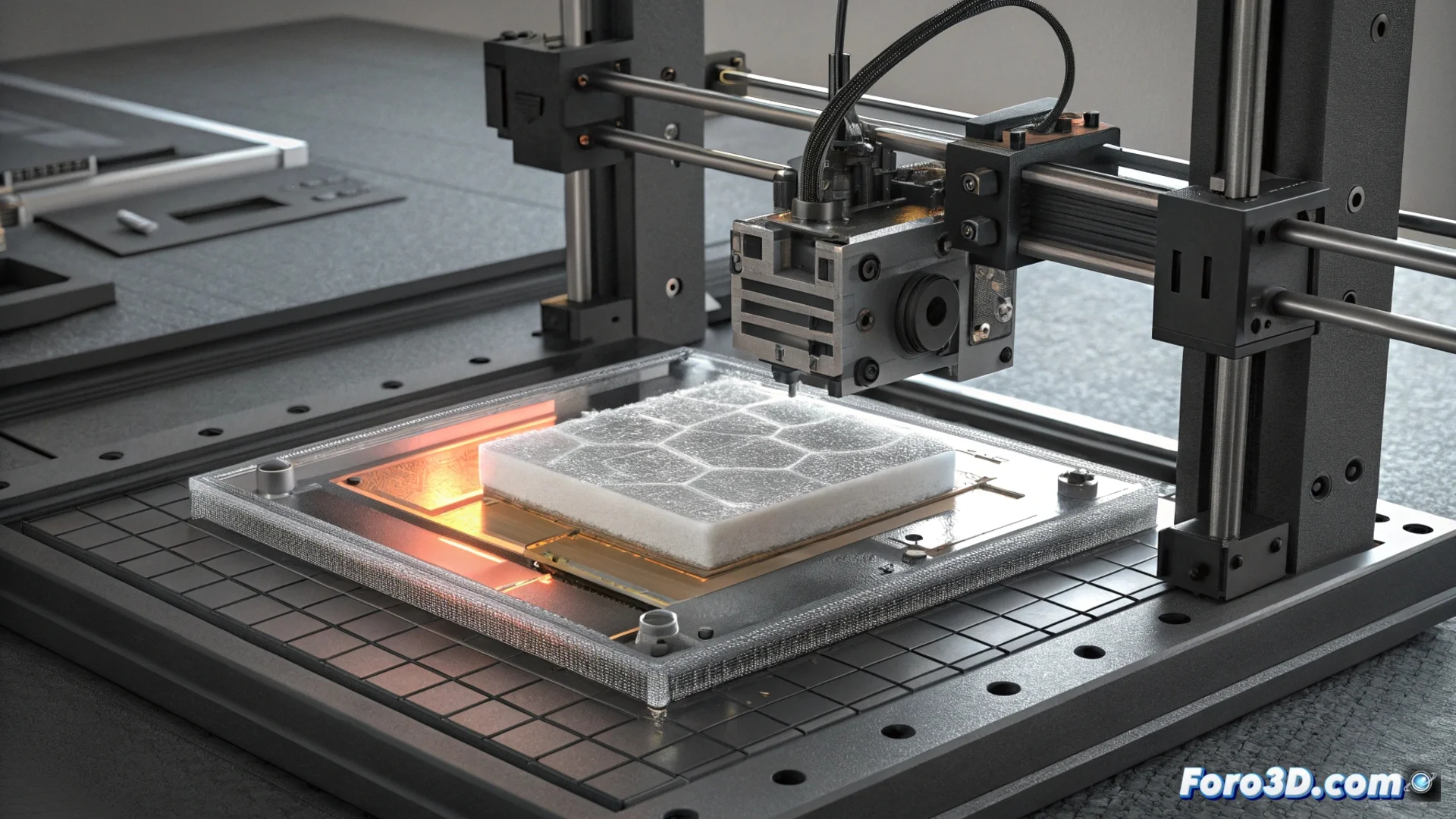
Pancaking Crushes Layers in Resin Printers
In the world of 3D resin printing, pancaking is a serious error that completely deforms parts. It occurs when the Z-axis system does not execute the lift movement between layers precisely, causing the model to cure in a single plane and flatten. The result is severe distortion that ruins the object's vertical dimension. 🥞
What Causes Layers to Flatten?
This issue usually originates from two fronts: mechanical hardware and software configuration. Incorrect Z-axis movement is the main culprit.
Common Origins of the Failure:- Mechanical Problems: A dirty, worn, or misaligned threaded rod prevents precise movement. A slipping or damaged flexible coupling also contributes.
- Incorrect Configuration: Poorly defined lift height or retract speed parameters in the slicing software.
- Excessive Suction Force: An FEP film with too much tension or very worn creates strong adhesion that the Z-axis cannot overcome when separating the layer.
Your printer seems to decide that your dragon miniature would look better as a flat and abstract keychain.
Steps to Correct and Prevent Pancaking
Solving this error requires a systematic approach, reviewing both physical components and digital settings. Prevention is key to obtaining consistent prints.
Corrective and Preventive Actions:- Maintain the Hardware: Clean and lubricate the Z-axis threaded rod. Ensure the flexible coupling is secure and the build plate is properly leveled.
- Adjust the Software: Review and increase the lift height value if necessary. Reduce the initial lift speed so the layer separates from the FEP with less abrupt force.
- Care for the Tank: Check the FEP film tension and replace it when it loses transparency or becomes marked, to avoid excessive suction.
Conclusion for Successful Prints
Pancaking is an avoidable failure that underscores the importance of periodic maintenance and precise configuration