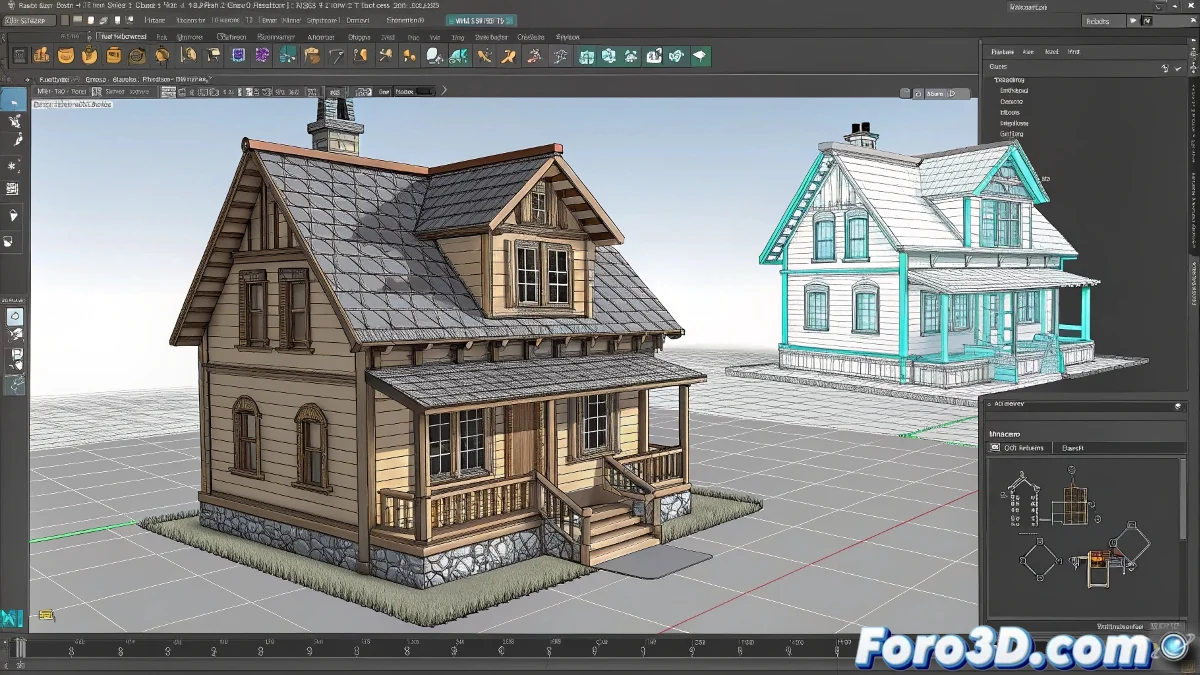
Scene Optimization in Maya Using Hassle-Free Proxies
Working with complex scenes in Maya can be a challenge, especially when dealing with objects that have thousands of polygons. Fortunately, proxies offer an efficient solution to optimize your workflow. By using simplified versions of complex objects, you can keep your scene agile and prevent your computer from trying to take off like an airplane 🛫.
Using Arnold Stand-ins
One of the most effective ways to manage proxies in current versions of Maya is through Arnold's Stand-ins. This modern method allows you to work with high-resolution objects without overloading the scene.
Exporting the High-Resolution Object
First, export the high-resolution object as an .ass file. Select the model and go to Arnold > StandIn > Export Selection to ASS.... This will create a version of the model that you can load when needed.
Creating a Stand-in Node
In the main scene, create a Stand-in node by going to Arnold > StandIn > Create StandIn and load the .ass file you exported. This will allow you to have a simplified representation of the object in your scene.
Using a Low Poly Version as Visual Reference
While working on the animation, use a low poly version of the object as a visual reference. This can be a simple box or an optimized version of the same object. Place the low poly and the stand-in in different layers and manage their visibility according to what you need:
- For animating: Show the low poly.
- For rendering: Hide the low poly and show the stand-in.
Alternative Without Arnold: Manual References
If you prefer not to use Arnold, you can manage proxies through manual references. Save two versions of the model, one low and one high resolution, in separate files (.ma or .mb).
In your animation scene, go to File > Create Reference and load the low poly version. When it's time to render, open the Reference Editor, right-click on the referenced file, and select Replace Reference, choosing the high poly model.
This system allows you to work smoothly and avoid unnecessary crashes. It's important to remember that proxies are not suitable if you're going to deform the geometry with bones or rigs that require identical topology. But for static objects, like a house, they work wonders. And yes, at first Maya might seem a bit capricious, but once you master the use of proxies, you almost feel like inviting it for a beer. Almost! 🍻