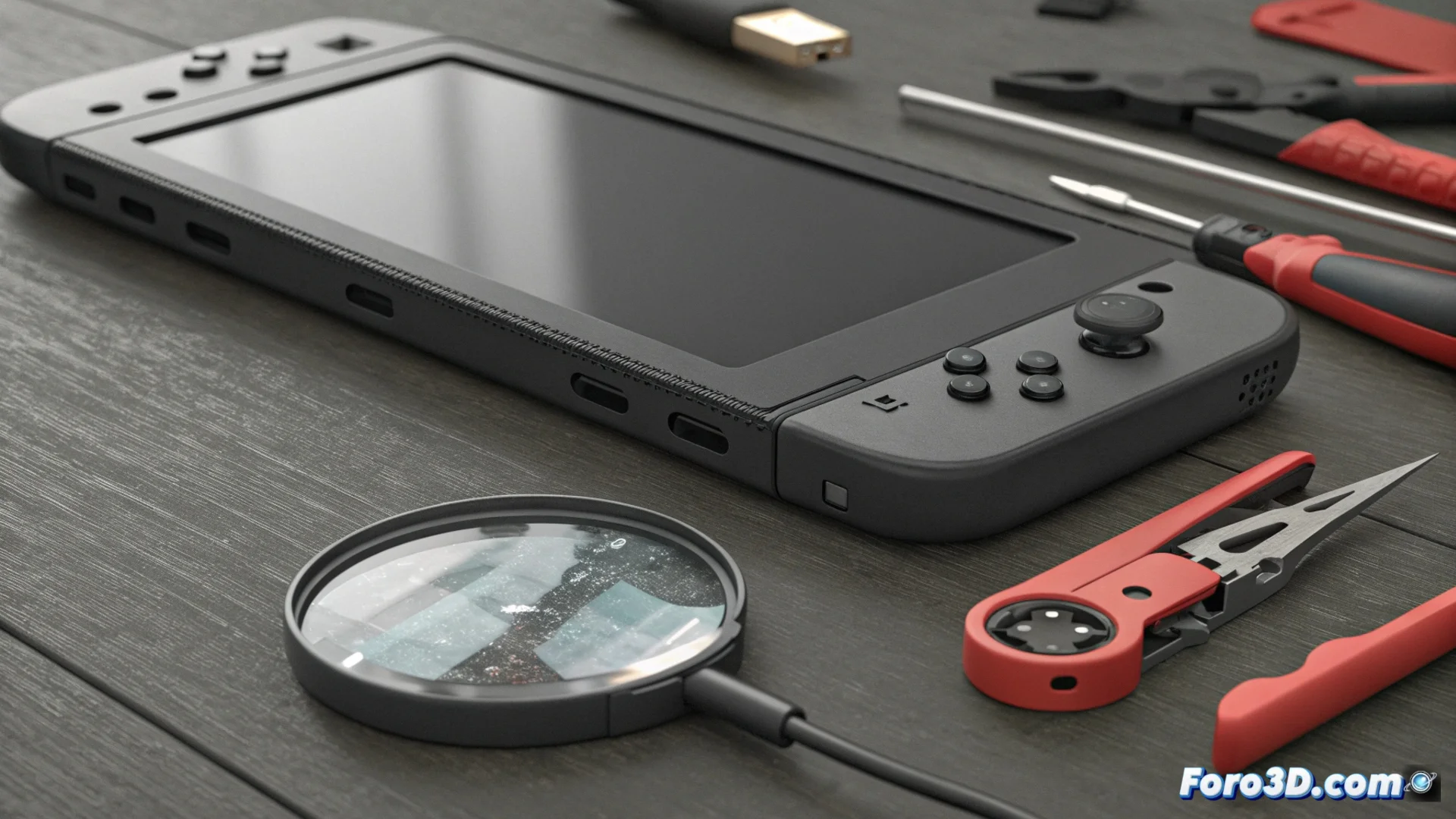
Nintendo Switch Charging Problems: Causes and How to Fix Them
It is common for users of the hybrid console to find that their device does not respond when connecting the charger or that the battery charges erratically. This frustrating behavior usually has two main origins, related to the physical hardware and the electronic components that manage power. Identifying the root of the problem is the first step to restoring full functionality to your console. 🔋
The USB-C Port: A Critical Wear Point
The USB-C connector on the Switch is designed for constant use, but it is not indestructible. Every time you plug and unplug the cable, the small metal pins inside suffer a small mechanical stress. Over time, this can bend them, break their solder, or simply make the connector lose its firm fit. A loose connection is the direct cause of that annoying intermittent charging, where the battery icon appears and disappears with the slightest movement.
Signs of a Damaged USB-C Port:- The cable feels loose or falls out easily from the console.
- You need to position the cable in a very specific way for charging to start.
- You see bent pins, oxidation, or accumulation of lint and dirt inside the port.
A port in poor condition not only prevents charging but can permanently damage the motherboard if an incorrect connection is forced.
The Invisible Danger: Non-Certified Chargers and Cables
Another silent enemy for the Switch is using power sources that do not meet Nintendo's standards. These accessories can send an inappropriate voltage or current intensity