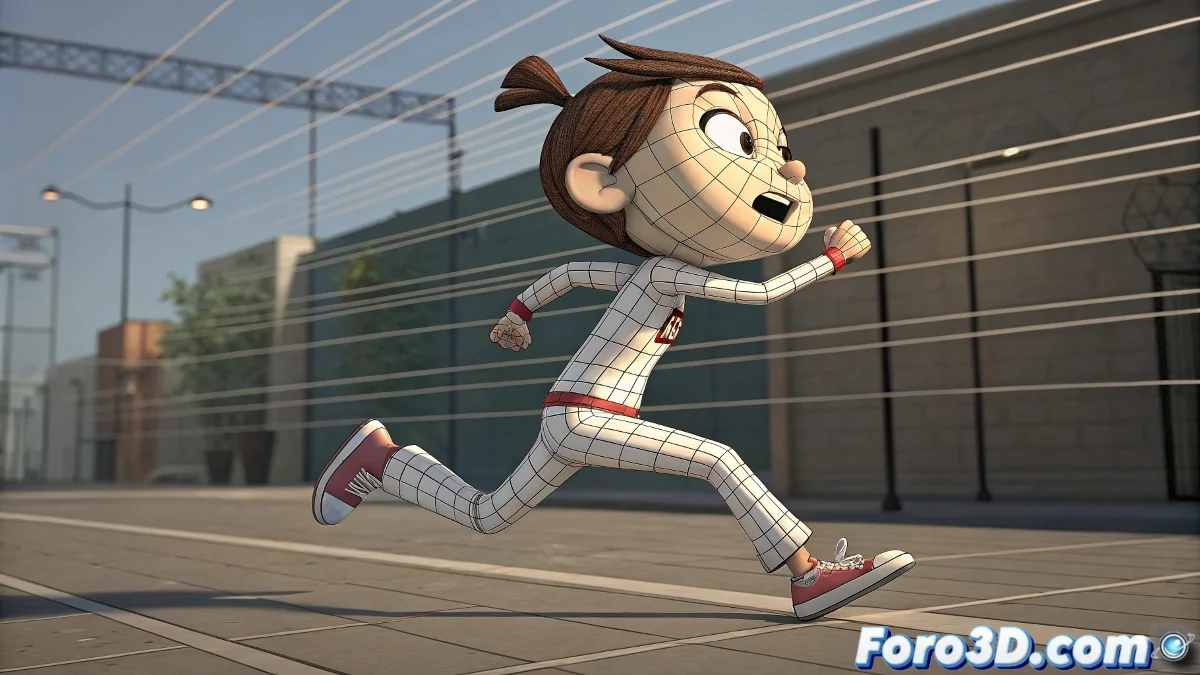
How to Fool Physics: Cartoon Motion Blur in Maya 🌀✏️
Want that comic book effect where movements leave exaggerated trails? Forget conventional motion blur - here we show you how to create 3D action lines that would make traditional animators cry with excitement.
Method 1: Handcrafted Deformation (for absolute control)
- Duplicate your geometry on key frames
- Apply a Lattice Deformer or Soft Modification
- Stretch and distort in the direction of movement
- Assign a material with:
- Radial transparency
- Color that contrasts with the model
- Animated opacity (quick fade out)
Method 2: MASH Trails (for smart lazy people)
- Create a MASH network with your object
- Add the Trail node
- Adjust:
- Length: Amount of "trails"
- Offset: Separation between copies
- Scale: Progressive reduction
- Combine with Color for automatic transparency
Method 3: Post-production (for final tweaks)
In After Effects/Nuke:
- Use Echo for automatic duplicates
- Apply Vector Blur with directional masks
- Try CC Smear for organic deformations
- Export motion passes from Maya
Proven Studio Tricks
- Simplify geometry in copies for trails
- Combine techniques (deformation + MASH)
- Exaggerate on key poses (punches, turns)
- Use toon shaders for outline lines
"The best cartoon motion blur doesn't follow the rules of physics... it follows the rules of style"
Common Problems and Solutions
- Too rigid trails: Add noise to the deformation
- Render artifacts: Adjust motion blur sampling
- Loss of detail: Keep an original invisible copy
- Slow render: Use proxies for the trails
Crucial tip: In cartoon animation, less is sometimes more. Three or four well-placed trails work better than twenty uncontrolled copies.
And remember: if physicists saw what we do with the laws of motion in Maya, they'd probably have a stroke... but artists love it. 😎