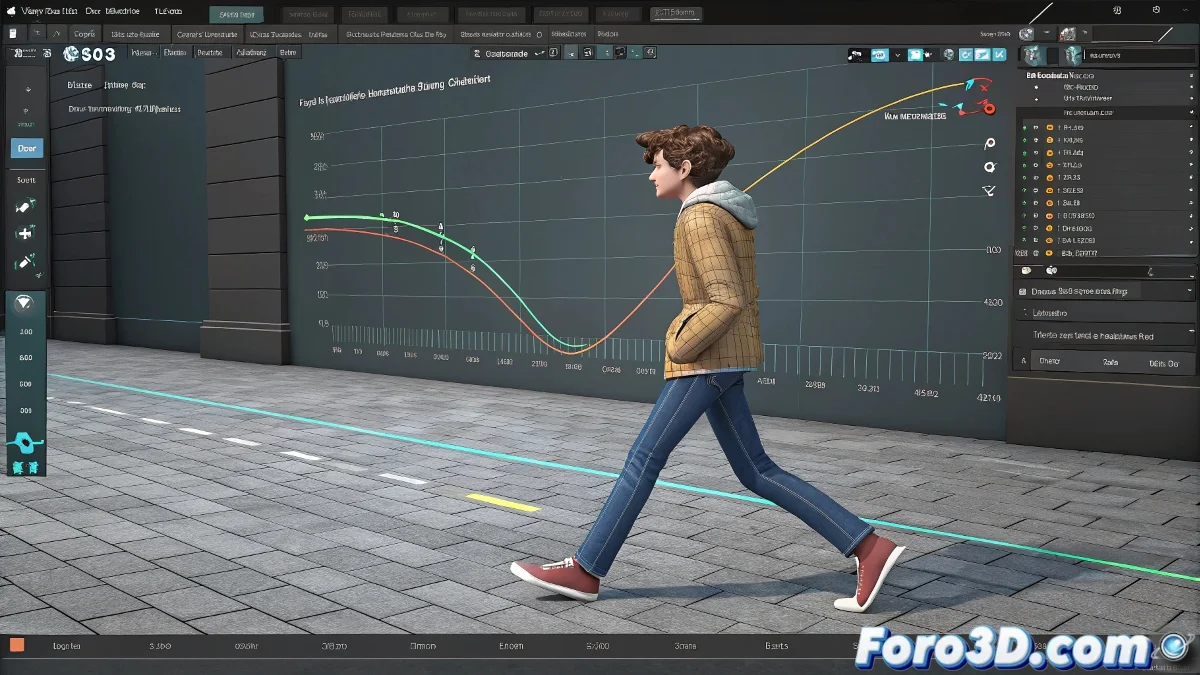
When Your Metin2 Character Walks but Doesn't Move Forward (The Root Motion Drama) 🕺
You've spent hours animating an epic attack for Metin2, export the file, and... surprise! Your character moves like it's on an infinite treadmill. 😫 The culprit is usually root motion, or more precisely, how the game engine interprets (or ignores) your animation. This is where Mini Curves come to the rescue.
Mini Curves: The Remote Control for Your Animations
These small but powerful curves are like the hidden control panel for your animations. While everything looks fine in the viewport, the game engine only obeys what it sees in these curves. The problem? By default, many programs don't set them up correctly for games like Metin2.
- Root Motion: The character's actual displacement (not just in-place animation).
- Mini Curves: The switch that decides whether that movement is exported or not.
- Sliding: That "magic skateboard" effect that nobody wants but everyone has at first.
Quick Guide to Taming Mini Curves
- Select the root bone (usually Pelvis or Control_MASTER).
- Open the Mini Curves editor (in 3ds Max it's below the timeline; in Maya look in the Graph Editor).
- Check that there is movement on the correct axes (Z for forward/backward in Metin2).
- If the curves look like crazy electrocardiograms, smooth them with Flat tangents at the start/end.
"In the world of game engines, if it's not in the Mini Curves, it doesn't exist." — Unwritten law of video game animation.
Common Problems and Magical Solutions ✨
If your character is still breakdancing instead of walking, try this:
- Invert the Z axis (Metin2 sometimes reads coordinates backwards).
- Bake the animation before exporting (Ctrl+Alt+C in 3ds Max).
- Collapse transformations to "freeze" the movement in the root bone.
And remember: every game engine is a world of its own. What works in Unreal can go crazy in Metin2. The solution is constant testing until the character stops sliding like a beginner on an ice rink. ⛸️
Bonus: If nothing works, you can always say it's a "futuristic animation style." After all, who's going to question a character that mystically slides into combat? 😎