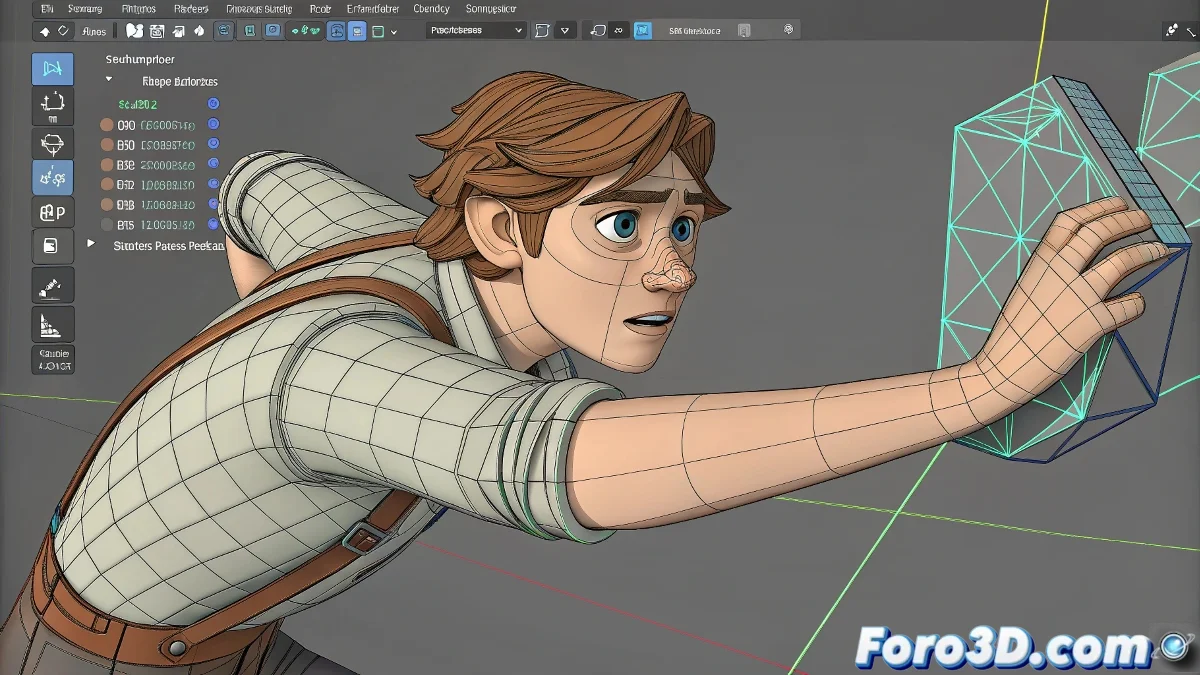
When Maya Becomes a Hierarchical Puzzle
That moment when you need a hand to magically switch between being stuck to a cup and moving freely... Maya can seem stubborn, but it has its tricks. ✨ Here's your guide to mastering dynamic hierarchies like a professional rigger.
The Art of Space Switching
Professional Solution with Parent Constraint
- Create a main controller for the hand
- Apply Parent Constraint to the object to grab
- Animate the weight of the constraint (1=stuck, 0=free)
- Use Maintain Offset to preserve the position
A good space switching system is like a light switch: one click and everything changes state without losing the current position.
Advanced Techniques
For more complex setups:
- Create multiple constraints with different parents
- Use Set Driven Key to automate transitions
- Implement a selector attribute on the controller
- Consider the AdvancedSkeleton plugin for preconfigured systems
3 Mistakes That Ruin Your Space Switching
- Forgetting to enable Maintain Offset when creating constraints
- Not cleaning up redundant keyframes on the weights
- Trying to do it with traditional parenting instead of constraints
Pro tip: In AAA productions, they use multiple spaces systems that allow up to 5-6 different options (free hand, object, world, secondary character, etc.). 🎮
Now you can make your characters grab and release objects with the naturalness of a real actor... without Maya giving you that "I don't know what you want from me" look. And when that animator asks "how did you make this system?", you can respond with a mysterious "constraint magic". 😉
Bonus tip: For ultra-smooth transitions, animate the constraint weight over 2-3 frames instead of changing it abruptly from 0 to 1.