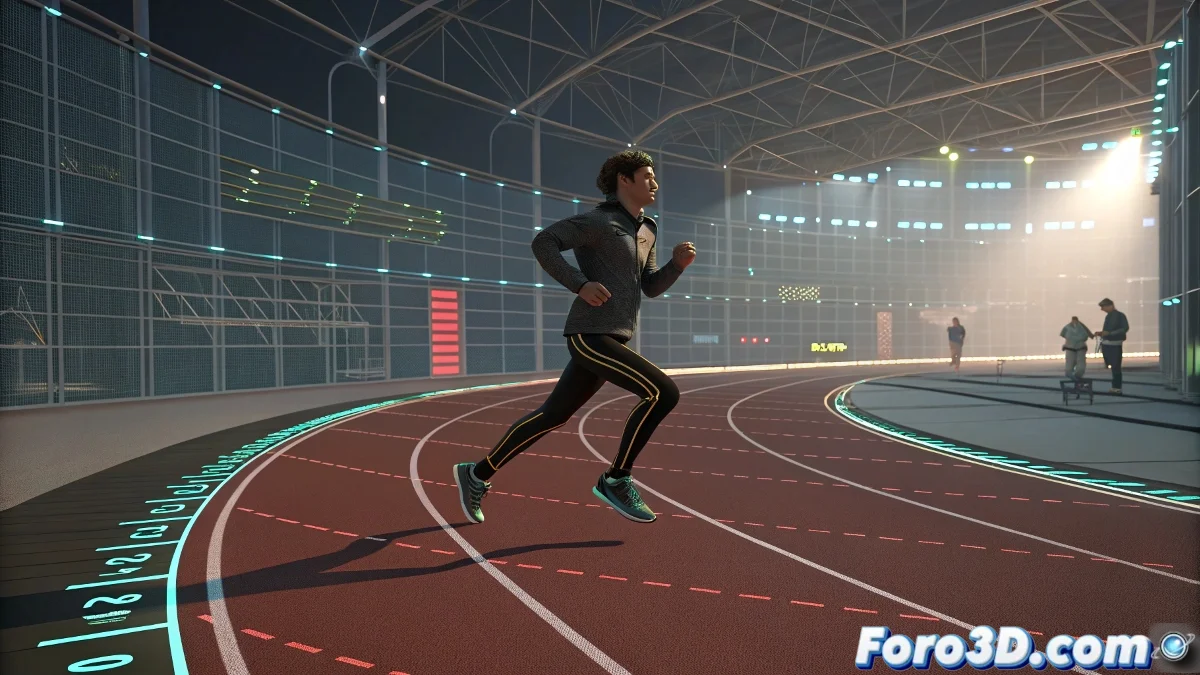
The Art of Running, Jumping, and Continuing as If Nothing Happened 🏃♂️➡️🤸♂️➡️🏃♂️
You created the perfect running cycle with Post Infinity... but now your character needs to jump over an obstacle without becoming an infinite runner. Here's the professional trick to blend cycles and unique animations.
🔁 Step 1: Setting Up the Infinite Cycle
- Animate your running cycle (e.g., frames 0-24)
- Open Track View → Curve Editor
- Select all transformation curves
- Set Post Infinity → Cycle ♾️
- Test automatic repetition
⏸️ Step 2: Pause the Magic for the Jump
- Identify the frame where it should stop (e.g., frame 72)
- Right-click on the curves → Bake Animation
- Range: 0 to 72 (just before the jump)
- Now the curves are editable!
"Bake Animation is like freezing time: it converts your infinite cycle into normal keyframes when you need it"
🎯 Step 3: Custom Animation
- Create the jump between frames 72-100
- Manually adjust the curves for a smooth transition
- Prepare the landing to resume running
🔄 Step 4: Reactivate the Cycle
- Select the original cycle (frames 0-24)
- Copy and paste from frame 100
- Reapply Post Infinity → Cycle
- Adjust the landing to running transition
💡 Pro Tips:
- Overlap frames: Overlap 2-3 frames at the start/end for smooth transitions
- Motion Flow: Advanced alternative for Biped with programmed transitions
- Layers: Use animation layers for non-destructive adjustments
🚨 Common Mistakes:
- Forgetting to bake before unique animation
- Abrupt transitions due to not smoothing curves
- Desynchronized cycles when copying/pasting
Now your character can run forever, jump when necessary, and return to its routine like a digital Olympic athlete. Time to animate! 🚀