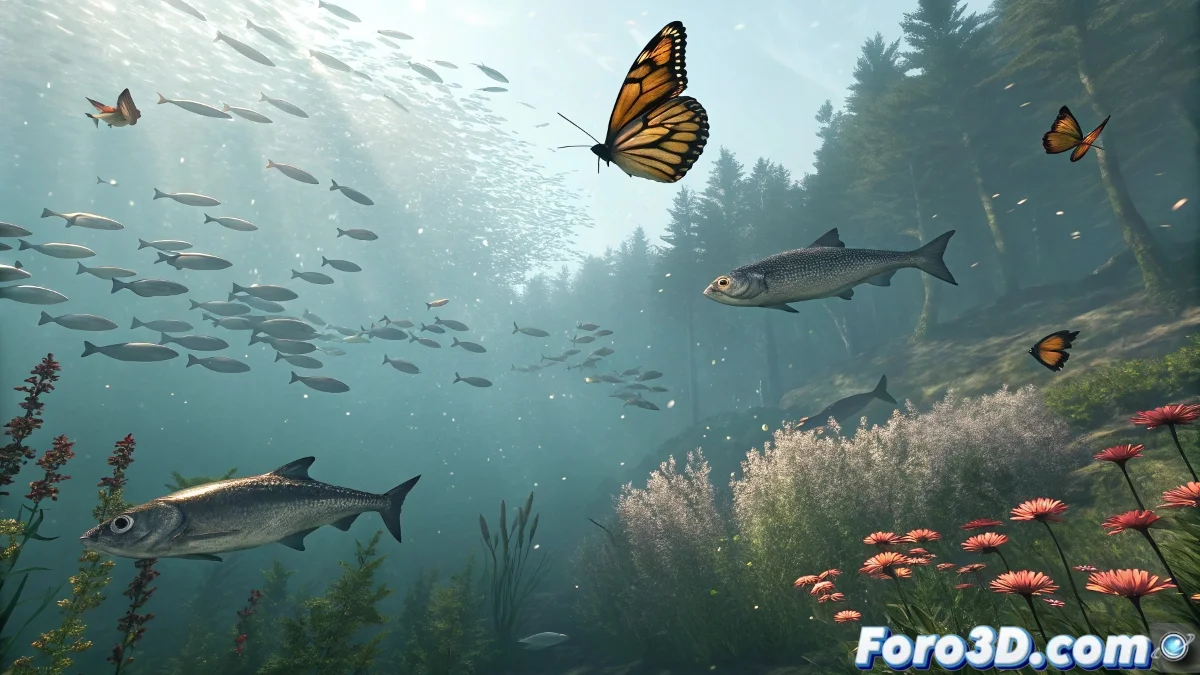
The Art of Directing Digital Crowds
The Crowd system in 3ds Max is like having an army of digital actors waiting for your instructions. 🎬 Here we reveal how to become the best director for your crowd simulations.
Professional Setup Step by Step
1. Agent Creation
- Prepare variations of your base model (3-5 different versions)
- Assign cyclic animations in Loop mode (swim, fly, walk)
- Optimize with instances or proxies for thousands of agents
2. Scene Design
- Define navigation surfaces with Grid/Surface Follow
- Mark obstacles with simple Deflectors
- Set up attraction/repulsion zones
A well-configured behavior is the difference between a realistic school of fish and fish that look drunk.
3. Behavior Programming
- Seek/Arrival: For directed movements
- Avoid: Avoids collisions intelligently
- Speed Vary: Natural speed variation
- Path Follow: For predetermined trajectories
Optimization Tricks
- Start with 10-20 agents for testing
- Use Display as Box during setup
- Bake the final simulation for smooth playback
- Render with instancing to save memory
Mistakes That Ruin Your Simulation
- Forgetting to activate Solve in the Crowd panel
- Not assigning animations to delegates
- Setting up contradictory behaviors
Key fact: 80% of realism is in random variation (size, speed, animation timing). The most believable Crowd is the one that looks chaotic but follows rules. 🌊
Now you're ready to create everything from flocks of birds to human crowds. And when that client says "can we add 1000 more agents?", you'll be able to respond without blinking... after optimizing your scene. 😉
Bonus tip: For human crowds, combine Crowd with Biped and save walkcycle variations in your library for reuse in other projects.