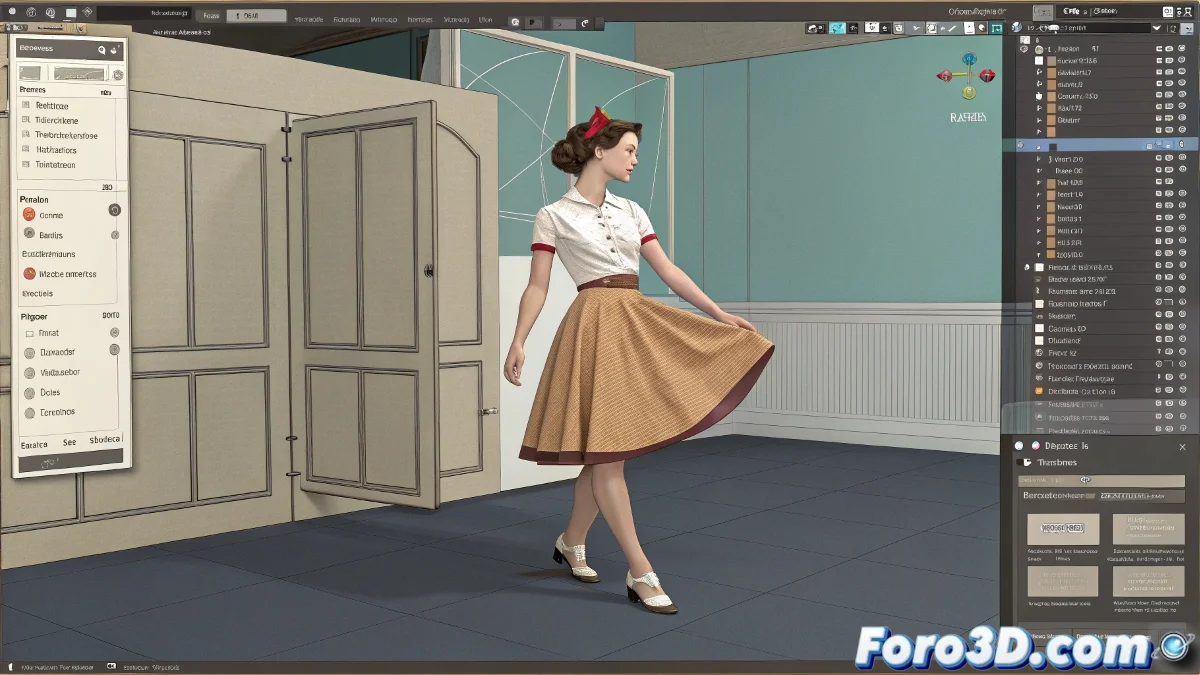
Master Cloth Simulation in Poser Without Unwanted Penetrations
Does your skirt in Poser 7 behave more like a ghost than fabric, passing through legs as if they didn't exist? 👻 Don't worry, it's the initiation rite of every 3D artist. But with these steps, you'll make your garment obey the laws of physics... or at least imitate them decently. 🧵
Basic Anti-Penetration Setup
- Select your skirt and go to the Cloth Room
- Mark it as Cloth Object (cloth object)
- Add the body as Collision Object
Congratulations! You've just told Poser that clothing and the body can't be intimate friends. 🚫
Key Settings for Realism
The parameters that will save your simulation:
- Stiffness: Fabric stiffness (high for structured skirts)
- Friction: Prevents it from sliding like on ice
- Collision Offset: Increase for greater safety margin
- Gravity: In case you prefer it not to float like on the moon
A good cloth simulation in Poser is like a good marriage: it requires patience, adjustments, and accepting that there will sometimes be friction.
Tricks for When Everything Fails
If the skirt is still rebellious:
- Try segmented simulations (calculate in parts)
- Increase collision resolution
- Use influence groups in problematic areas
Classic Mistakes (and How to Avoid Them)
What everyone does wrong the first time:
- Forget to apply a pose before simulating
- Set zero gravity (astronaut skirts!)
- Not checking mesh topology (holes = disasters)
With these settings, your character will be able to dance without their skirt deciding to become an independent object. And when it finally works, celebrate as if you had tamed a wild beast... because technically, that's exactly what you did. 🎉
Historical Bonus: If your skirt flies off like in old 2000s renders, don't get frustrated - you'll be recreating authentic digital archaeology. All for the art! 🖥️💃