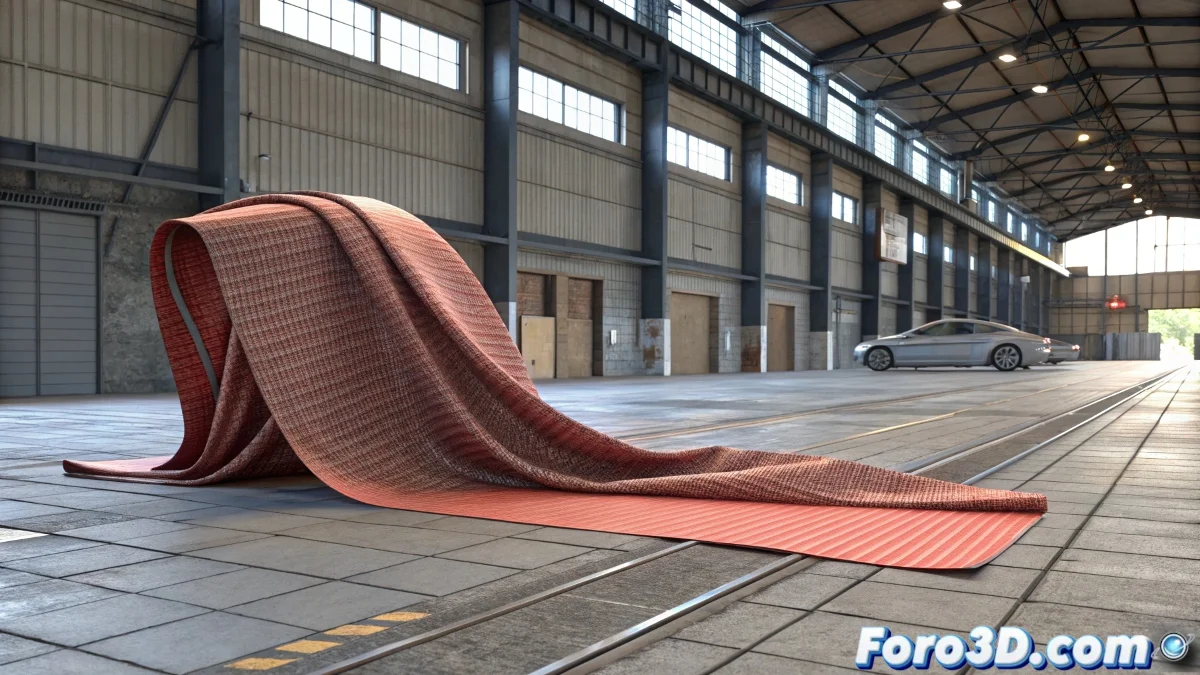
When the cloth decides to dance on its own 💃
Simulating cloths in 3ds Max with Reactor Cloth can be as relaxing as watching a handkerchief fall... or as stressful as trying to fold a giant bedsheet. If you want your cloth to behave and cover that object properly, follow these steps and avoid your render ending up looking like a textile accident.
Setting up the scene for the big drop
First, create a plane with enough subdivisions so the cloth moves naturally, but without overdoing it (it's not a polygon contest). Add the Reactor Cloth modifier and place your rigid object (a sphere, a cube, or that model you worked so hard on) below. The trick here is:
- Assign Rigid Body Collection to the object.
- Adjust the initial height of the cloth (not too high or too low).
- Create the Cloth and Rigid Body collections so Reactor doesn't get confused.
The settings that make the difference
If your simulation looks like a flag flapping in a hurricane, check these key parameters:
- Damping: Controls how much the cloth moves (less = more "lively", more = lazier).
- Stiffness: Defines if your cloth is stiff like canvas or soft like silk.
- Avoid self-intersections: Enable it so the cloth doesn't pass through itself (though your PC might complain).
Want more realism? Add a Shell modifier to give thickness. Because, let's be honest, no one wants a cloth as thin as rice paper. 🍚
A good cloth simulation is like a good fold in clothing: it goes unnoticed when done well, but stands out horribly when it fails.
Conclusion: cloths that obey (more or less)
With these settings, your cloth will fall on the object like a dream... or at least, like a dream rendered in 3ds Max. If it's not perfect at first, remember: even the best 3D artists have had cloths that seemed possessed. 👻
And if you get it working on the first try, congratulations! Now go simulate some curtains... if you dare. 😼