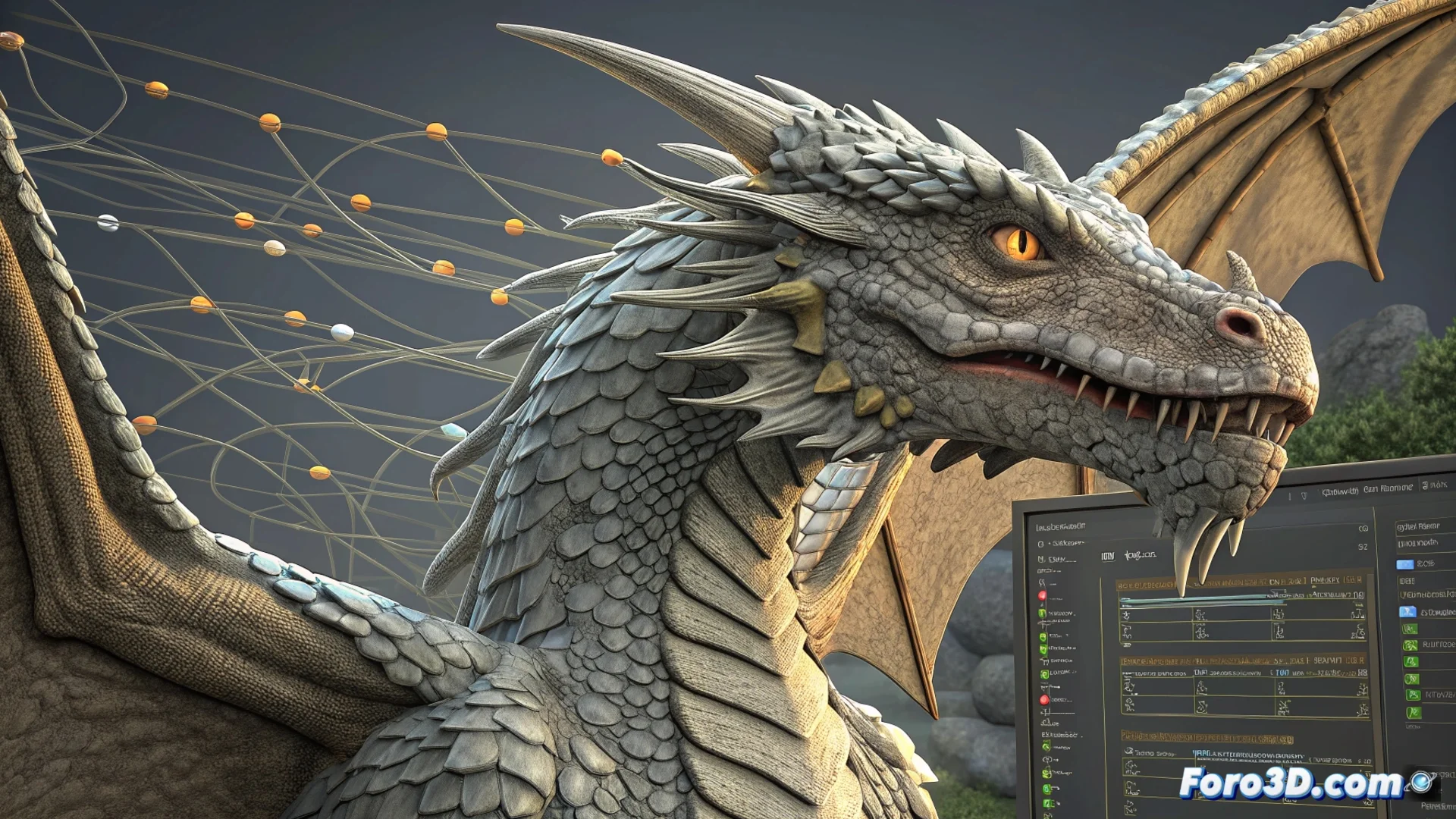
Mari Integrates a Node Graph for Texturing
The 3D painting software Mari has evolved its workflow with a visual node graph system. This environment allows artists to build complex procedures for texturing models in a logical and organized way, connecting different operations non-destructively 🎨.
The Visual Workflow with Nodes
The core of this system is a graph where each node represents a specific operation. A main node receives the geometry and distributes the information. From there, nodes are chained that project 2D images, filter values to create effects like noise or blur, and mask areas using gradients or curvature maps. The final result is adjusted in color and intensity before exporting. Everything is visualized in real-time in the 3D window.
Key Components of the Graph:- Projection Nodes: Assign 2D textures to the 3D model surface.
- Filter Nodes: Modify maps to generate effects, adjust contrast, or blur.
- Mask Nodes: Precisely control where effects are applied using curvature maps or manual painting.
This method is efficient for managing high-resolution textures with many layers, maintaining stable performance.
Advantages of the Non-Destructive Approach
The non-destructive nature of the graph is its greatest strength. Any change in a node automatically propagates through the network. This allows experimentation with different combinations without altering the base work. Artists can easily reorder, duplicate, or isolate graph branches, and even save complex configurations as templates for other projects 🔄.
Practical Benefits:- Fast Iteration: Test variations without losing previous steps or compromising the original work.
- Total Flexibility: Reorganize the order of operations or adjust parameters at any time.
- Performance Maintenance: The system processes only the nodes necessary for the current view.
A Practical Texturing Example
An artist can design a network where one node generates dirt based on the model's curvature, another adds wear from environmental exposure, and a third integrates hand-painted logos. The power of the system lies in the fact that, if the dirt intensity is modified, the logo and wear do not need to be repainted; everything is automatically recalculated. This greatly optimizes production time and fosters creativity, allowing consistent and controlled achievement of advanced detail and realism levels 💡.