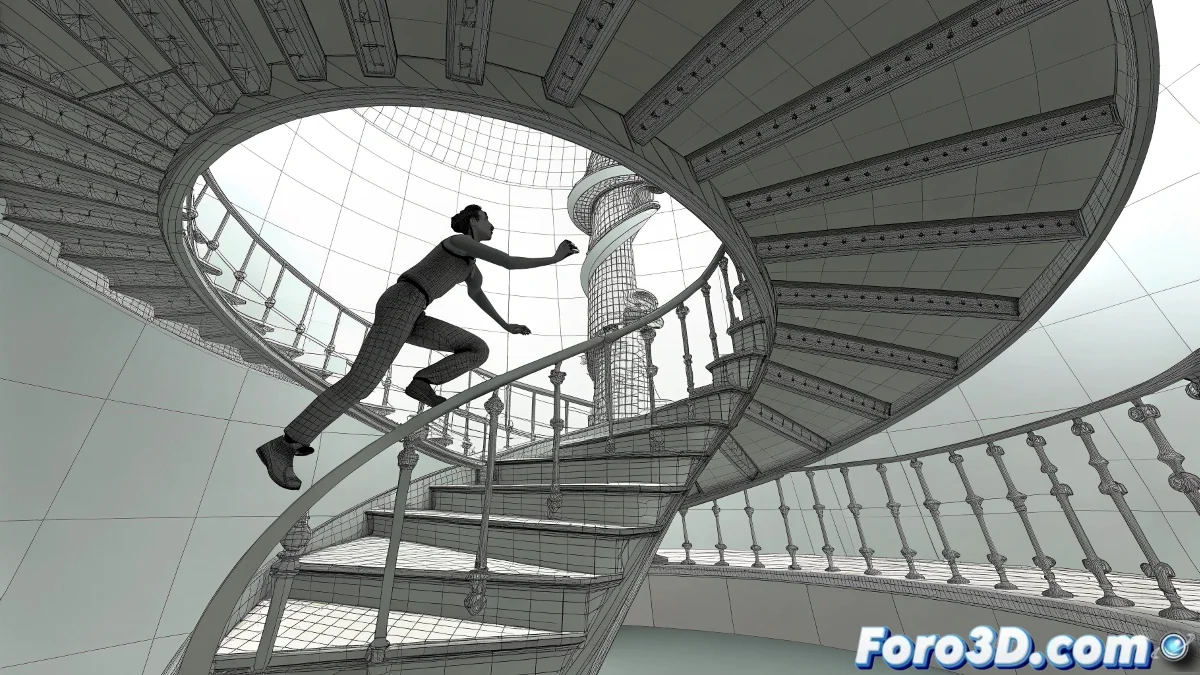
when the biped wants to climb spiral stairs and Footstep Mode doesn't cooperate
Does your character already master walking in a straight line and now wants to climb a spiral staircase? Well, Footstep Mode won't make it easy. This system in 3ds Max is quite literal: it places steps in a straight line and that's it. But there are ways to bypass its limitations without invoking black magic 🌀.
🚶♂️ make the biped follow the curve… even if it doesn't want to
The most effective strategy is to abandon Footstep Mode and convert the steps to freeform. This transforms the steps into editable keyframes, allowing you to animate freely from the Motion Panel.
Another powerful technique is to create a spiral spline over the steps and use a dummy helper that follows that trajectory. Then, link the biped's pelvis to the dummy. This achieves a smooth and controlled movement while you manually adjust the feet where they should step.
🧰 tricks so the climb isn't torture
- Activate Auto Key to record movements without forgetting key frames.
- Use Set Key Filters to focus your animation only on feet or pelvis.
- Try In Place Mode to adjust displacement without the biped going wild.
- With Layer Mode you can refine steps without destroying what's already animated.
Modifiers like Bend or Scale? Don't waste your time. Footstep Mode doesn't respond to them, as its animation logic doesn't depend on deformed space, but on a separate internal structure.
💡 yes, it can be done… but with cunning
This combination of techniques allows for more natural animations, although it requires some patience. But it's worth it: the results show when your character climbs like a pro and not like it's playing Twister with its feet 🙃.
“The hardest step isn't the first… it's convincing the biped to stop walking like a happy robot”
With a bit of ingenuity, making it climb a spiral staircase will no longer be a digital ankle pain. And the best part: the biped never complains about the repetitions 💪