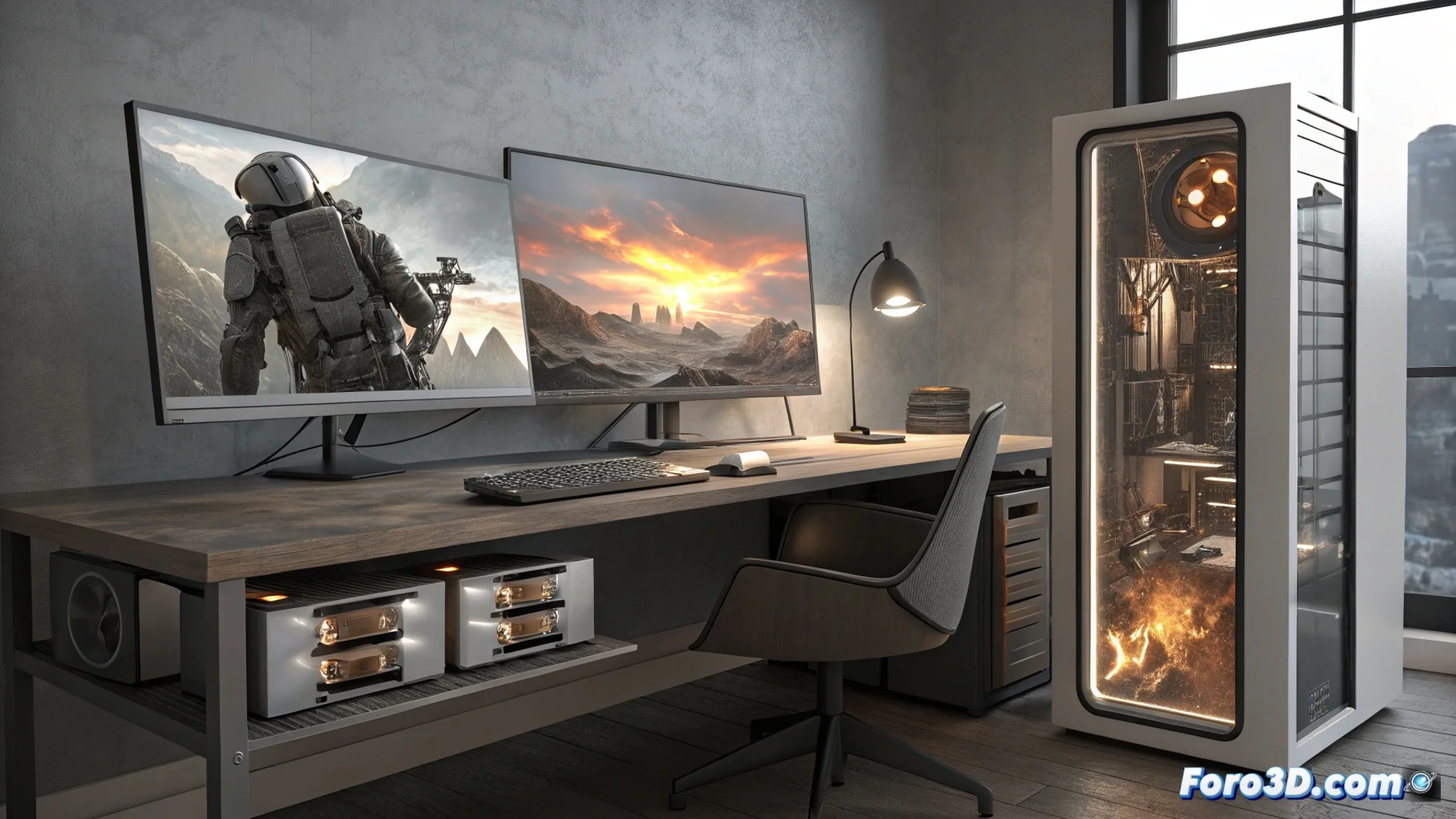
Limits of the PcCom Imperial Configuration with Ryzen 7 9800X3D and RTX 5070 V2 for Professional Work
The PcCom Imperial system with an AMD Ryzen 7 9800X3D processor, 32 GB of RAM, 2 TB SSD, and an NVIDIA RTX 5070 V2 graphics card performs well in numerous contexts. However, for users engaged in 3D modeling, rendering, animating, physics simulation, VR/AR development, applying complex textures, and real-time work, this system may present some barriers. 🖥️
Evaluating Graphics and Processing Potential
The RTX 5070 V2 manages most design and visualization tasks. However, when running highly demanding ray tracing, simulating fluids or extremely detailed particle systems, or handling real-time 3D environments with very high demands, its power may fall short and cause bottlenecks. Similarly, the Ryzen 7 9800X3D, with its 3D cache architecture, accelerates operations that use few threads and benefit from low latency. But when rendering final animations using all its cores at maximum load, its multithreading efficiency does not match that of workstation CPUs or latest-generation ones designed to handle that stress continuously.
Areas where the hardware may hinder progress:- Graphics: The RTX 5070 V2 may slow down with very intense real-time ray tracing lighting or highly complex physical simulations.
- Processor: The Ryzen 7 9800X3D excels in light loads, but its performance when rendering using all cores does not compete with more specialized solutions.
- Operating System: Windows 11 Home limits advanced management and virtualization features useful for organizing professional workflows.
The constant dilemma between what we want to visualize in real-time with all effects and what the machine can actually process without overheating.
Managing Memory and Storage Space
Having 32 GB of RAM allows working with medium-complexity 3D scenes and having some applications open in parallel. The problem arises when loading huge scenes with millions of polygons, multiple high-resolution render passes, or using simulation software that loads large volumes of data directly into memory. In these cases, the system may be forced to use storage as virtual memory, drastically slowing down the entire process. Upgrading to 64 GB of RAM significantly mitigates this risk. As for space, 2 TB SSD is quickly consumed when saving projects with 4K/8K textures, simulation cache files, extensive resource libraries, and backups. Adding a second SSD or a high-capacity hard drive for archiving becomes almost a necessity to keep the main workspace agile and clear.
Key Considerations for Expansion:- RAM Memory: For very large scenes or using multiple programs at once, 64 GB ensures the workflow is not interrupted.
- Storage: Projects with many high-resolution textures, large asset libraries, and frequent render cache saves demand more than 2 TB.
- Configuration: A second drive for archiving frees up space on the main SSD and optimizes organization.
Conclusion on Professional Use
The PcCom Imperial configuration represents a solid starting point, but for intensive professional projects, its components may show limitations. The graphics card and processor, though powerful, have a clear ceiling in extreme demand scenarios like heavy multicore rendering or complex simulations. The memory and storage, sufficient for general use, may restrict the workflow in large-scale productions. For a professional seeking to maximize productivity
Related Links