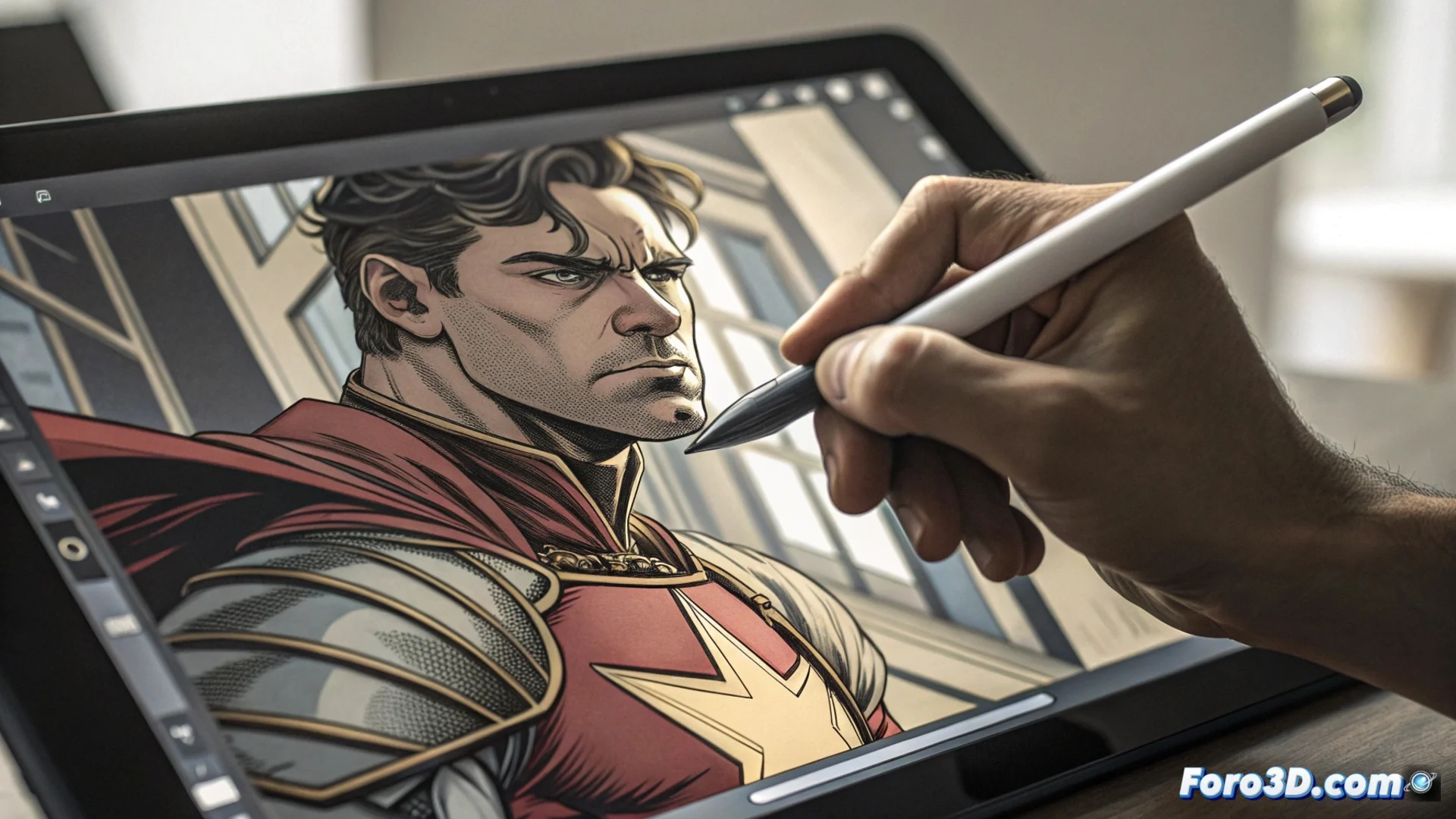
Krita's Brush Engine for Customizing Painting Tools
Krita integrates an advanced brush engine that serves to create and modify digital painting tools from scratch. This system exposes a wide range of settings that the user can manipulate to define how the brush behaves on the canvas. It is primarily aimed at digital artists seeking a workflow tailored to their style. 🎨
Essential Parameters You Can Configure
The core of the system allows defining the brush tip using texture images or generated shapes. You can control how the impressions of this tip are scattered along the stroke and select blending modes to determine how the new paint interacts with the existing color. A built-in stabilizer smooths freehand strokes to achieve more defined lines. Additionally, it is possible to link attributes such as opacity or size to pen pressure or movement speed.
Key Components to Adjust:- Tip and Texture: Defines the base shape and pattern of the mark left by the brush.
- Scattering and Spacing: Controls how individual impressions are distributed along the painted stroke.
- Blending Modes: Determines the interaction effect of the new color with the background or lower layers.
The engine assembles different masks, such as the tip, the mixer, and the stabilizer, to produce the final brush behavior.
Organizing and Saving Your Creations
Each brush in Krita works as a set of several components or masks that the engine combines. While adjusting the parameters, a preview area allows you to see changes in real time. Once you achieve the desired effect, you can save the complete configuration in a file with Krita's own format. These files make it easy to share your brushes with other artists or import them into a different software installation.
Steps to Manage Brushes:- Experiment with settings in the dedicated editing window.
- Test the behavior in the integrated preview area.
- Save the custom brush as an independent resource within the program.
The Balance Between Creating Tools and Using Them
The depth of Krita's brush engine offers unprecedented control, but it can also turn the process of adjusting a brush into a very absorbing activity. The final challenge for the artist is to find the optimal point between perfecting the tool and using it to produce art. Mastering this system opens up a range of unique creative possibilities for any digital illustration project. ✏️