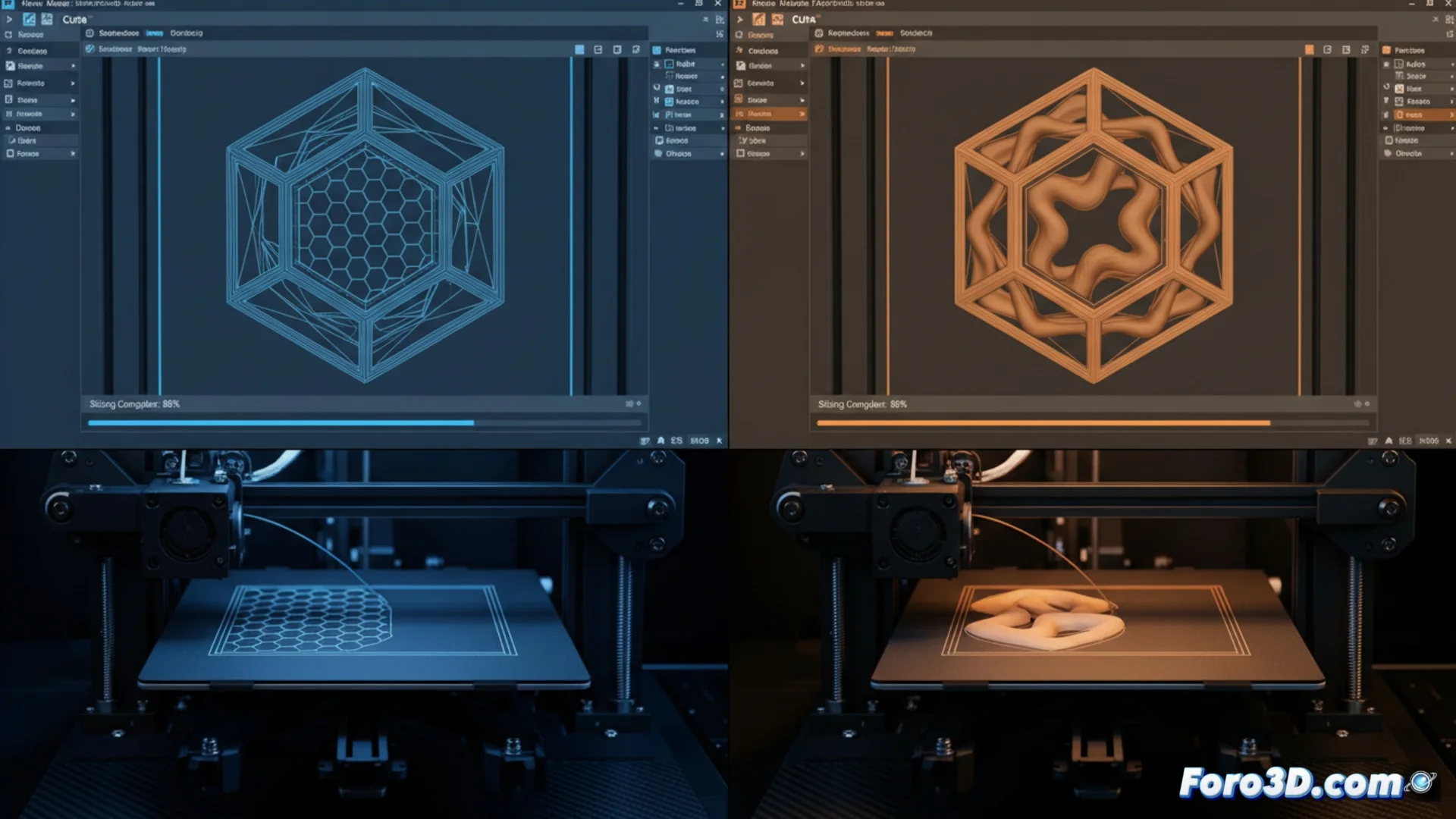
Key Differences in Cura's G-code Compared to Other Slicers
The language that controls 3D printers, known as G-code, is not universally identical. Although programs like Cura, PrusaSlicer, Simplify3D, and IdeaMaker share a common base, the final file each one generates has its own personality 🧩. These particularities directly influence how the machine moves the head, extrudes material, and manages complex functions.
File Structure and Proprietary Commands
Each slicer writes the code in a different way. Cura is characterized by including a large number of explanatory comments within the file, which helps with debugging and understanding each section. It uses specific commands, many based on the Marlin firmware, to handle temperature or flow. On the other hand, PrusaSlicer (heir to Slic3r) tends to create more condensed code and optimizes nozzle paths with its particular algorithms. Simplify3D, in contrast, organizes the work into very defined blocks that allow extremely detailed control over each part of the model 🔧.
Distinctive features by software:- Cura: Abounds in comments, uses Marlin commands, and is very readable for the user.
- PrusaSlicer: Generates compact code and efficiently optimizes travel movements.
- Simplify3D: Structures the G-code into clear segments for granular control of the process.
A print profile calibrated in one slicer will not produce identical results in another without prior adjustment. The machine obeys different orders with the same precision.
How Slicing Strategies Change the Result
The main divergence does not lie in the language itself, but in how each program translates interface settings into executable commands. The default values assigned to parameters such as acceleration, jerk, or line width compensation differ between slicers. This causes that, even with numerically equal configurations, the results on the printed part may vary. The way of managing retractions, empty movements, and layer sequences also leaves a unique mark on the final file 🚀.
Parameters that usually vary and their impact:- Acceleration and Jerk: Affect the smoothness of movements and printer vibration.
- Line Compensation: Influences dimensional accuracy and part filling.
- Retraction Management: Is crucial to avoid plastic strings (stringing) and improve surface quality.
Conclusion for the User
Switching from one slicer to another requires an adaptation period and recalibrating profiles. It is not that the printer behaves erratically, but that it executes a set of instructions with a different philosophy. Understanding these differences in G-code is key to getting the most out of each software and achieving consistent prints, regardless of the tool chosen for slicing ✅.