Integrate Realviz Movimento into Your 3D Motion Capture Projects
When we talk about motion capture in the 3D world, names like Realviz Movimento always come up in the most technical discussions on forums like this. Realviz Movimento was a very popular tool in the 2000s for performing tracking and motion capture with conventional cameras. Although nowadays software like MotionBuilder or even Blender with its mocap addons are more common, there are still artists who want to understand or rescue projects with Movimento.
What Exactly is Realviz Movimento and How is it Used?
Realviz Movimento is software specialized in motion capture without the need for traditional mocap suits. It works by analyzing the position of markers (or trackable features) in multiple synchronized cameras. After calibrating the 3D space and aligning the cameras, Movimento generates motion data that you can export in formats compatible with other 3D programs like Maya, 3ds Max, or even Blender (although sometimes you have to go through MotionBuilder as a bridge).
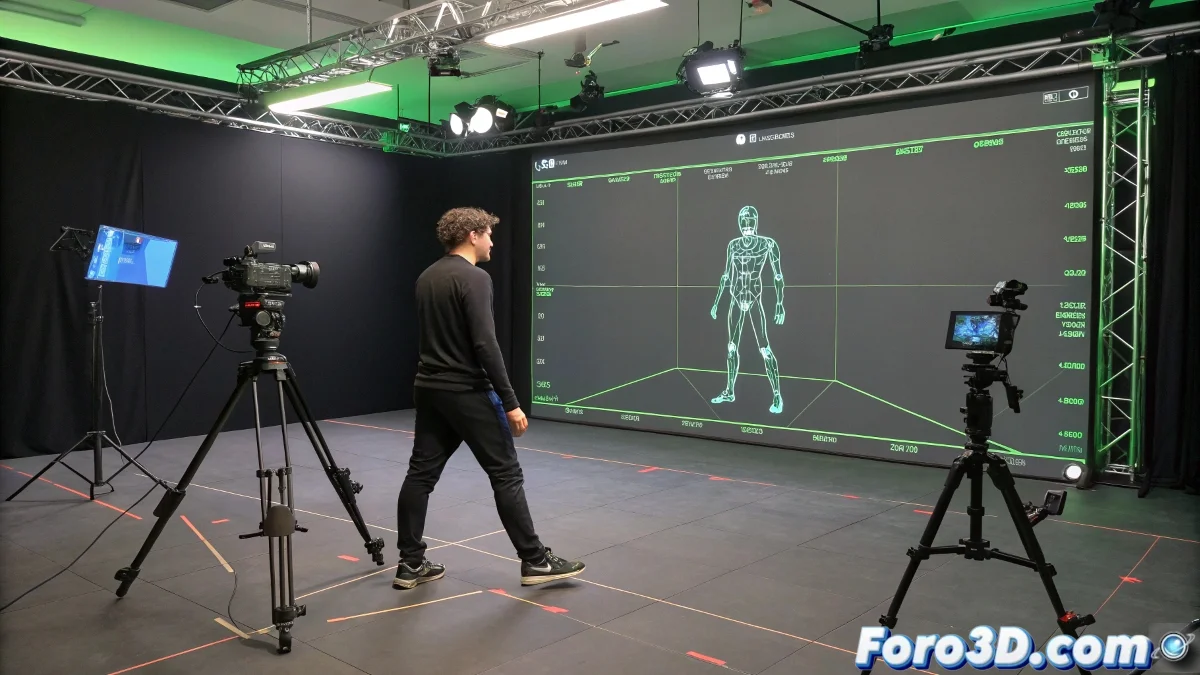
- Step 1: Set up your capture space with multiple cameras. The more angles you have, the better the triangulation of the points will be.
- Step 2: Perform the space calibration within Realviz Movimento to define the 3D environment.
- Step 3: Import the captured videos and perform the tracking of the markers. This is where the most patience is needed.
- Step 4: Refine the solve and generate the animated skeleton. You can visualize the result within Movimento before exporting.
- Step 5: Export the file in a compatible format (.FBX for example) and take it to Maya, Blender, or the software you use to animate or set up the scene.
Practical Tips for Those Coming from the Maya or Blender World
If you're used to handling rigs in Maya or working with armatures in Blender, transitioning the data from Realviz Movimento may require some cleanup on the animation curve and adjustments in retargeting. There are tools like HumanIK in Maya or Retarget in Blender that make this process easier.