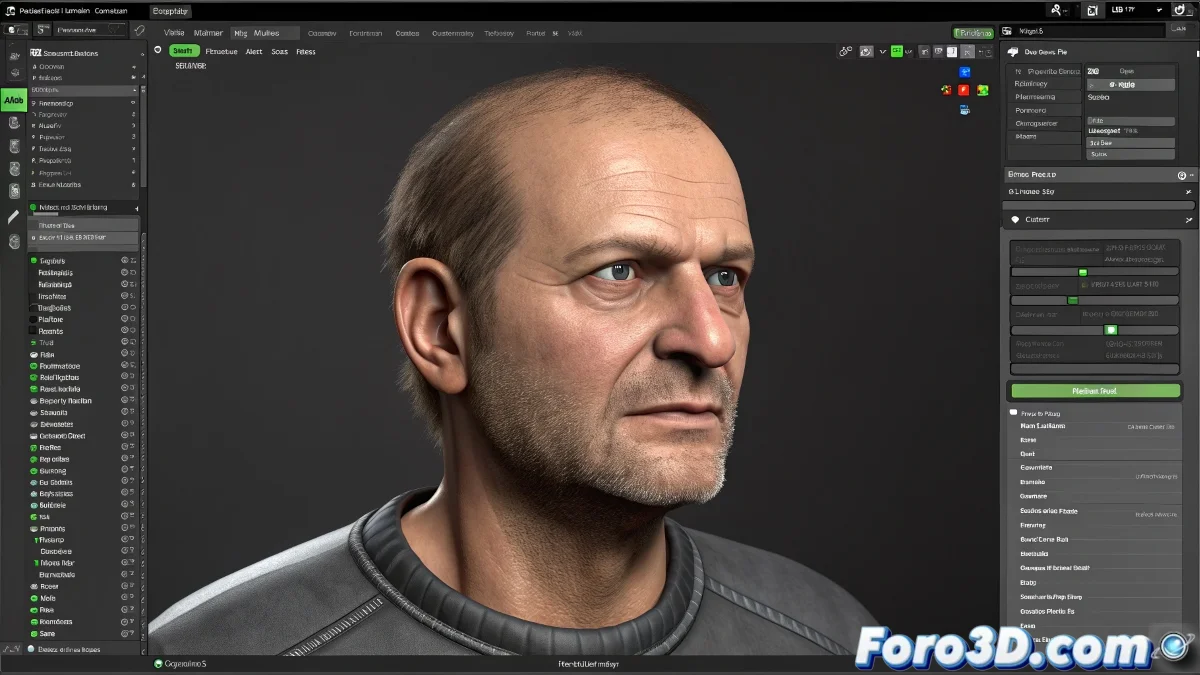
Connecting Worlds: Facial Capture Meets iClone
Integrating FaceShift facial capture into iClone is like setting up a blind date between two software that don't natively speak the same language 🎭. FaceShift, specialized in recording every nuance of a facial expression, and iClone, powerful in real-time character animation, can work together, but they require an intermediary—a universal file format—to communicate. The process isn't a single click, but a workflow that, with patience, produces incredibly expressive results.
The Export Protocol: Choosing the Right Format
The first step after a successful capture session in FaceShift is to export the animation. Here, the choice of format is critical. FBX is usually the most robust option, as it preserves facial bone transformation information well. BVH (Biovision Hierarchy) is an older but still widely compatible alternative, ideal for pure rotation data. Once exported, this file becomes your facial data package, ready to travel to iClone. It's crucial to verify that the export includes only facial data and no unwanted body transformations.
Exporting from FaceShift without checking the scale is like sending a map without a scale; iClone won't know if it's a gesture or a giant grimace.
Importing into iClone and Initial Retargeting
Within iClone, importing the FBX or BVH file is straightforward. However, the crucial step is retargeting: assigning the imported animation's bones or controllers to your iClone character's facial system. iClone has its own set of facial bones (morphs or bones). You may need to use iClone's retargeting tools to map, for example, FaceShift's "jawOpen" movement to iClone's "Aah" controller. This mapping is not always automatic and may require manual adjustments to make lip sync and expressions look natural.
MotionBuilder as an Advanced Tuning Station
For projects that demand millimeter control, using MotionBuilder as an intermediate step is the way to go. Import the FaceShift animation into MotionBuilder. Here, you can visualize the data with greater precision, clean noise from animation curves, adjust timing, or even enhance certain expressions. Then, export from MotionBuilder to a "cleaned" and optimized FBX specifically for iClone's character system. This extra step adds time, but offers much greater fidelity, especially for complex dialogues or subtle performances.
Optimal Workflow for Better Results
Follow these steps to maximize your chances of success:
- Clean Capture: ensure good lighting and calibration in FaceShift to minimize noise from the start.
- Selective Export: when exporting, choose only the relevant facial bones to reduce file complexity.
- Character Preparation: in iClone, have your character ready with its facial rig properly configured before importing.
- Patient Retargeting: take time to correctly map each imported controller to its iClone equivalent.
- Trial and Error: import a short sequence first to adjust the process before committing to a long take.
Although FaceShift is no longer officially supported, mastering this workflow allows you to rescue its technology to bring characters to life in iClone. And when that digital smile syncs perfectly, the effort will have been worth it. And if the lip twists a bit, you can always say it's the character's nervous tic 😉.