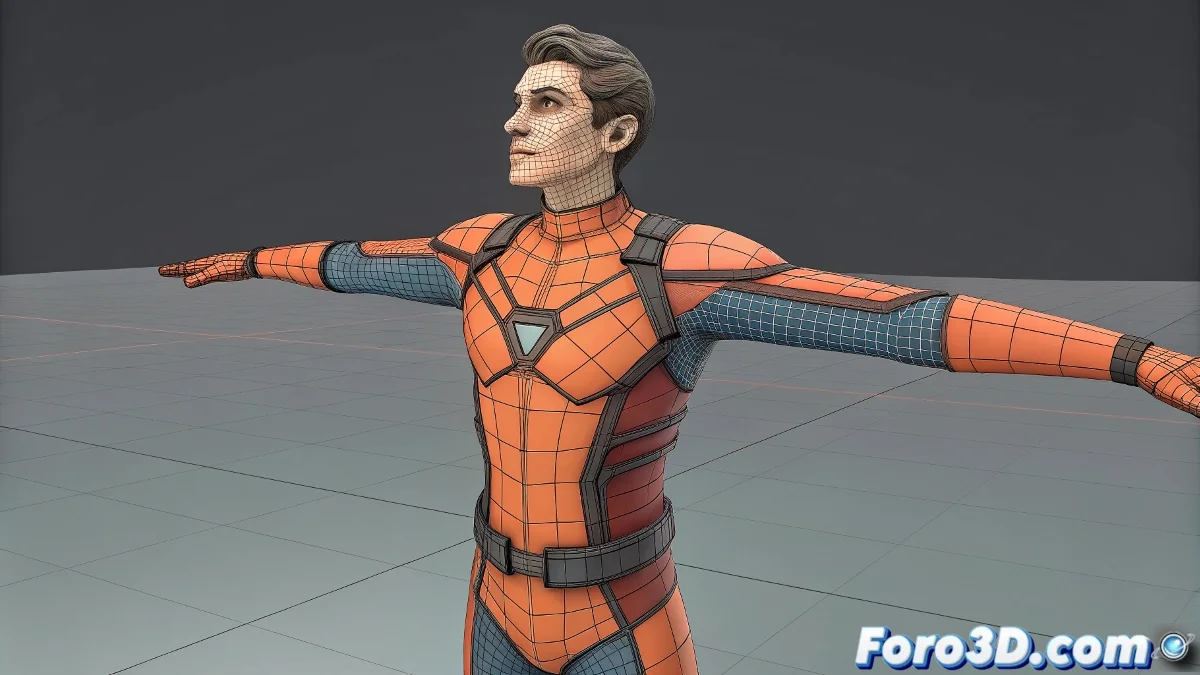
Control Deformations with Mesh Deform in Blender
In Blender, the Mesh Deform modifier allows controlling the deformation of a character using a low-resolution mesh that envelops the original geometry 🎨. It uses harmonic coordinates to generate smooth deformations, especially in complex joints like shoulders or hips.
Advantages of Mesh Deform
This modifier improves deformations in difficult areas without altering the character's topology. By creating a support mesh, rig movements affect the base mesh more naturally, avoiding collapses or excessive stretching 🖌️.
Complementary Use with Rig and Skinning
Although a good rig and skinning are fundamental, Mesh Deform acts as support for demanding animations, such as fighting video games. It works best when combined with well-designed controllers, smoothly distributing deformations across the entire mesh.
Recommendations
Use Mesh Deform in problematic areas where standard skinning fails. It does not replace a rig or good skinning, but complements them. Keep the deformation mesh simple to improve performance in real-time animations ⚡.
Remember, even the most perfect rigs appreciate a little extra help from Mesh Deform 😅.