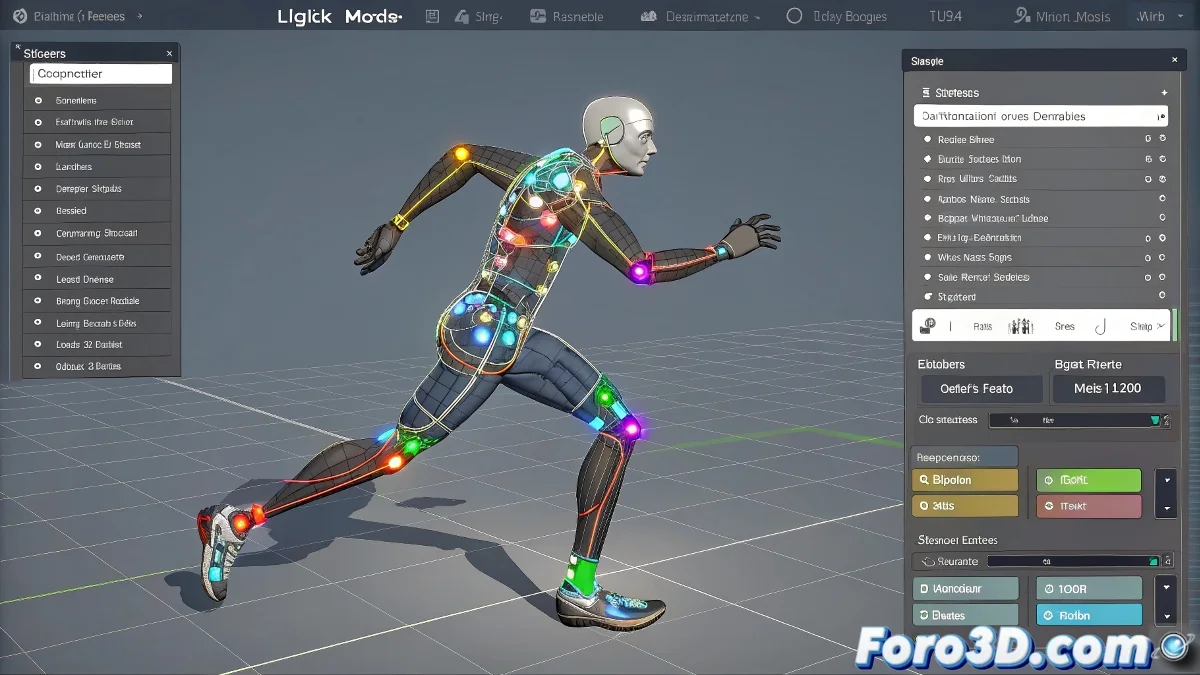
IK Boost in LightWave: Posture and Motion Without Your Rig Floating in the Void
If you're working with IK Boost in LightWave 3D and you've come across menus like Posture Save, Posture Load, Motion Save, or Motion Load, it's normal for them to seem confusing. These functions can be very useful if you understand their logic well. They are not as automatic as they seem and require certain preliminary steps to work correctly.
🦴 What Each Tool Does and How to Use It
Posture Save saves the current position of the bone (local rotation and position), and Posture Load retrieves it whenever you want to repeat that pose. This is useful, for example, to copy an arm pose and paste it on another frame or even on another character with the same rig. To make it work, make sure to select the correct bone with the right mouse button and that IK Boost mode is active (you'll notice because colored controllers appear on the bones).
Motion Save and Motion Load work similarly, but instead of a single pose, they save a complete animation within a time range. It's ideal for reusing walks, gestures, or any type of movement in other characters or scenes. However, the bones must have the same hierarchy and consistent names for the motion to load correctly.
💡 Tips and Warnings to Avoid Wasting Time
- Use Add Keyframe All before saving a posture or motion to ensure all bones are properly recorded.
- If nothing happens when loading a posture, check that you've selected the same bone you used to save it.
- Files are normally saved as .mot for motions and .pose or .pst for postures.
- Organize your files by type or character, since IK Boost doesn't show preview details before applying what you load.
😅 When the Easy Isn't So Easy...
These tools exist to make your work easier... but if you don't do the right steps in the correct order, you might end up with a bone floating in nowhere and an expression of what did I just do more real than your rig. The key is practice, order, and not blindly trusting IK Boost to do everything for you.