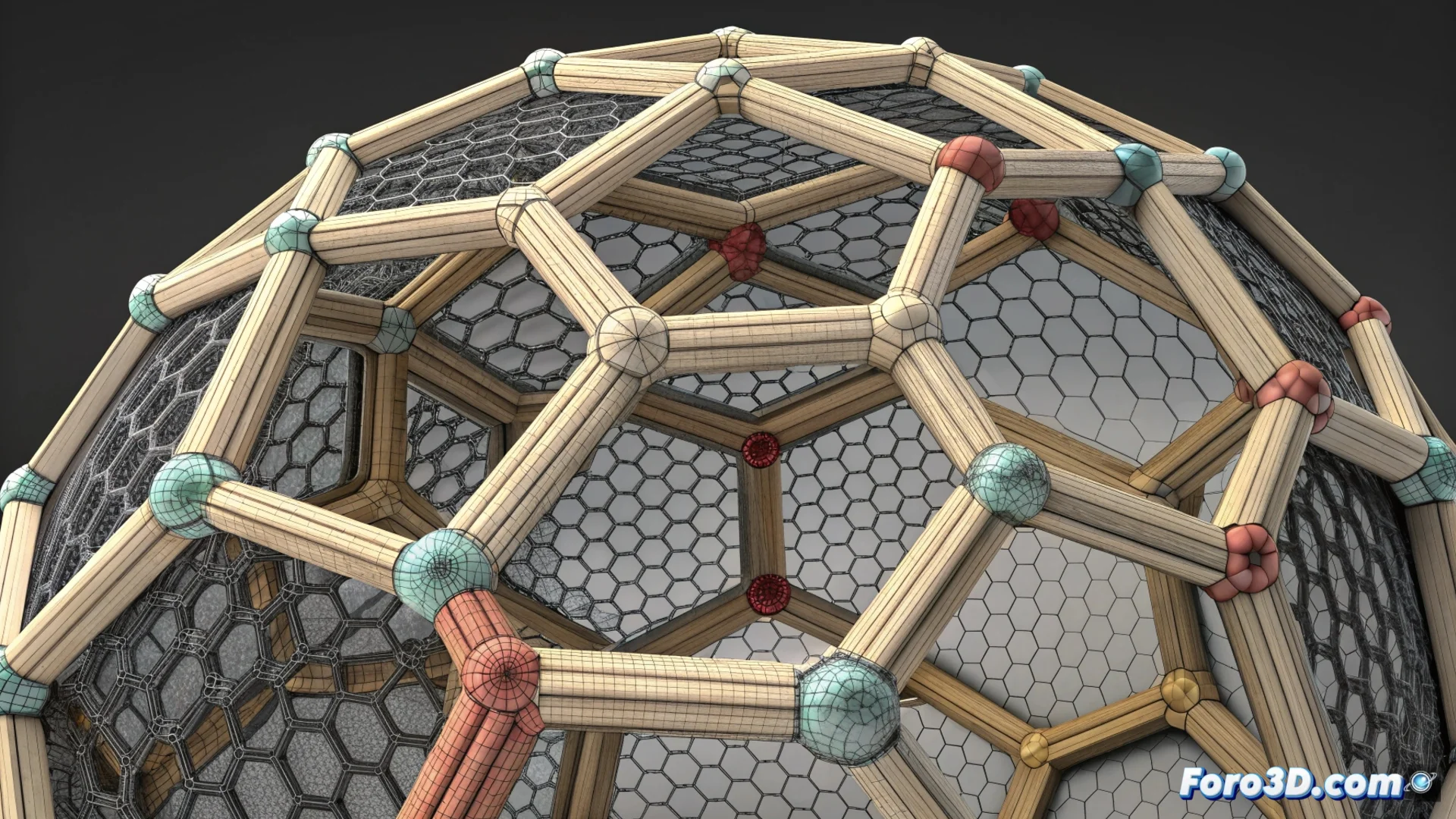
How to use Make Pattern in Autodesk Meshmixer to create lattice structures
Autodesk Meshmixer includes a powerful function called Make Pattern that modifies 3D meshes to generate structures with regular patterns. This tool is key for optimizing models intended for 3D printing, as it allows reducing weight and material in a controlled way, or for exploring new decorative forms. 🛠️
Accessing and configuring the tool
To activate Make Pattern, first select the target mesh. Then, navigate to the Edit menu and choose the corresponding option. A panel will open with an interactive preview that allows you to see the changes in real time before applying them definitively.
Main parameters to control:- Pattern Type: Choose from predefined options like cells, rods, or honeycomb, each with a distinct visual and structural effect.
- Element Size and Thickness: These controls define, respectively, the dimensions of the base cell and the thickness of the elements that form the structure.
- Density: Adjusts how much material is removed from the original volume, directly affecting the final lightness of the piece.
A model that should weigh kilograms ends up weighing grams, although sometimes it looks more like Swiss cheese than an engineering piece.
Application options and output modes
The tool offers flexibility to decide where and how the pattern is generated. You can limit it to the surface, apply it throughout the internal volume, or create a shell with the design. Additionally, it is crucial to select the correct output mode for your purpose.
Key generation modes:- Solid: Creates a solid structure where the pattern completely fills the designated volume.
- Frame: Generates only the frame or skeleton of the pattern, ideal for maximizing material savings.
- Shell: Applies the pattern as a surface layer, possibly maintaining a solid core.
Tips for successful modeling and printing
Using Make Pattern is strategic for producing lightweight and rigid parts, reducing printing time and filament consumption. It also opens doors to designing decorative objects with complex geometries. However, it is vital to check that the resulting mesh is closed and manageable by your slicing software. For very dense patterns, the file size can grow; export the final model in a suitable format like STL or OBJ. By mastering this function, you transform solid models into efficient and visually appealing structures. 🚀