How to Use Effects and Transitions in Openshot Video Editor
The Openshot Video Editor editing software provides a set of accessible visual tools to transform your projects. Its system is based on an organized library from which to manage and apply resources intuitively. 🎬
Organizing and Applying Visual Resources
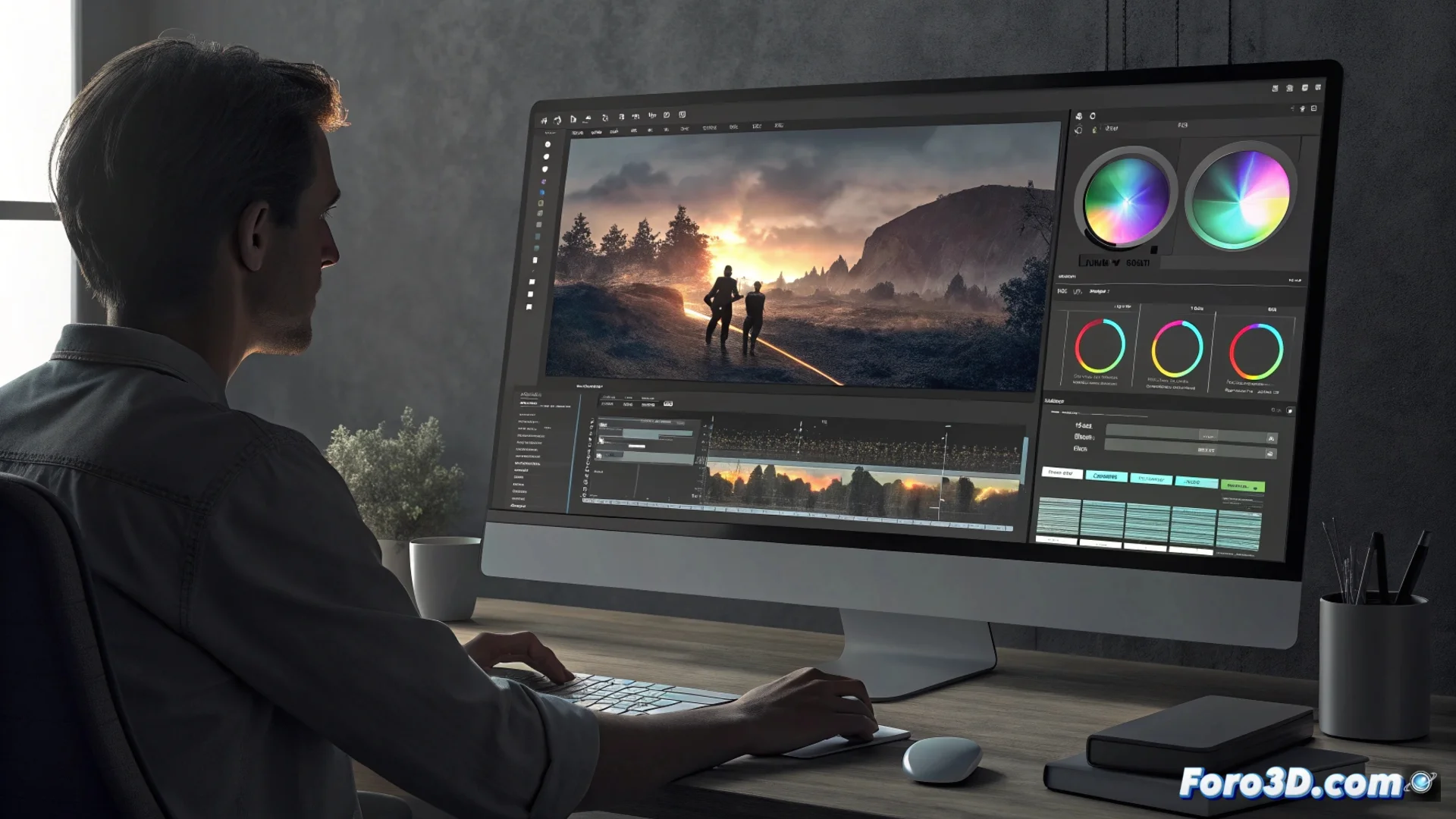
Two central panels in the interface house all available effects and transitions. The main workflow consists of selecting an element and dragging it directly onto the target clip in the timeline. This method eliminates intermediate steps and allows you to see changes instantly, as the program's engine processes data in real time.
Advantages of the drag-and-drop system:- Streamline assembly without accessing complex menus.
- Preview the final result immediately after applying a change.
- Experiment with different visual styles non-destructively.
Moderation when using effects usually yields a more professional result than abusing all of them at once.
Customize Effects to Transform the Video
The effects section is designed to alter the fundamental properties of the image. It includes filters to correct color, adjust brightness, or modify saturation. You'll also find tools that distort the clip's geometry, rotate the frame, or add decorative frames. Each filter has configurable parameters that you control via sliders, allowing you to fine-tune the result with great precision.
Possibilities of effects:- Make basic color corrections or create extreme artistic atmospheres.
- Stack multiple filters on a single clip to generate unique appearances.
- Control the intensity of each modification using numerical values.
Define Scene Changes with Transitions
Transitions govern how two clips succeed each other in the timeline. The library offers everything from classic fades (to black or between scenes) to more dynamic movements like slides, circle opens, or curtains. When placing a transition at the junction between two clips, an overlap zone is generated whose duration you can modify by dragging its edges. This adjustment directly determines the speed and smoothness of the visual change. 🎞️